
Transferring an AI Recorder to a New Account: Files and Entitlements
A team may replace a phone, change an email address or pass a recorder to a new colleague. These are not the same operation. For the N1 AI Note Card, a phone change while retaining the same account does not require a new device binding. A transfer to a different account requires unbinding from the current one first. Before that step, export any recording the organization needs to keep. This guide makes the handover sequence explicit without assuming that every cloud copy follows the device.
First determine what is changing
One N1 can be bound to one account at a time. One account may manage multiple N1 recorders. If the same person simply installs the app on another phone and signs in with the same account, the account relationship remains the relevant one. If the device will be given to another person or used with a different email account, the current account must unbind it before a new account can bind it. Changing email in this context is treated as an account transfer, not a cosmetic profile edit.
Write down the device identifier shown to the owner, the current account holder and the intended new owner according to the team's own privacy process. Do not put a personal password or verification code into a handover sheet. Make the actual owner perform or authorize the unbinding, and have the next user confirm successful binding in the app. Our N1 meeting-and-call guide describes the recording use cases a new owner may want to test after the transfer.
Export important files before unbinding
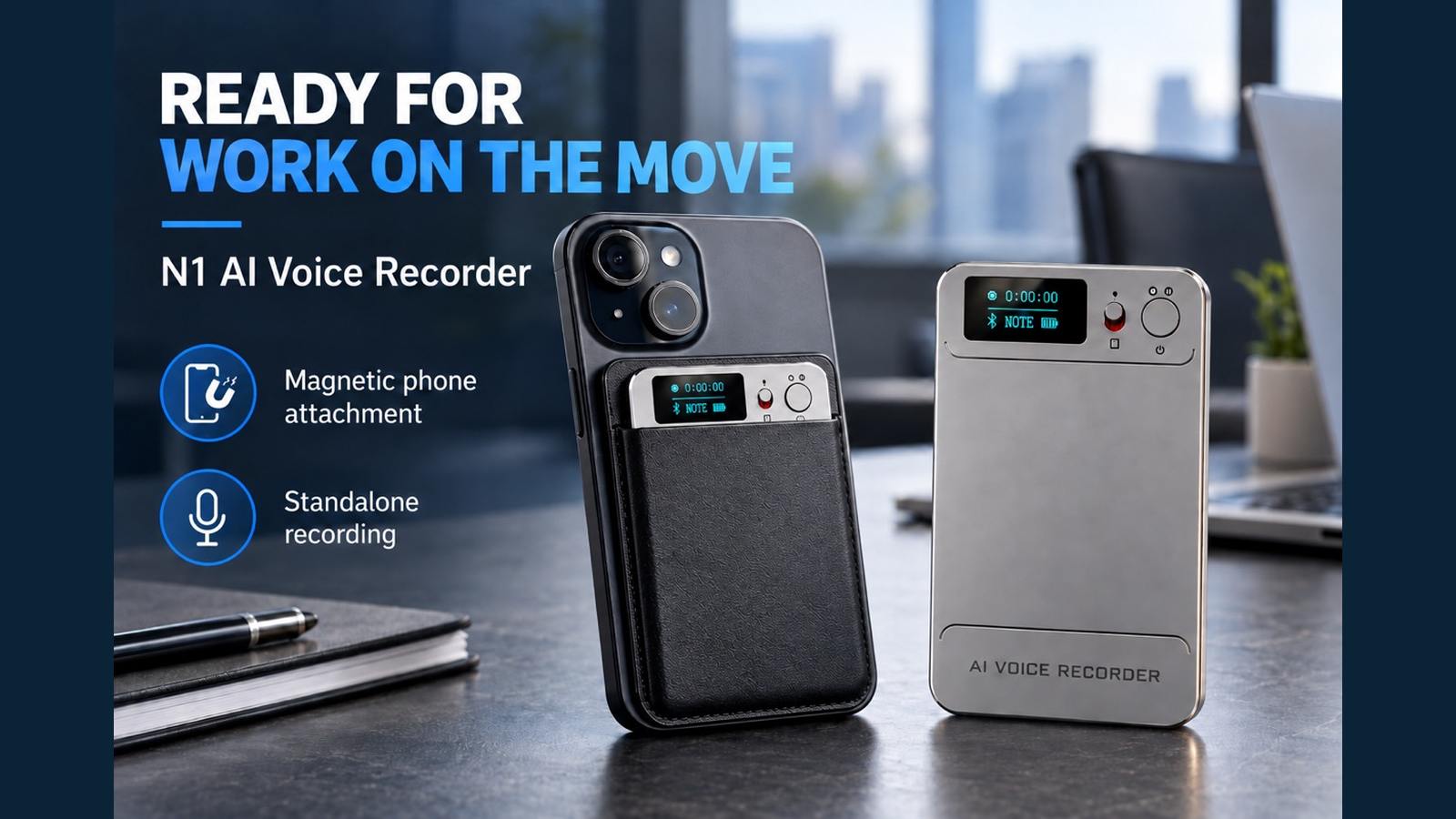
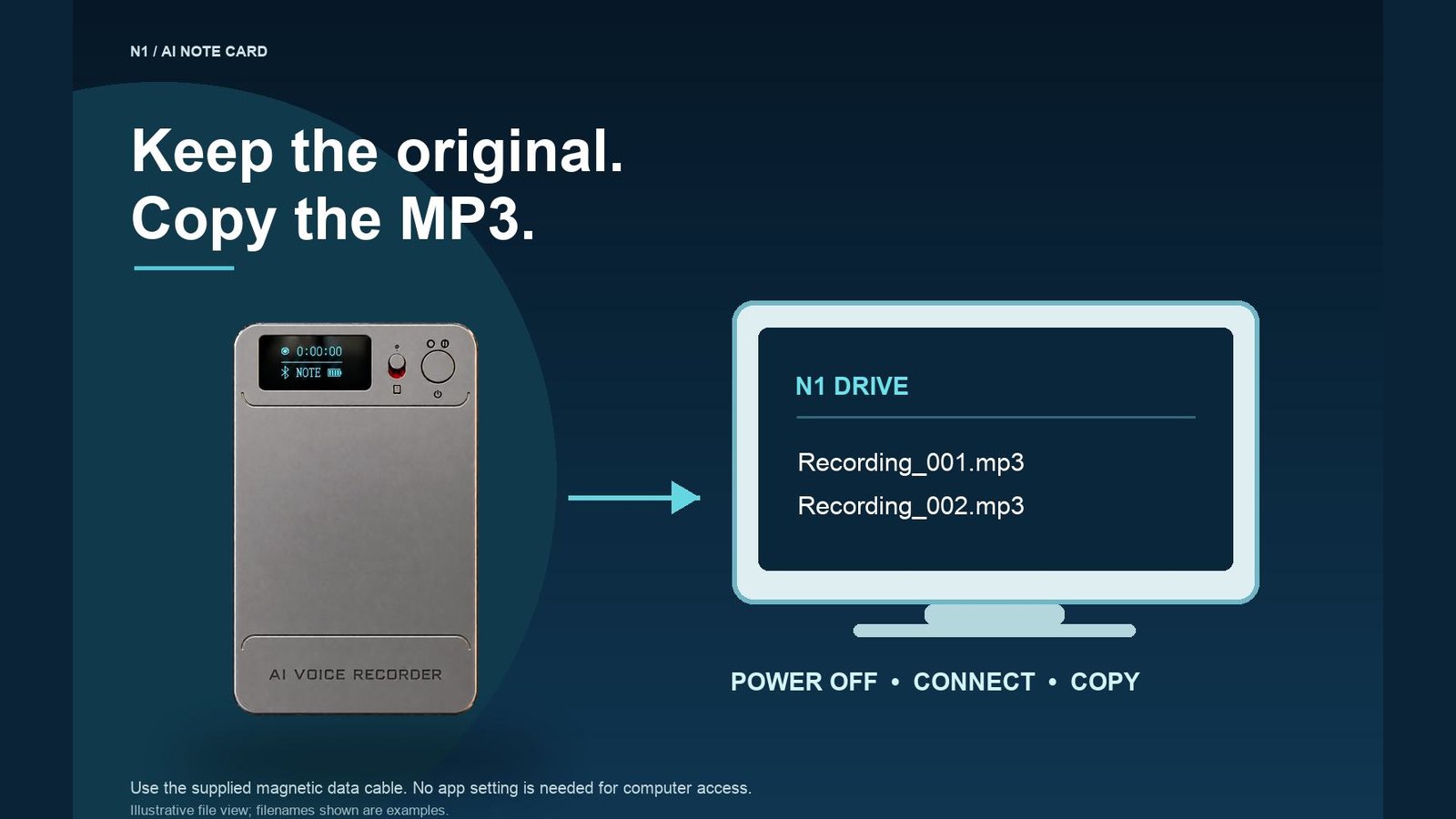
Unbinding clears recordings on the recorder. A factory reset also formats N1 and deletes its local files, so neither action is a substitute for a verified backup. Power N1 off, connect it to a computer with the supplied magnetic USB-C data cable, and copy the MP3 files to an approved folder. Use the supplied USB-C-to-USB-A adapter if the computer needs it. Open several files, including the most important one, to confirm that the export works. A file name in a directory is not enough proof that the recording can be heard.
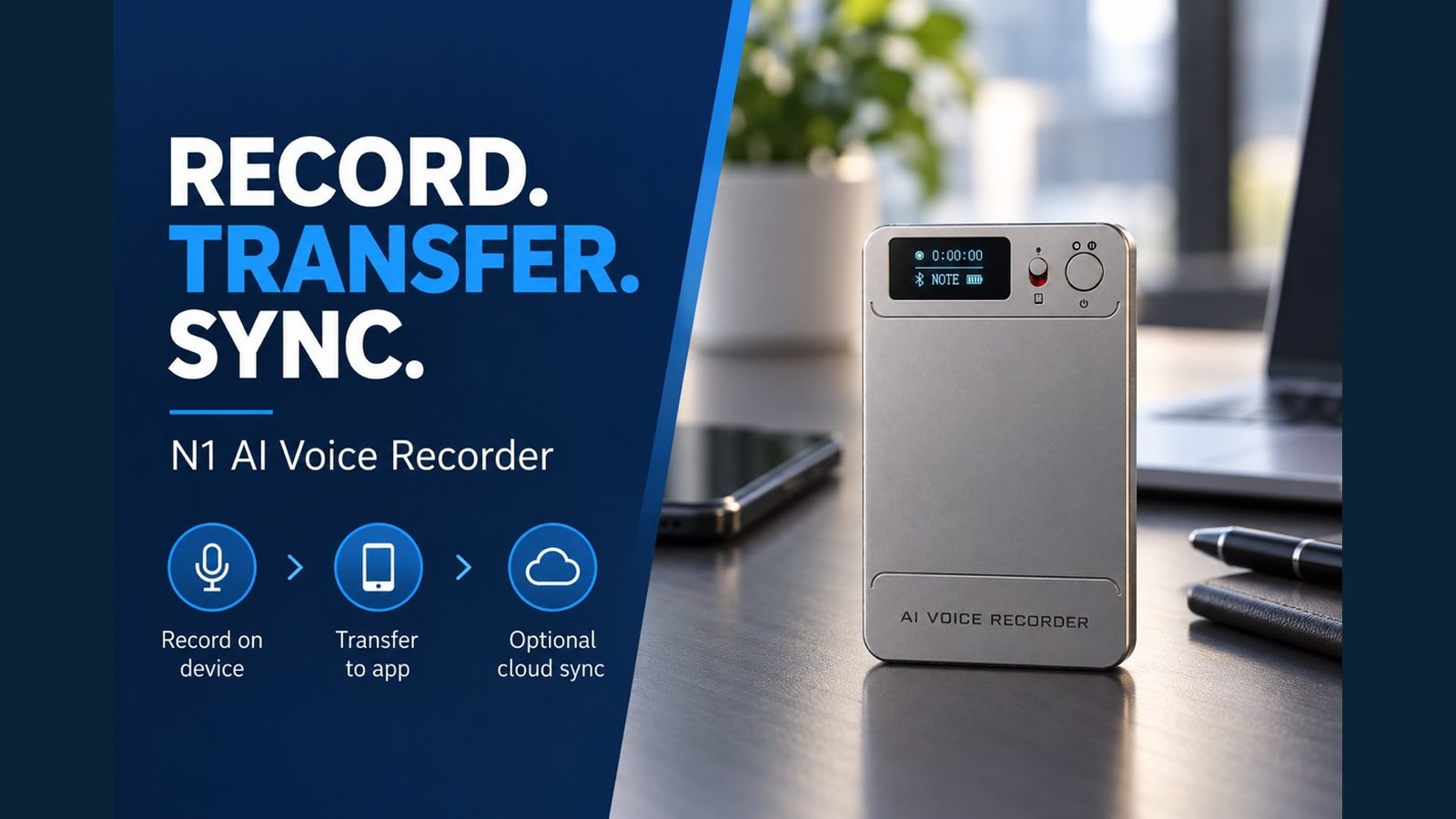
If recordings were transferred to the app and uploaded to cloud storage, do not assume that the cloud copy is an independent archive. Deleting a synced file in the app deletes its cloud copy. The currently available customer-facing documents do not establish the complete lifecycle of every cloud copy after unbinding, so export any recording that must survive the account change. The recording-to-AI-notes workflow clarifies where device, app and cloud copies begin.
For business use, decide who is allowed to keep the old recordings before transferring the device. Consent, confidentiality, retention policy and local recording rules may affect that decision. The device handover should not become an informal transfer of someone else's meeting files.
Separate purchased membership from file storage
The confirmed N1 entitlement rule is that purchased membership follows the device rather than the account. After unbinding and binding N1 to another account, that purchased membership remains with N1. This does not mean the local recordings remain: unbinding clears files on the recorder. It also does not establish what happens to all historical app or cloud copies, because that full cloud-retention rule has not been confirmed in the available public documents. Explain these three objects separately: device files, purchased membership and account/cloud data.
The starting AI allowance shown in the N1 material is 120 transcription minutes and 60 image translations. Transcription, summary and mind-map processing use allowance separately. The renewal period and the treatment of an unused allowance across an account change should be checked on the current entitlement screen and in current service terms. Do not infer those details from the fact that purchased membership follows the device. Review the AI voice recorder category with entitlement terms kept separate from device storage.
A controlled handover sequence
| Step | Owner action | Evidence of completion |
|---|---|---|
| 1. Inventory | List recordings to retain and authorized recipients | Approved retention list |
| 2. Export | Copy original MP3s while N1 is powered off | At least the important files open on a computer |
| 3. Review app/cloud | Download needed copies; check for synced deletion effects | Independent copies play outside the app |
| 4. Unbind | Current owner unbinds N1 in the app | Device no longer bound to old account |
| 5. Rebind | New owner signs in and binds N1 | New account sees the device and entitlement |
| 6. Recheck | Make a permitted test recording and review the app | Capture and transfer work for the new user |
If the new account cannot bind N1, first verify that the old account completed unbinding. Restart the app and device and try with the phone nearby and Bluetooth enabled. Do not share the previous owner's login credentials as a shortcut, and do not factory-reset merely to troubleshoot pairing, because reset deletes local recordings. Use the app's customer-service entry if binding still fails.
This process is especially useful for distributors selling to teams. A concise after-sales handout can state the confirmed binding and membership rules and emphasize export before unbinding. It should leave the unresolved cloud-copy lifecycle as a question to confirm with the current service provider, not as a blanket promise. For sourcing context, see Eleshine's product range. Contact Eleshine to request the current N1 account-transfer guidance and entitlement demonstration.
FAQ
Must I unbind N1 when I only change phones?
No, if you continue using the same account. Sign in on the new phone and confirm the device appears.
Can one N1 be bound to two accounts at once?
No. One N1 can be bound to one account at a time; an account may manage multiple N1 units.
What happens to recordings on N1 after unbinding?
Unbinding clears the recorder's local files. Export and verify the MP3 files before unbinding.
Does purchased membership disappear when N1 is unbound?
No. The confirmed rule is that purchased membership follows the N1 device and remains with it after rebinding.
Are historical cloud files guaranteed to transfer to the new account?
That complete lifecycle is not established by the available customer-facing documents. Download any needed recordings independently and confirm current policy before transfer.
MP3 Export and Backup for Business Voice Recorders


