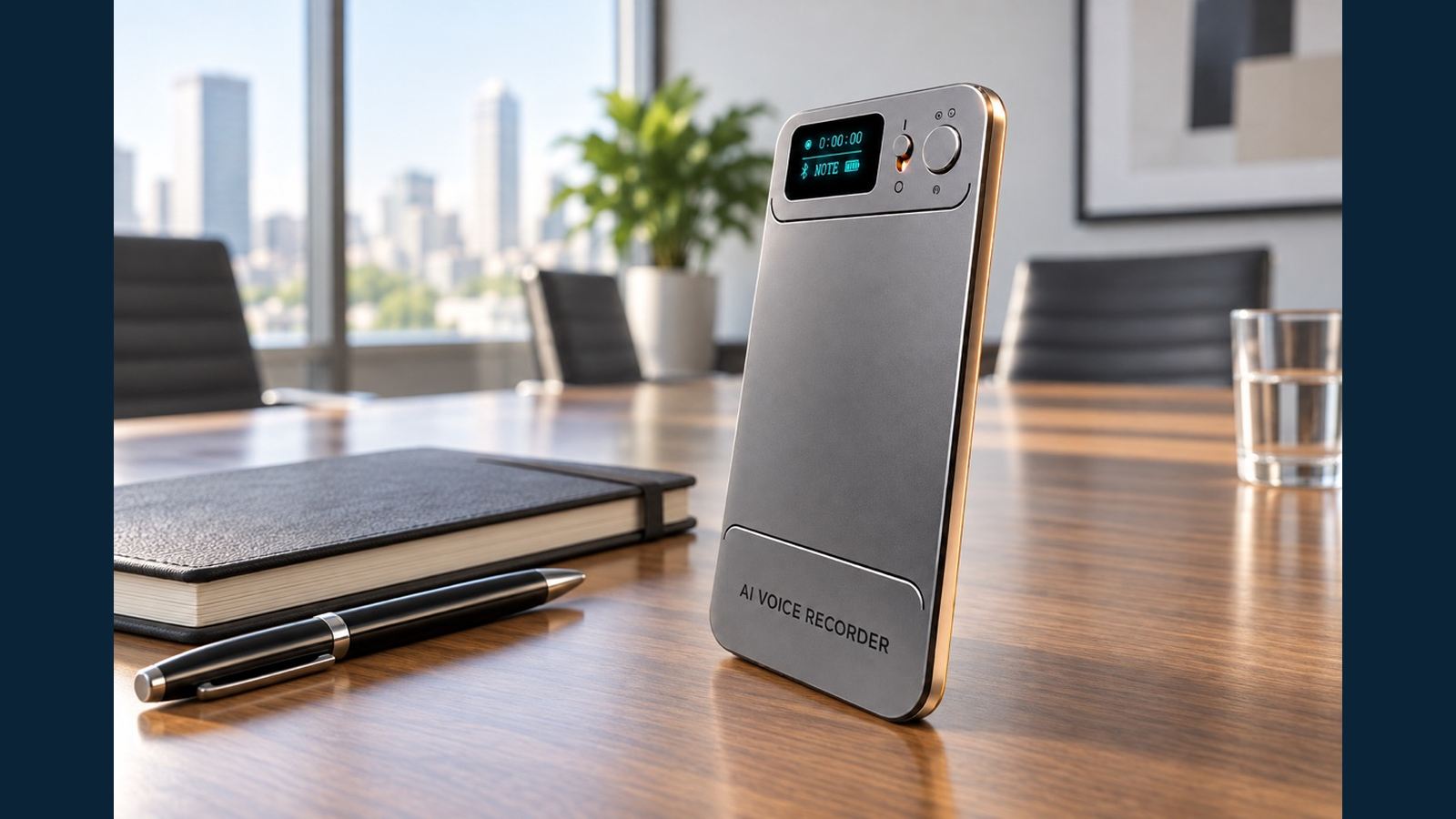
Free Cloud Storage vs AI Processing Allowance: What Recorder Buyers Should Check
“Free cloud” and “free AI” sound similar in a product listing, but they answer different buyer questions. One concerns where a completed recording can be stored; the other concerns how often a service can process it. When comparing the N1 AI Note Card with another recorder, separate the original MP3, the app copy, the cloud copy and the AI output. That distinction avoids two common support problems: a buyer assumes a device recording has already been backed up, or assumes unlimited cloud storage means unlimited transcription.
Four states of one recording
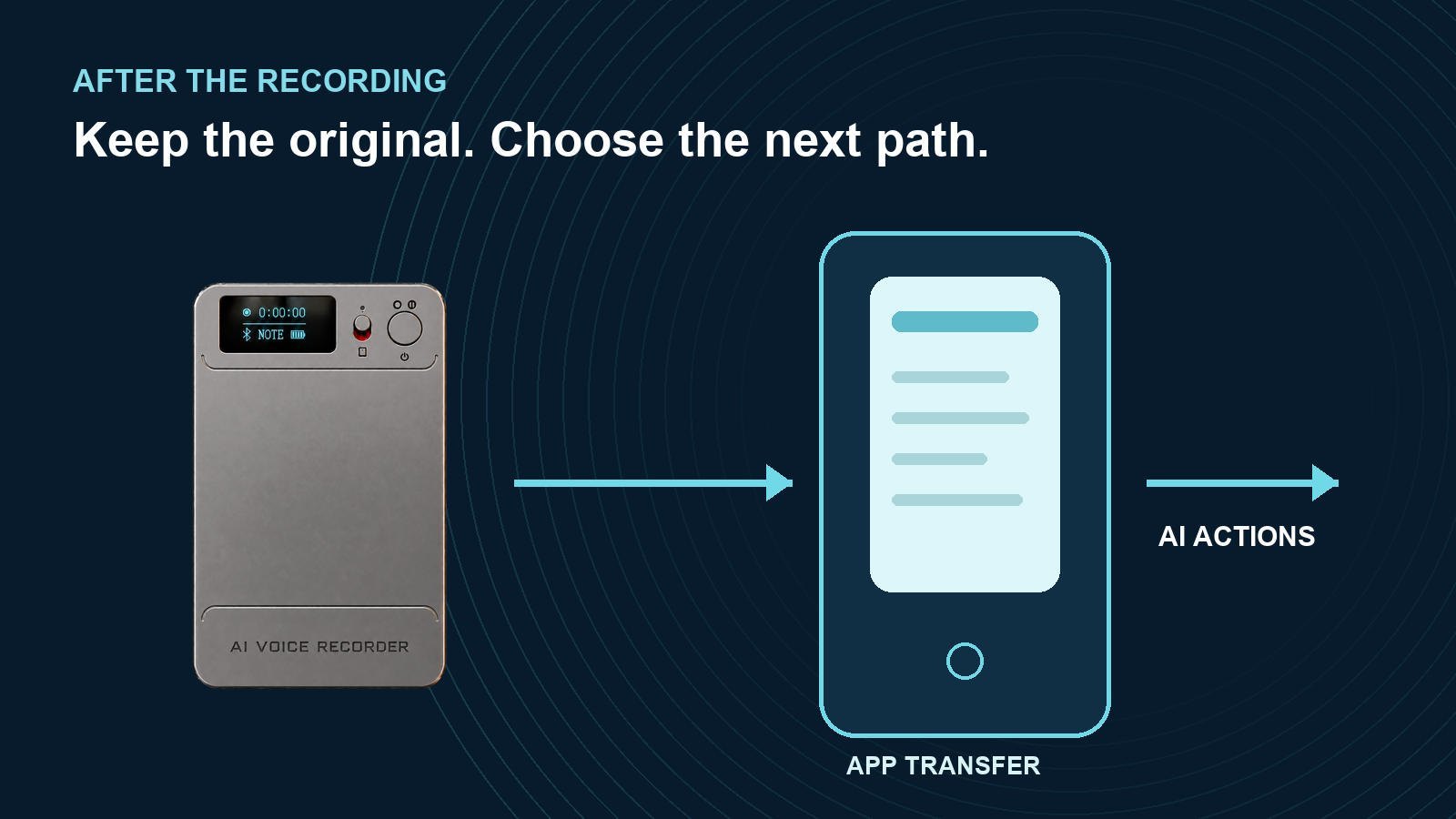
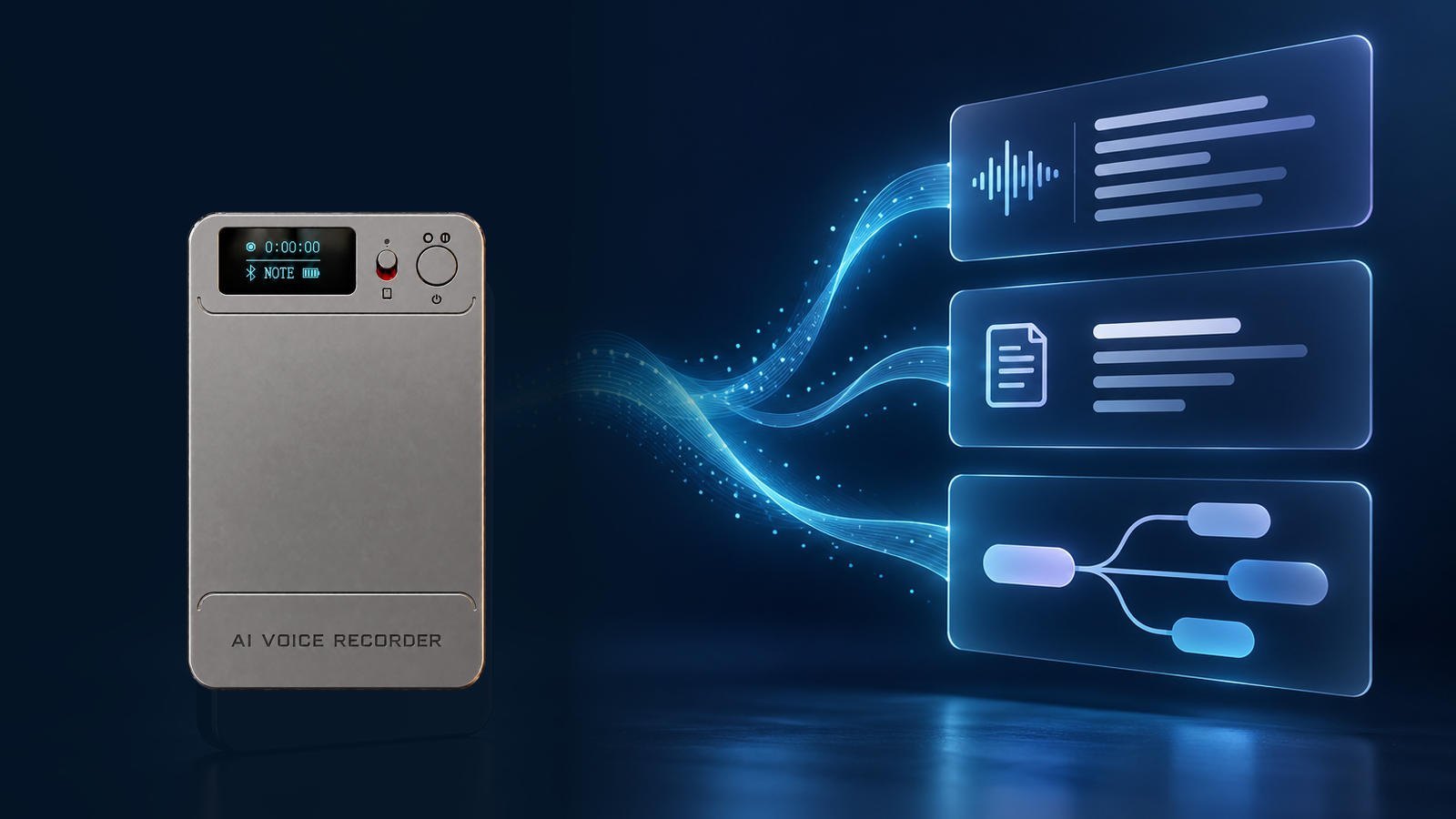
N1 can capture audio using its physical switch without a phone connection. The original recording is stored on the device as MP3. It can later be transferred to the companion app. Only after that transfer can the app's cloud upload setting send a copy to cloud storage. AI processing is another app action that produces a transcript, summary or mind map. These stages should be shown individually in a distributor demonstration.
| Stage | What the buyer can verify | What it does not prove |
|---|---|---|
| Device MP3 | Recording plays on N1 or is copied to a computer | That a phone or cloud copy exists |
| App transfer | Complete file appears and plays in the app | That cloud upload is enabled or finished |
| Cloud upload | Allow Upload is enabled and the uploaded file opens | That AI processing is free or unlimited |
| AI action | Transcript, summary or mind map can be reviewed | That AI text is perfectly accurate |
The recording-to-AI-notes guide follows this sequence from capture to review. Keep the original MP3 when a business needs to check a name, number or decision later.
What the confirmed N1 cloud rule covers
For recordings that have reached the app and finished uploading, N1's current confirmed service rule provides cloud storage without an additional cloud storage fee while the device remains bound and in use. The rule has no file-count, individual-file-size or storage-duration limit. The key condition is the workflow: transfer the file from device to app, turn on Allow Upload in cloud settings, and verify upload completion. Do not describe a recording that exists only on N1 as already being “in the cloud.”
This service rule is a meaningful sales point, but it should be explained accurately. The app and cloud are synchronized for deletion: if a synced file is deleted in the app, its cloud copy is deleted as well. A business that needs a record independent of the app should export an MP3 separately. The complete lifecycle of every cloud copy after device unbinding has not been established by the available customer-facing documents, so buyers should export important files before transferring a device and ask for current confirmation of any account-retention policy.
Changing to a new phone while using the same account does not, by itself, require a new binding. One N1 is bound to one account at a time; one account can manage multiple N1 units. Those account rules do not remove the need to check a specific file's upload status. The AI voice recorder category can be compared using the same device/app/cloud checkpoints.
What the starting AI allowance covers
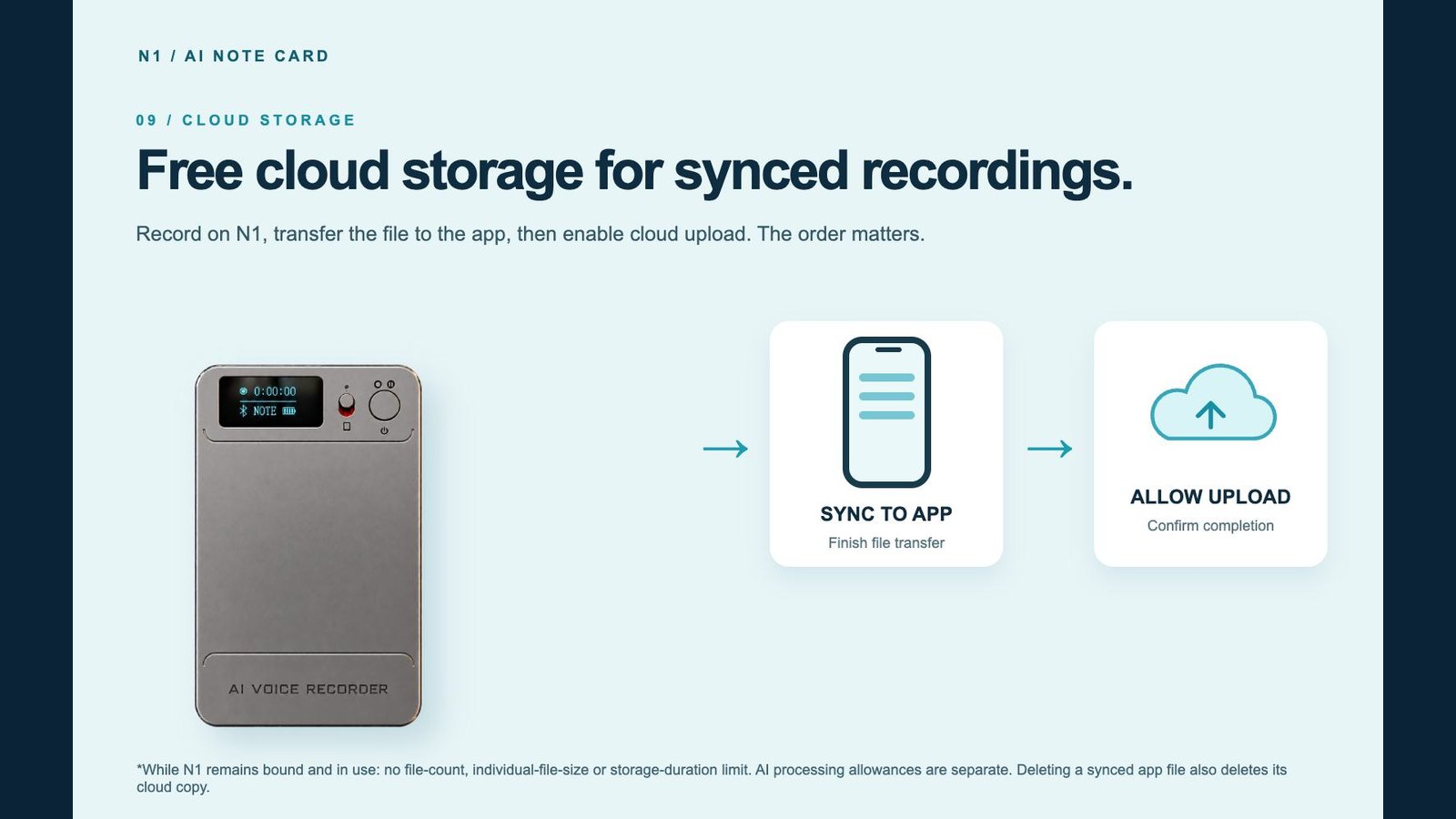
The N1 app includes a starting allowance of 120 transcription minutes and 60 image translations. Transcription, summary and mind-map processing each use allowance separately. This is a processing entitlement, not a cap on local recording or uploaded file storage. If the allowance is used, N1 can still record; further AI actions depend on the balance or plan shown in the app. The renewal period and detailed deduction method should be checked in the current app or the final written offer rather than inferred from the headline number.
Ask for a live entitlement-screen demonstration using the sample device. Record the starting balance, process a short file once, then review how each selected action is counted. If the app labels a balance differently from a reseller listing, use the app display and current written terms before publishing the listing. A transcript followed by a summary and a mind map may consume allowance at separate stages. Do not promise that a single processing action covers all three outputs. Also test a deliberately difficult proper name and verify the output against the original MP3. AI-generated text can be edited and searched, but it still requires human review for consequential details.
A five-question comparison for importers and distributors
- Can the recorder capture without a phone or network, and how is the original audio exported?
- Must the user transfer a completed file to an app before any cloud upload?
- Which setting enables upload, and how can the user see completion?
- Is free cloud storage separate from transcription, summary and mind-map usage?
- What happens to files and paid entitlements when the device changes accounts?
For N1, the first four questions have the workflow above. Purchased membership follows the device, not the account, and unbinding clears files on the recorder. The exact cloud-copy outcome after unbinding remains a question to confirm; do not promise it survives or disappears without a current policy. This distinction belongs in reseller training because a customer may otherwise delete the only copy they intended to keep.
When preparing a listing, use a simple sentence: “N1 records locally; after transfer to the app and enabling upload, eligible recordings use free cloud storage while the device remains bound and in use. AI processing has a separate allowance.” Then link buyers to the product range for related options. Eleshine's company profile provides supplier context; contact Eleshine for the current app entitlement display, service terms and a sample workflow.
FAQ
Is every N1 recording automatically in the cloud?
No. Transfer the completed file to the app, enable Allow Upload and verify upload completion.
Is N1 cloud storage free without a file-count or time limit?
Under the current confirmed rule, uploaded recordings have no file-count, individual-file-size or storage-duration limit, with no extra cloud storage fee while N1 remains bound and in use.
Does unlimited cloud storage mean unlimited transcription?
No. AI processing has a separate allowance. The starting allowance is 120 transcription minutes and 60 image translations.
Can N1 still record after the AI allowance is used?
Yes. Local recording is separate from AI processing. Further AI actions depend on the current app balance or plan.
Does deleting a file in the app keep its cloud copy?
No. Deleting a synced app file also deletes its cloud copy. Export a separate MP3 if the recording must be retained.
MP3 Export and Backup for Business Voice Recorders
NOTE vs CALL: Placement Tests for Meetings and Nearby Calls