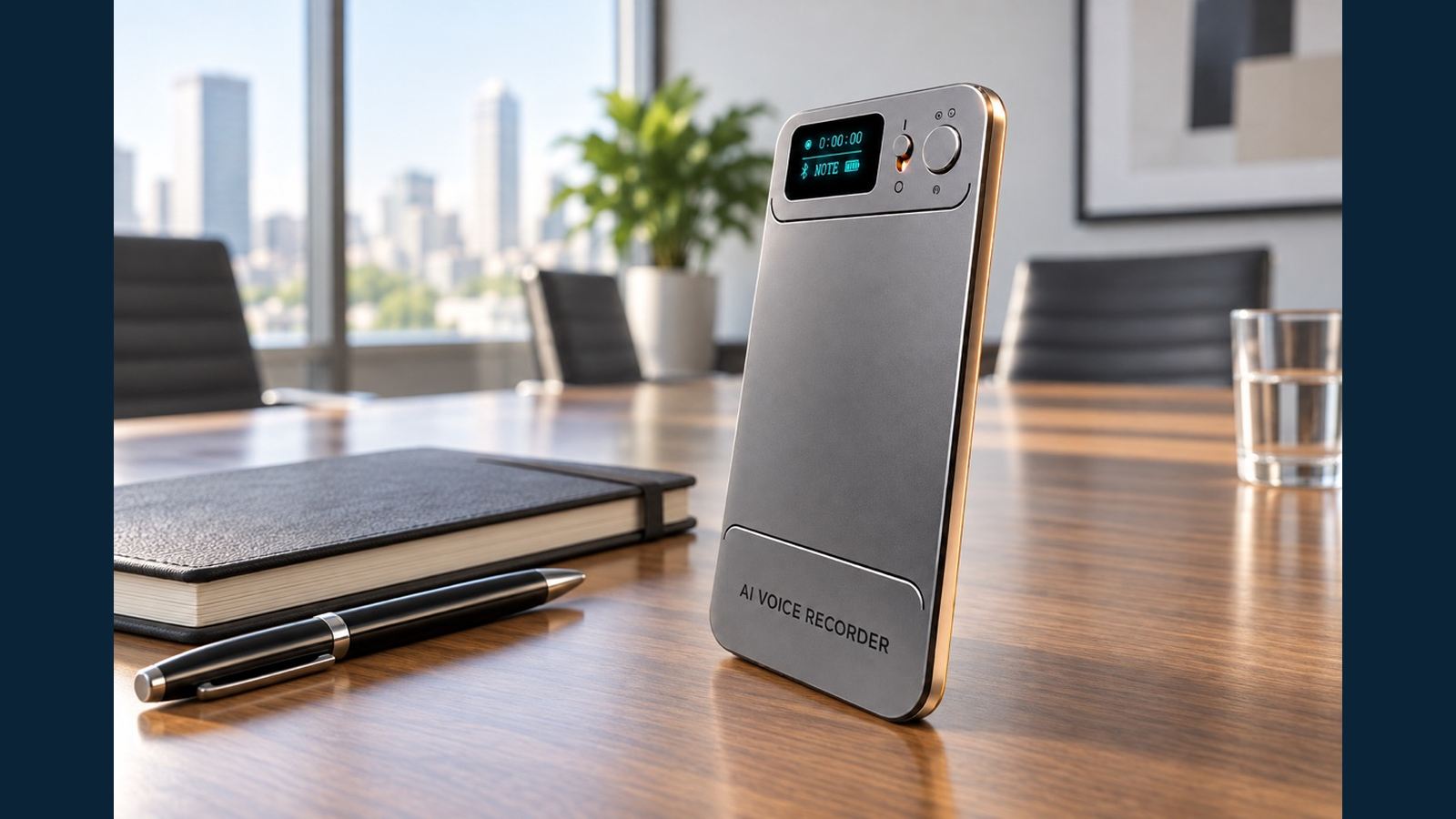
How to Test an AI Voice Recorder Sample Before a Distributor Launch
An impressive demonstration is not the same as a repeatable distributor test. A buyer needs to know whether a sales team can show the same workflow on an ordinary meeting table, with an ordinary handset, and explain where the original audio goes. Use one N1 AI Note Card sample to test four distinct stages: capture, retrieval, AI processing and cloud upload. Record the test conditions and retain the MP3. That evidence makes a later product page, sales script and support answer more reliable.
Define the use case before pressing Record
Write down who the buyer expects to record: a meeting group, one-to-one interview, training session or nearby phone call. Choose two realistic environments, such as a quiet office and a room with normal ventilation or keyboard noise. Do not compare two devices with different placement, volume or speakers and call the difference a product result. Ask participants for consent and check the applicable recording rules.
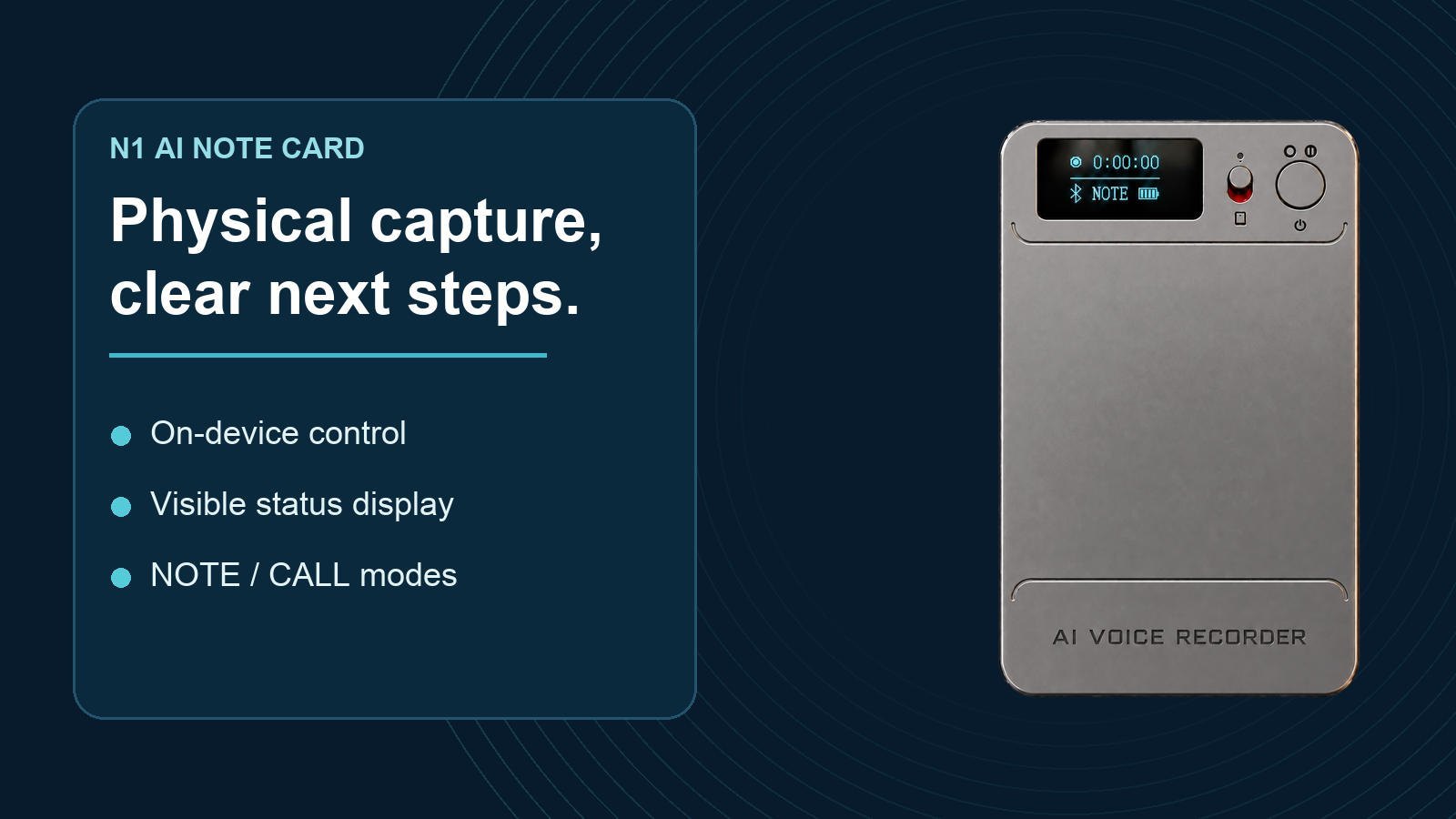
N1 has NOTE and CALL modes. NOTE is intended for voices around the recorder; CALL is intended for a nearby handset. CALL records the sound near the phone rather than receiving a direct digital feed from a calling app. A WhatsApp or WeChat demonstration therefore needs the intended phone, case, volume, distance and call setup. A sample result from one handset is evidence for that setup, not a universal compatibility guarantee. The wider AI voice recorder category should be evaluated with the same controls.
Run a capture test without the app
Start a NOTE recording with N1's physical recording switch while the phone is disconnected. Ask two or three people to read a short passage that includes names, dates and numbers, then speak naturally for several minutes. Stop the recording and listen to the original MP3 before generating a transcript. Check whether soft speech, interruptions and key terms are understandable. Repeat once with the device moved to a more realistic or more favorable position; record both positions rather than hiding the first result.
For CALL, change mode before recording and place N1 near the handset. Test both sides of the conversation at normal volume. If the result is faint, adjust placement and note the change. Avoid a blanket promise about recording range or speakerphone-free performance. A good distributor demo explains where the device was placed and lets the customer hear the original file.
An evaluation form can use a simple 0–2 scale: 0 means the required information was not recoverable; 1 means it was recoverable only with effort or a changed setup; 2 means it was clear under the stated setup. Score meeting capture and nearby-call capture separately. Keep the original audio and the setup notes with the score. Our meeting-and-call evaluation guide explains why these two modes need different placement tests.

Test the original file and the app as separate stages
After stopping, transfer the completed file to the companion app and confirm it plays there. Note the steps and time observed for this sample, but do not publish that time as a general speed claim. Choose a transcript and compare names, figures and action items against the MP3. Then request a summary and mind map only if those outputs matter to the customer. AI text is an aid to review, not the authoritative source of the conversation.
N1's included starting allowance is 120 transcription minutes and 60 image translations. Transcription, summary and mind-map processing each use allowance. Check the current app entitlement display during the demonstration; do not describe cloud storage as if it were the same allowance. The recording-to-AI-notes guide maps the steps after capture.
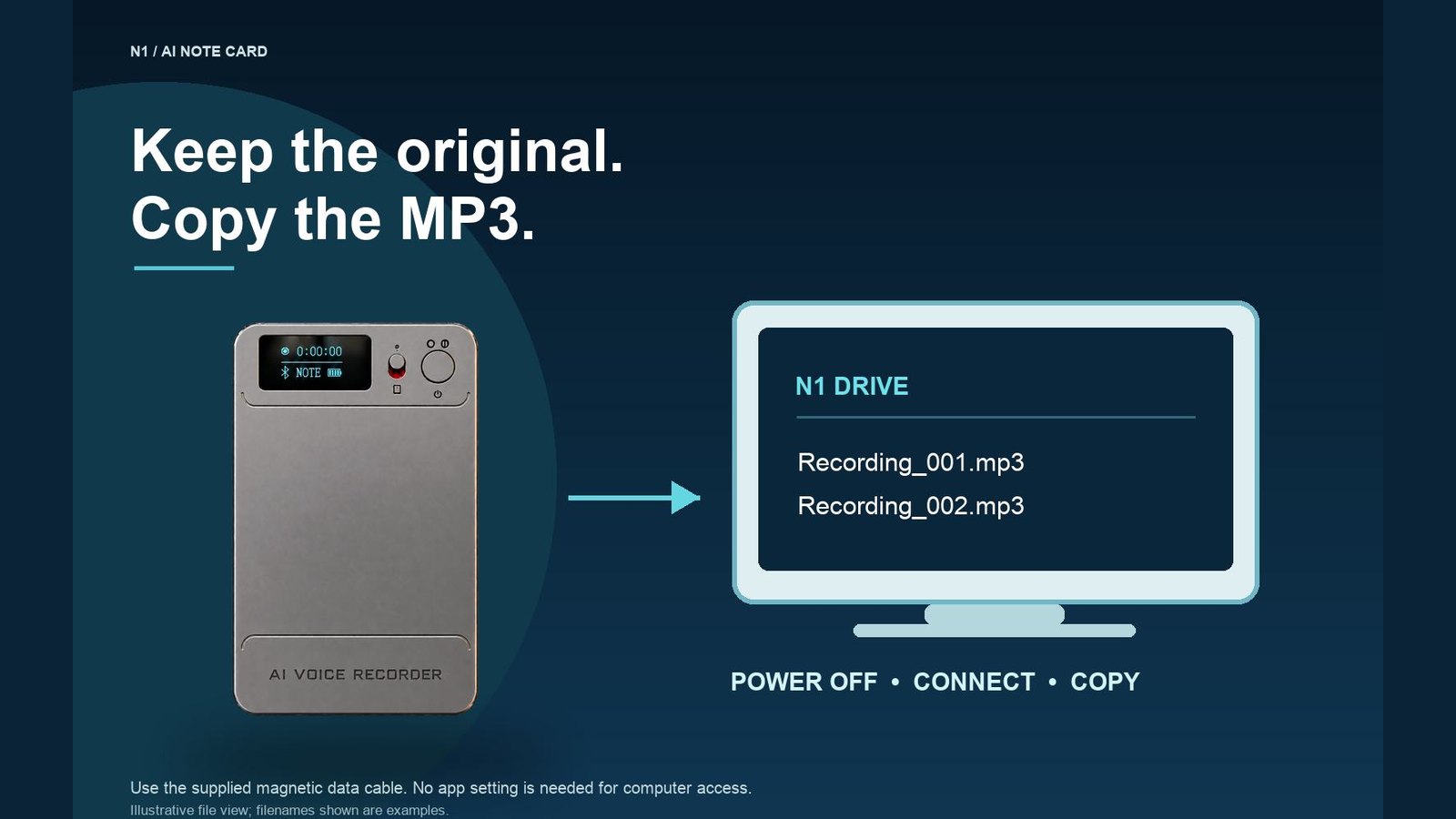
Next, power N1 off and use the supplied magnetic USB-C data cable to connect it to a computer. Add the supplied USB-C-to-USB-A adapter if the computer needs USB-A. Open the USB drive and copy the original MP3. Compare the copied file with the one reviewed in the app. No app setting is required for the computer connection. Test this with the final shipped accessories rather than an unrelated charging-only cable.
Confirm cloud behavior with an observable status
A recording on N1 is not yet a cloud copy. Transfer the complete recording to the app, enable Allow Upload in cloud settings, and wait for upload completion. Open or download the cloud file to confirm access. Under the current confirmed N1 rules, cloud storage for uploaded recordings is free while the device remains bound and in use, with no file-count, individual-file-size or storage-duration limit. That claim still requires the buyer to understand the transfer and setting steps. Deleting a synced file in the app also removes its cloud copy, so keep an independent export for records that must survive deletion or a device transfer.
Keep a sample decision record
| Check | Evidence to save | Decision question |
|---|---|---|
| NOTE and CALL capture | Original MP3 plus placement and handset notes | Does this match the target customer use? |
| App and AI | Transfer result, transcript reviewed against MP3, allowance screen | Can staff explain the workflow accurately? |
| Computer access | Copied MP3 from powered-off N1 | Can the buyer retain an independent original? |
| Cloud | Allow Upload setting and completed file status | Is the claimed backup actually present? |
| Commercial readiness | Current packing list and written offer | Are accessories, support and terms clear? |
Before testing, choose three to five details that must be intelligible for the target customer, such as a surname, a number and a next action. Decide what counts as a pass before listening; otherwise a team may excuse a missed detail after seeing an attractive transcript. Keep the MP3 and test conditions with the scorecard.
Do not infer battery endurance, certification, language coverage, price, MOQ, lead time or warranty from a short sample. Request current written confirmation for those points. Eleshine's company profile provides supplier context. Contact Eleshine with your target use case and the sample evidence you want to evaluate.
FAQ
Can N1 be tested without connecting a phone?
Yes. Use the physical recording switch to make an original recording, then connect to the app later for transfer and AI tools.
Should a distributor judge N1 from the transcript alone?
No. Replay the original MP3 first. Check names, figures and decisions in the AI output against that audio.
Is a successful CALL test on one phone a compatibility guarantee?
No. Test the intended handset, volume, case, app and placement, then document that specific setup.
Does a completed recording automatically reach the cloud?
No. It must transfer to the app, Allow Upload must be enabled, and the upload must complete.
What should be retained from the sample test?
Keep the original MP3, a short record of room and handset conditions, app and cloud status, and the current written commercial offer.
NOTE vs CALL: Placement Tests for Meetings and Nearby Calls
From Voice Recording to Useful Notes: The N1 AI Note Card Workflow