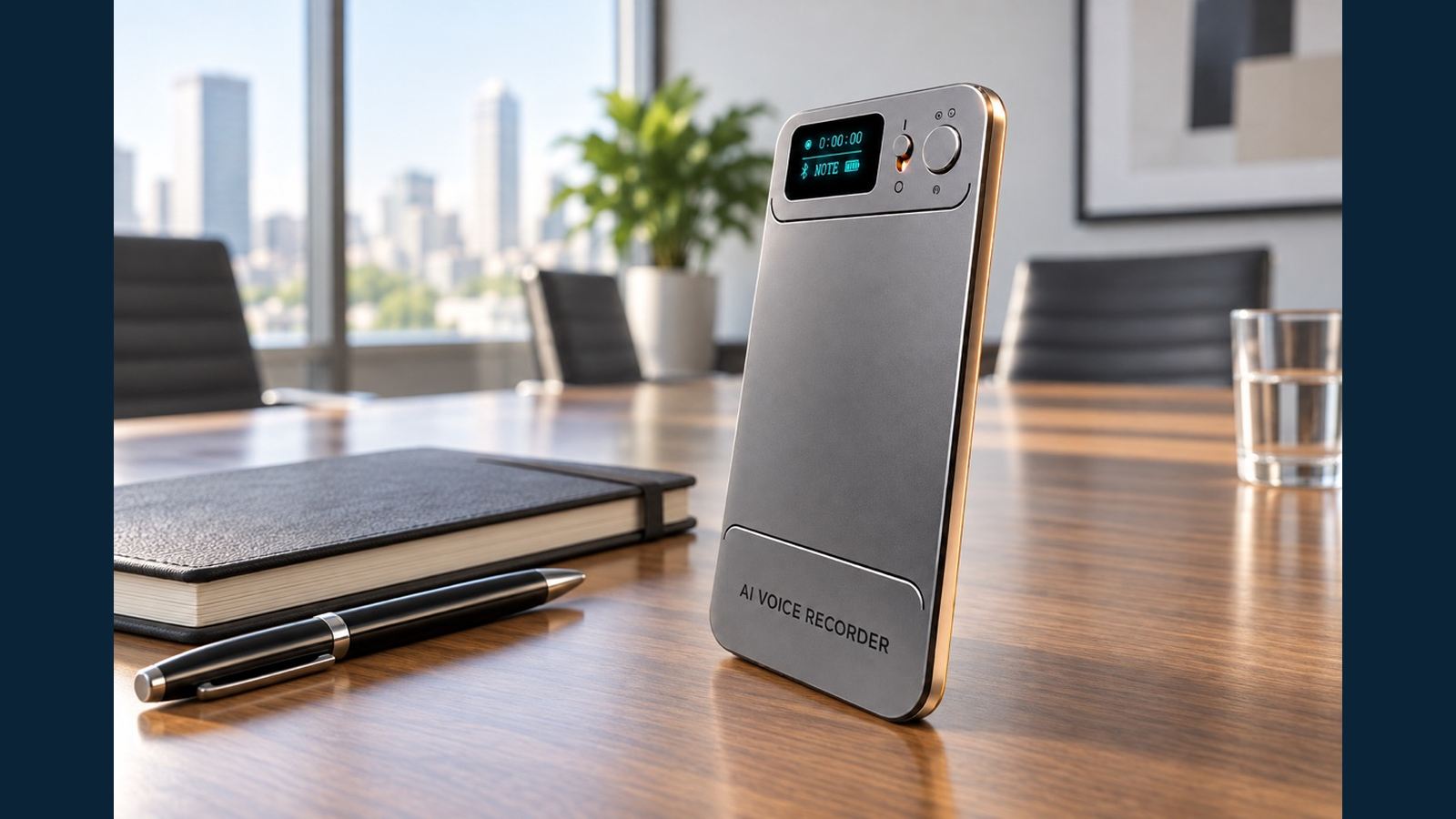
MP3 Export and Backup for Business Voice Recorders
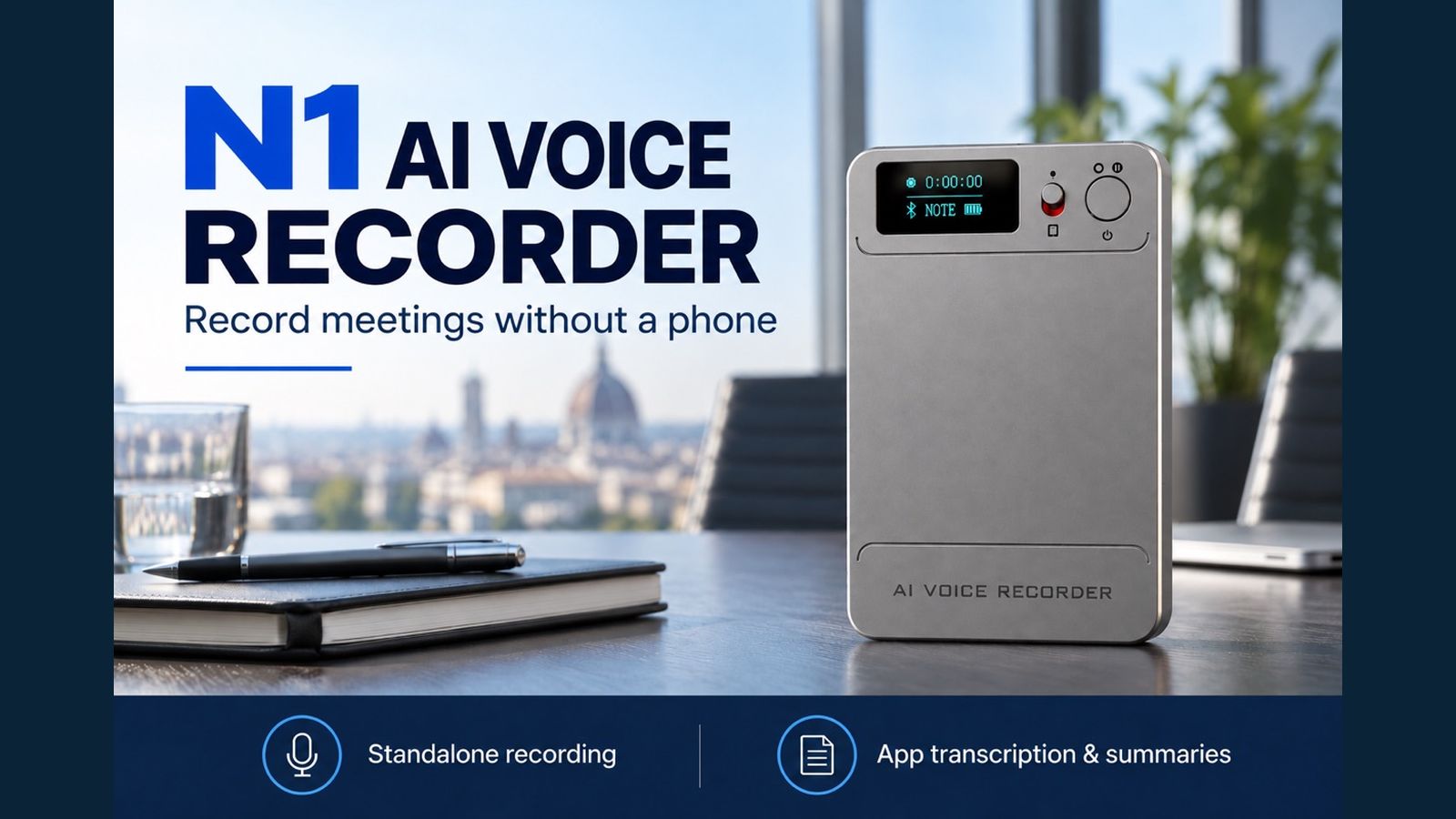
A transcript makes a conversation easier to search, but the original recording is still the best source for checking exactly what was said. For a distributor or a business team evaluating the N1 AI Note Card, file access deserves the same attention as recording quality. N1 stores original audio as MP3 and can present its storage as a computer USB drive when powered off and connected with the supplied magnetic data cable. A clear export routine prevents a user from treating an app view or unfinished cloud upload as the only record.
Identify the original before choosing a backup method
Start and stop a short recording with the physical switch. N1 can record without a connected phone. Normal stop, button power-off or automatic low-battery shutdown saves the current recording. Wait until the save finishes before handling the file. A recording on the device is the original MP3; a transcript, summary and mind map generated later in the app are derived outputs and should be checked against it.
This distinction matters in a meeting where a name or price is disputed. A fluent transcript can still contain an incorrect term. Replay the MP3 at the relevant timestamp and keep the audio alongside the text. The N1 meeting-and-call guide explains how the original capture changes with mode and placement. A good archive begins with a recording whose needed words are actually audible.
Copy N1 recordings to a computer
Power N1 off first. Attach the supplied four-pin magnetic USB-C data cable to the device and connect it to a computer. Use the included USB-C-to-USB-A adapter if the computer has a USB-A port. Open the USB drive that appears and copy the MP3 to a designated folder. No extra setting in the app is required for this computer path. Do not substitute a charging-only cable when testing file access.
After copying, open the computer file and listen to its beginning and a key passage. Check that the file name, duration and number of files correspond to the recordings you intended to keep. If the USB drive does not appear, confirm the device is powered off, reseat the magnetic contacts and try another computer port. If it still does not appear, use the in-app support entry or ask the seller to inspect the supplied cable and device. Do not factory-reset a recorder merely to test the connection; a reset formats the device and deletes its recordings.

Build a usable business file convention
A buyer does not need a complicated records system to avoid confusion. Create one folder per project or customer, and name the exported file with an agreed date, meeting type and short subject, for example YYYY-MM-DD_Project_Meeting_original.mp3. Keep an index with the original device file name, the new archive name, owner and storage location. Put a transcript or summary beside the MP3, clearly marked as an AI-generated working document. Limit access according to the organization's own privacy and retention policy, and record only with the necessary consent under local rules.
For an important meeting, a second independent copy may be appropriate under the buyer's policy. The essential test is that someone other than the recorder owner can locate the MP3 and play it when needed. An app listing alone does not establish an independent archive. The recording-to-AI-notes workflow shows where app processing begins after the device capture.
Understand the app and cloud deletion path
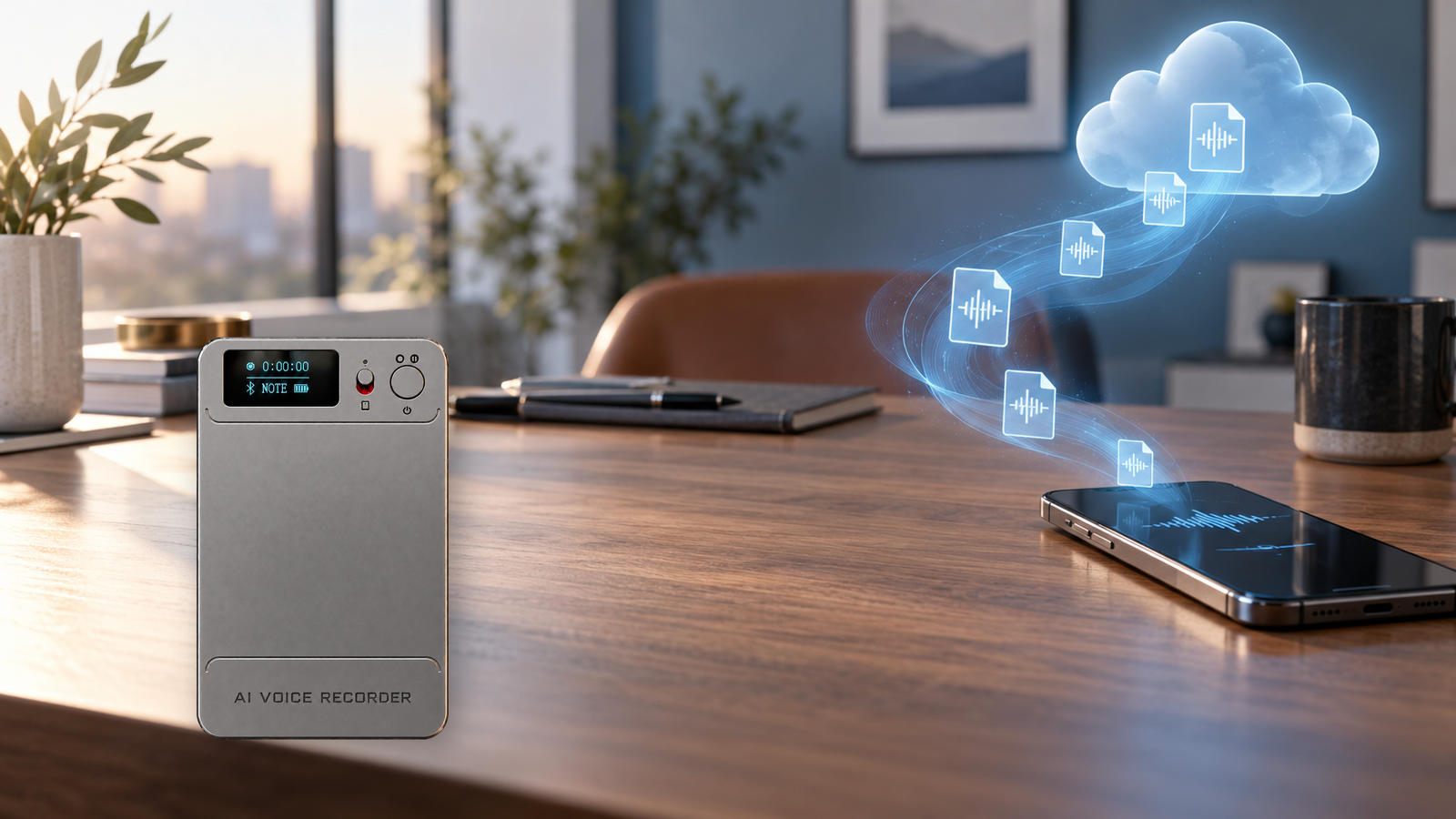
The app can receive a completed recording from N1, then use it for transcription, summary or other tools. N1 cloud upload requires this transfer first and the app's Allow Upload setting. Verify upload completion before treating the cloud file as available. Under the current confirmed service rule, uploaded recordings use free cloud storage while the device remains bound and in use, with no file-count, individual-file-size or storage-duration limit. The AI processing allowance is separate.
Cloud sync is useful for access, but it is not equivalent to an independent, immutable backup. Deleting a synced file in the app deletes its cloud copy too. Unbinding clears recordings on the device; factory reset formats the device and deletes its files. The complete fate of each cloud copy after unbinding is not established by the available customer-facing documents. Export and verify a separate MP3 before deletion, transfer or reset. Compare the AI voice recorder category using these same file-retention questions.
A handover checklist for a distributor or team
| Step | Evidence to keep | Common mistake |
|---|---|---|
| Finish recording | Playable original MP3 | Treating a running recording as a saved file |
| Copy to computer | File opens from the archive folder | Assuming cable charging proves data transfer |
| Transfer to app | Full file appears and plays | Assuming device storage means app storage |
| Upload to cloud | Allow Upload on and finished cloud file opens | Calling a pending upload a backup |
| Delete or transfer device | Separate exported MP3 verified | Losing synced cloud copy or device file |
During procurement, ask the supplier to demonstrate the workflow with the final accessories and current app. Check any organization-specific retention, access and legal requirements with the responsible team. This is a workflow guide, not a promise about a particular retention policy. For broader sourcing options, see Eleshine's product range. Contact Eleshine to request the current N1 packing list and a sample export demonstration.
FAQ
In what format does N1 store original audio?
N1 records MP3 files. Keep the original audio to verify important details in AI-generated text.
Must N1 be on to read it from a computer?
No. Power it off, then connect the supplied magnetic data cable. It appears as a USB drive without an app setting.
Is the supplied cable important for file export?
Yes. Use the supplied four-pin magnetic data cable and the USB-C-to-USB-A adapter if needed. A charging-only substitute may not transfer data.
Is a cloud copy an independent archive if I delete the app file?
No. Deleting a synced app file also deletes its cloud copy. Export a separate MP3 for independent retention.
Should a transcript replace the original MP3?
No. A transcript helps search and review, but names, numbers and decisions should be checked against the audio.
Transferring an AI Recorder to a New Account: Files and Entitlements
Free Cloud Storage vs AI Processing Allowance: What Recorder Buyers Should Check