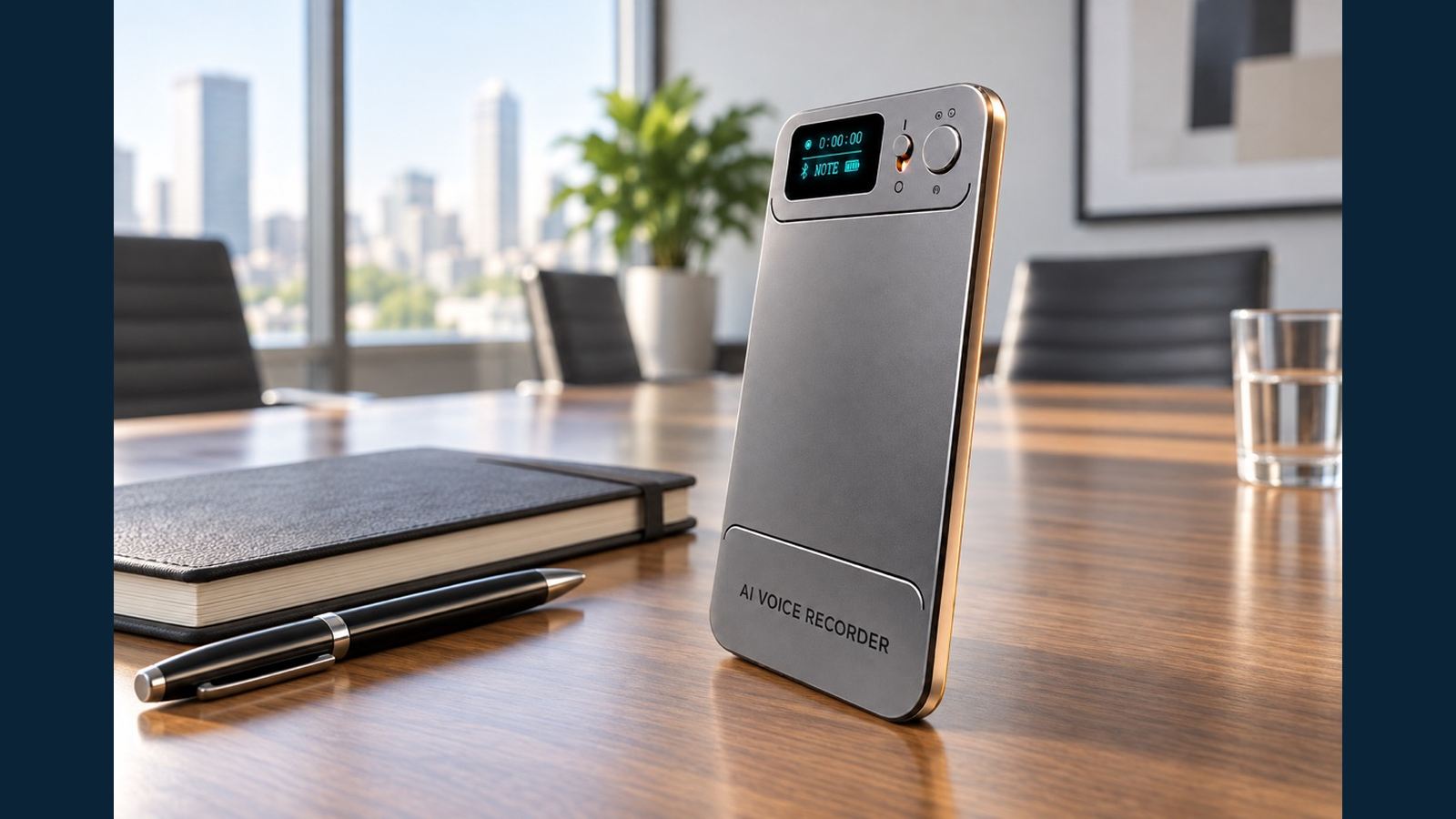
NOTE vs CALL: Placement Tests for Meetings and Nearby Calls
The quickest way to confuse a buyer is to demonstrate one recording mode in a quiet office and promise the same result for every call or meeting. The N1 AI Note Card has two distinct modes: NOTE for voices around the device and CALL for a nearby handset. The mode choice matters, but the position of the recorder, speaker volume and background sound also affect the original audio. A distributor can explain the difference more convincingly with a short, repeatable test than with an unsupported distance claim.
Start with the sound source
In NOTE mode, the sound source may be several people around a table. The product FAQ describes approximately 4–5 metres as an intended use range in suitable conditions, but the result depends on the room and voices. That is a scenario to test, not a guarantee that every word at that distance will be clear. Place N1 near the people whose words matter, keep microphone openings unobstructed and make a recording in the real room.
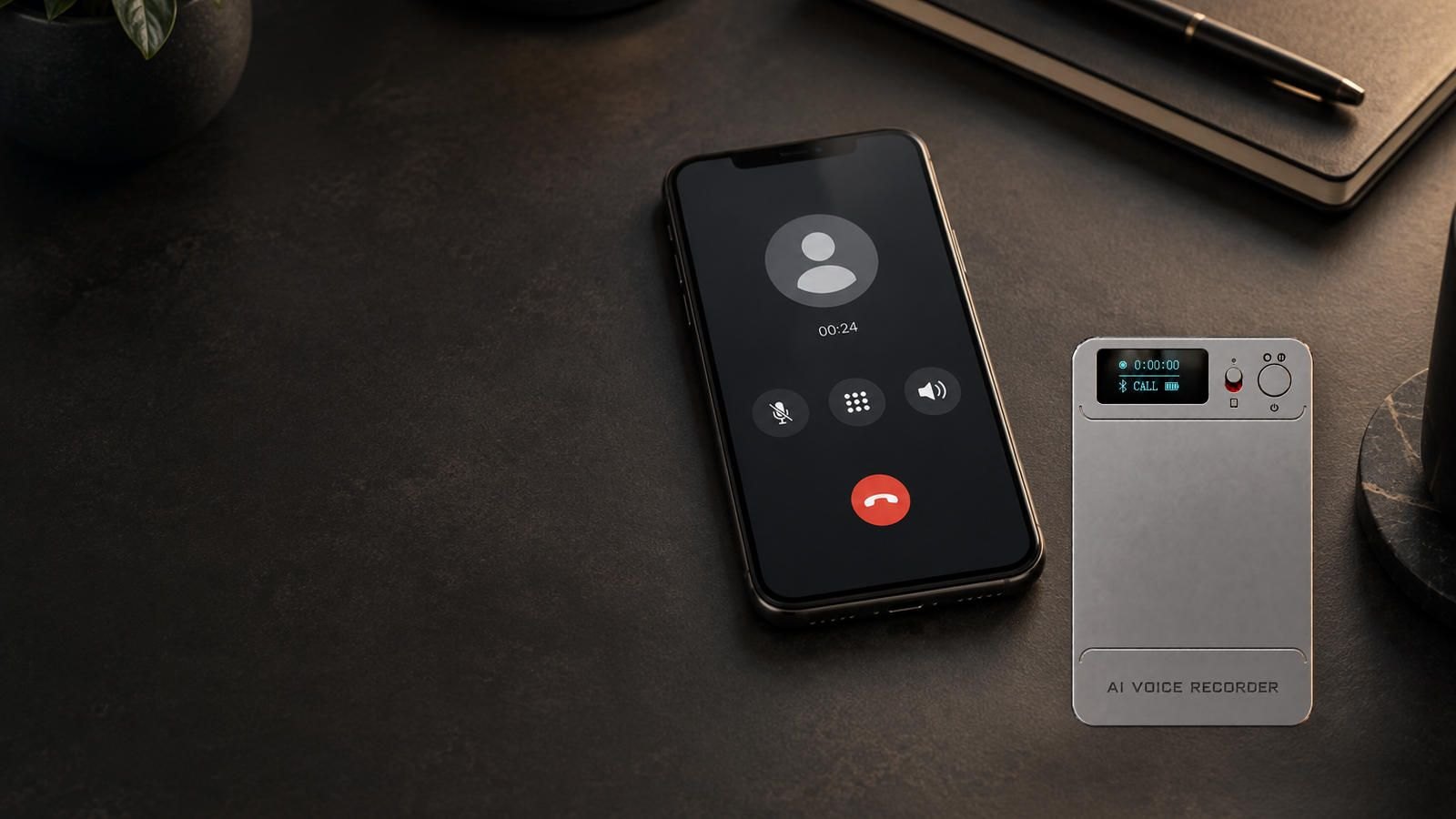
In CALL mode, the sound source is a phone close to N1. N1 is not described as joining WhatsApp, WeChat or a normal phone call as a digital participant. It records the nearby sound. A non-speakerphone call can be possible when the handset is close enough and the audio is loud enough, but both sides should be checked on the actual phone and case. A phone that faces away from the recorder may produce a different result even at the same distance. The general AI voice recorder range should be compared with this distinction in mind.
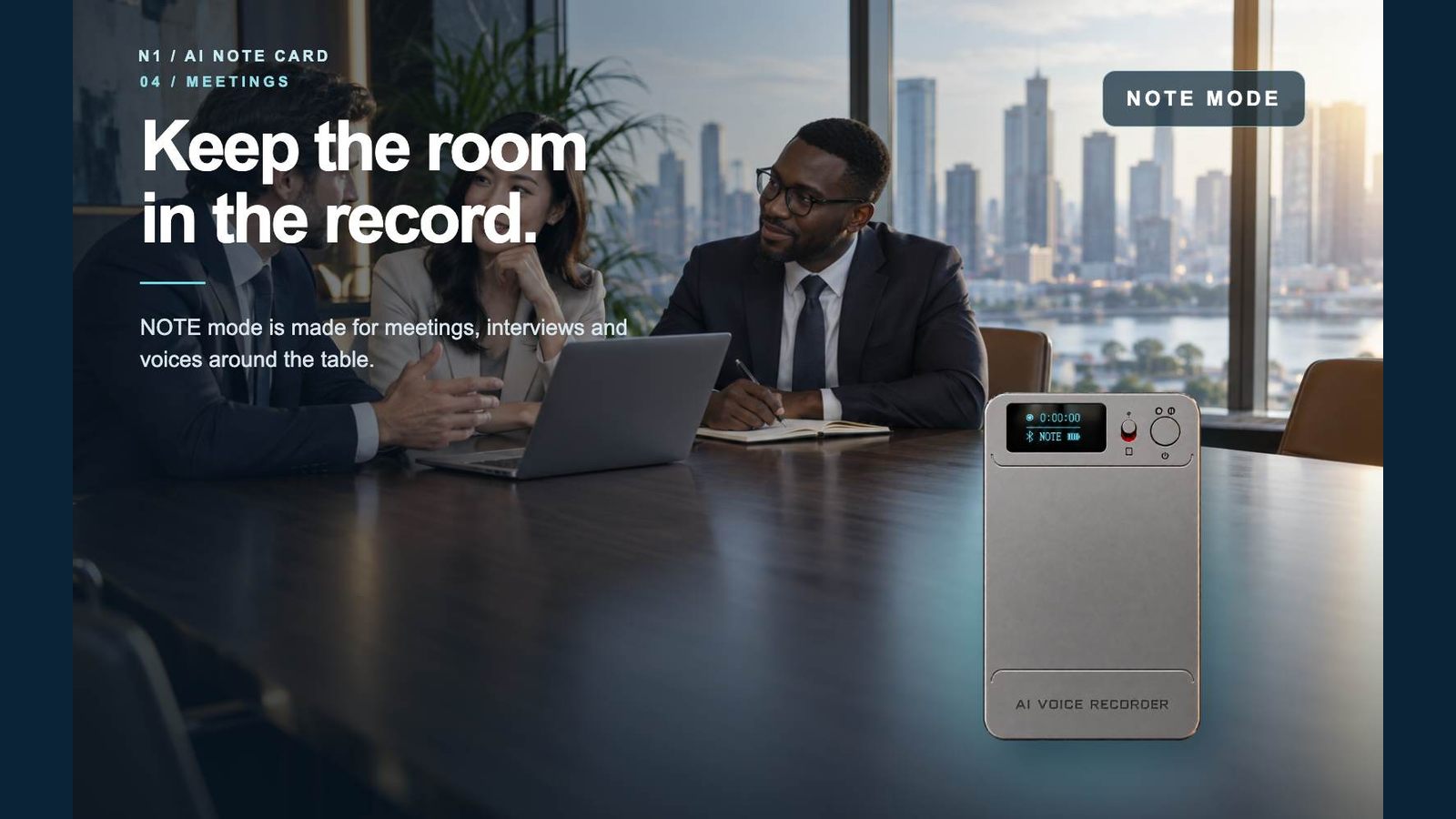
A repeatable NOTE test for meetings
Choose three speakers and one realistic table. Have the speakers use normal volume from their actual seats, including one farther from the recorder. Record a passage with names, dates and numbers, then a natural discussion with interruptions. Move N1 only for a second, separately labeled trial. Keep the room, voices and script as similar as possible between trials.
Listen to the original MP3 before opening any transcript. Can a reviewer identify the main speaker, the quieter person and the critical figures? Is a specific name recoverable without guessing? Note any keyboard, paper or ventilation noise that competes with speech. A transcript may look fluent while mishearing one number; the MP3 is the check. The recording-to-AI-notes guide explains why the original file and the later AI output should be reviewed separately.
For interviews, use the same method with two people seated as they would be in a customer conversation. Let the interviewer turn toward notes and away from the recorder; that is a normal real-world movement. Keep the device visible and explain that consent and local rules apply to recording. Avoid using a staged sample in which every participant leans toward the microphones.
A repeatable CALL test for a nearby handset
Switch to CALL before recording and verify the mode on N1's display. Make a permitted test call on the intended handset. Put N1 close to it, using the protective case or a flat surface as the buyer would. Record a normal volume passage from both participants. Play back the MP3 and judge the two sides separately. If one side is faint, document whether a closer placement or handset volume adjustment resolves it. Do not edit the failed trial out of a buyer evaluation record.
Repeat once with the call app the customer expects, if that app is relevant. CALL mode is a microphone capture scenario; do not claim a native WhatsApp or WeChat integration. Speakerphone state, phone design, case and local noise belong in the test notes. This is especially important for resellers who will be asked, “Will it record my phone?” The honest answer is to demonstrate the buyer's setup. Our meeting-and-call overview explains the full capture-to-app path.
Score intelligibility, not just volume
A louder file is not necessarily more useful. Ask a reviewer who did not attend the recording to write down five target terms: a name, a date, a number, a short action item and a sentence from the softer speaker. Compare those notes with the script or participants' confirmation. Record whether each term was clear, uncertain or missed. If possible, use a second listener who does not know the script; agreement between listeners is more persuasive than the demonstrator's own impression. Then listen to the same parts after moving N1. This small test is easier to repeat across samples than a vague “sounds good” judgment.
| Scenario | Keep constant | Change only in retest | Pass evidence |
|---|---|---|---|
| NOTE meeting | Speakers, room, script, mode | N1 table position | Original MP3 and target-term score |
| CALL handset | Phone, case, app, volume, mode | N1 distance/orientation | Both sides intelligible in the MP3 |
| Noisy room | Speakers and positions | Noise level or placement | Documented change in missed terms |
N1 can record with its physical switch without a connected phone. Afterward, files can transfer to the app for transcription and other AI tools. That later workflow cannot restore sound that was never intelligible in the MP3. For an independent check, power off N1 and copy the original MP3 to a computer with the supplied magnetic data cable. This separates a capture issue from an app or AI interpretation issue.
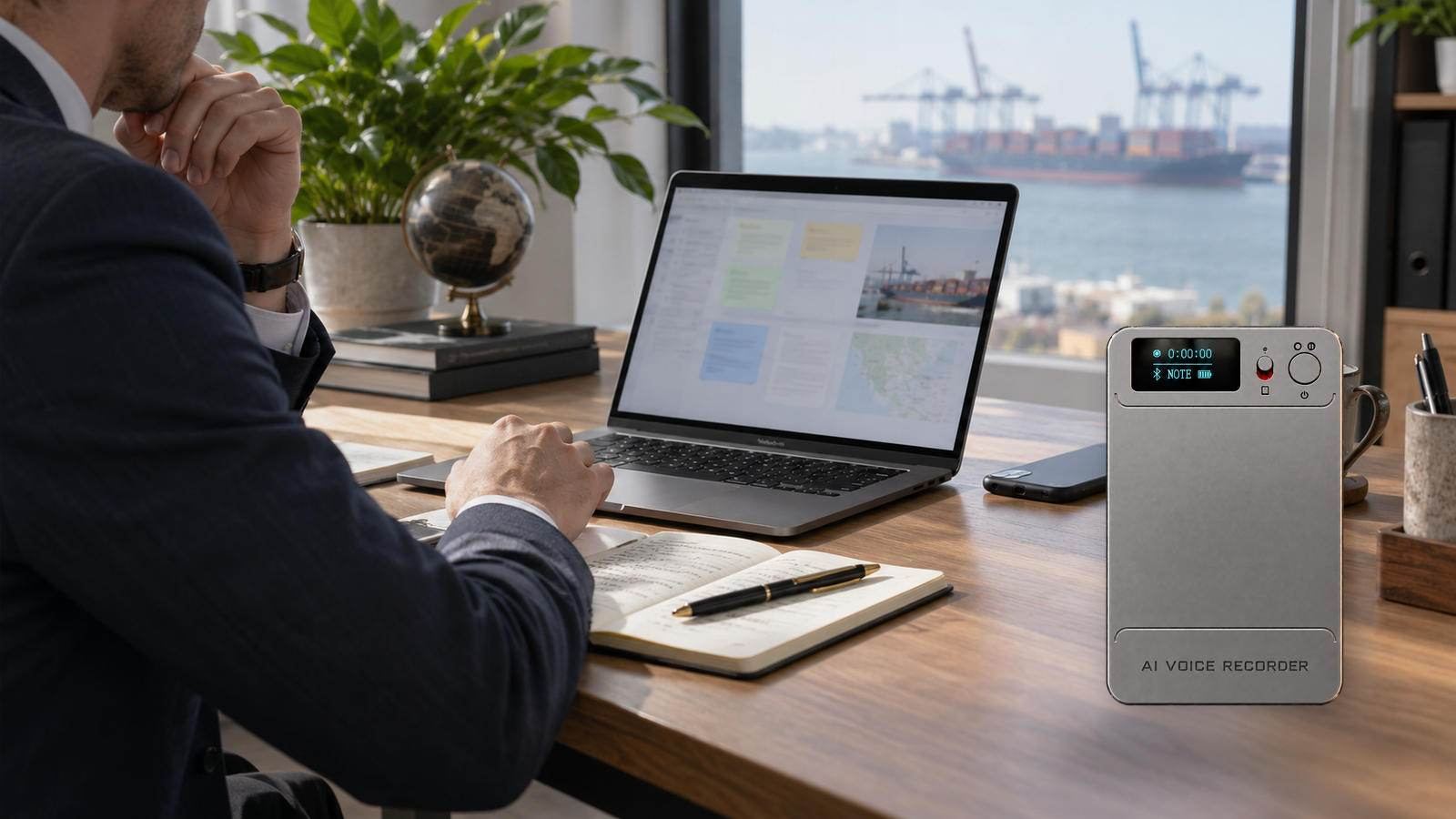
Turn the test into a sales explanation
For a distributor listing, describe NOTE as meeting and interview capture, and CALL as nearby handset capture. Include the need to test placement and make no universal “all calls” or fixed-range promise. Tell customers to keep microphone openings clear, select the mode before recording and replay the original file. Confirm current app entitlement, accessories and commercial terms from the final offer rather than mixing them into audio-performance claims.
See Eleshine's company profile for supplier context. Contact Eleshine with the room, handset and channel scenario you need to test; a sample protocol can then be matched to your market.
FAQ
Which mode should I use for a group meeting?
Choose NOTE, place N1 near the important speakers and check the original MP3 in the actual room.
Does CALL mode connect directly to WhatsApp or WeChat?
No direct digital connection is claimed. CALL captures audio near the handset, so the phone and placement matter.
Can N1 capture a call without speakerphone?
It can in a suitable close-placement setup when the handset sound is loud enough. Test both sides on the intended phone.
Is 4–5 metres a guaranteed clear recording distance?
No. It is an intended NOTE scenario in suitable conditions. Room acoustics, voices, noise and placement determine clarity.
Should AI transcription be used to judge microphone performance?
Replay and assess the MP3 first. Use transcription as a later workflow test and verify critical details against the audio.
Free Cloud Storage vs AI Processing Allowance: What Recorder Buyers Should Check
How to Test an AI Voice Recorder Sample Before a Distributor Launch