What Is QR Code Calling? How Eleshine Scan & Call Works
QR Code Calling is an internet calling method that lets a person scan a QR code, open a mobile browser and start a voice or video call to the recipient linked to that code.
A QR code can give a doorway, pet tag or luggage label a contact function. Someone at the location scans it, opens the browser call page and starts a conversation when the recipient answers. QR Code Calling names the calling method in this guide. Eleshine Scan & Call is Eleshine’s solution for applying it, and Fupom is the receiving app used by the QR owner.
QR Code Calling, Eleshine Scan & Call and Fupom: three distinct roles
QR Code Calling is the core concept: a QR code provides access to an internet call from a browser. Eleshine Scan & Call is the specific solution supplied by Eleshine, using allocated electronic QR codes. Fupom is the receiving app: the QR owner uses it to register, bind the supplied code and answer incoming calls. The FP001 product family offers separate audio-only and audio-and-video options; confirm the version supplied for the project.
The caller scans a QR code and uses a mobile browser, without installing Fupom or creating a Fupom account. The owner receives calls in Fupom. “No app needed for the caller” therefore describes the caller’s experience. Explore the Eleshine Scan & Call solution for the product-level overview.
| Name | Role |
|---|---|
| QR Code Calling | Core concept: browser-based internet calling initiated through a QR code |
| Eleshine Scan & Call | The specific QR Code Calling solution supplied by Eleshine |
| Fupom | Receiving app: the QR owner registers, binds the supplied code and answers here |
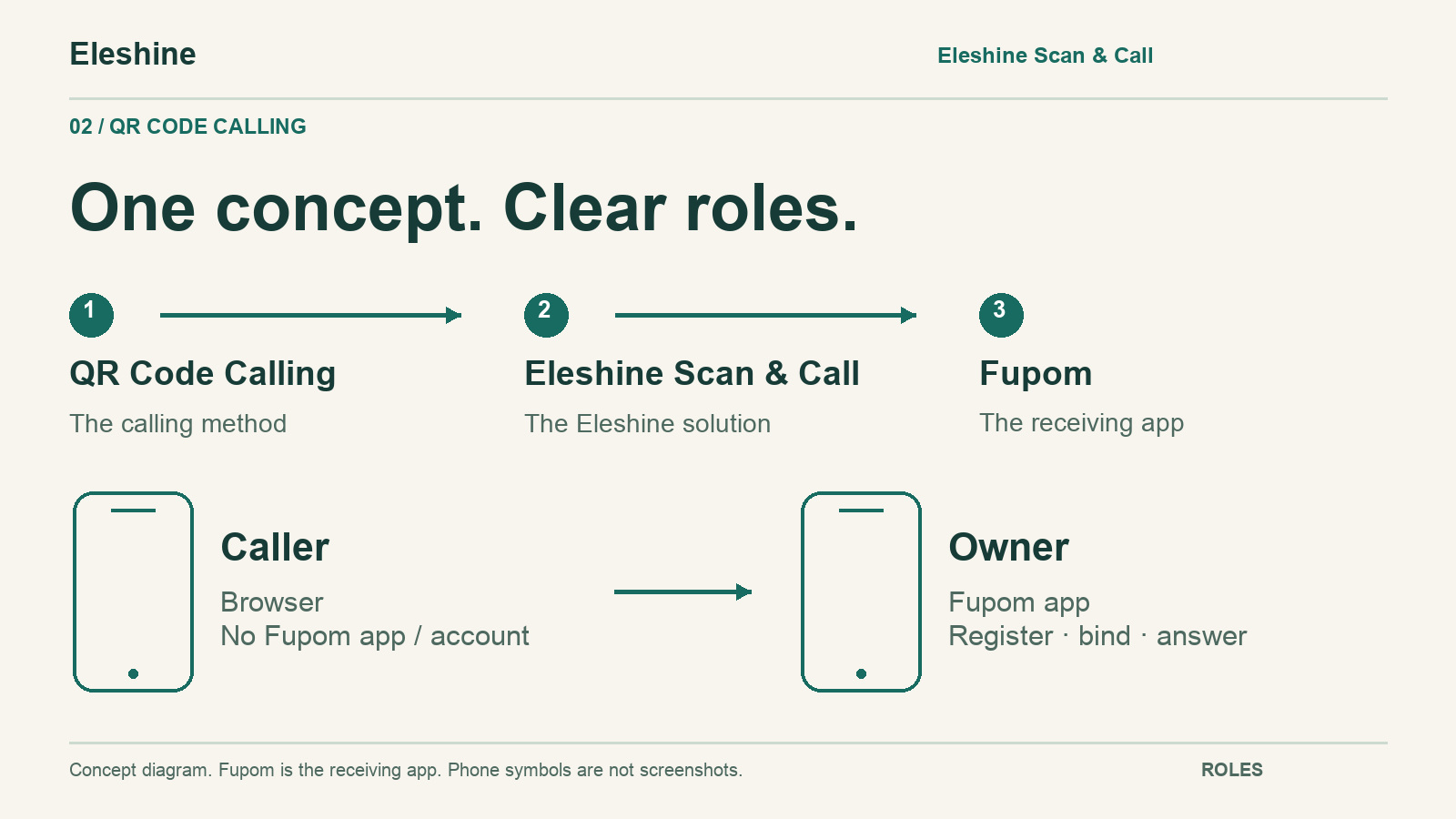
How QR Code Calling works with Eleshine Scan & Call
- The owner obtains the selected Eleshine Scan & Call code, installs the Fupom receiving app, registers and binds the supplied code.
- The code is placed on a suitable sign, tag or other carrier, with a clear invitation to scan and call.
- A visitor or finder scans with a phone camera, opens the browser link and follows the permission prompts.
- The caller starts the call. The owner receives the contact attempt through Fupom and can answer when available.
If the owner does not answer, or the caller hangs up, a message form appears in the caller’s browser. The caller types a written message and taps Submit. The owner can review submitted messages in Fupom under Messages, the relevant date, then Missed Call & Message.
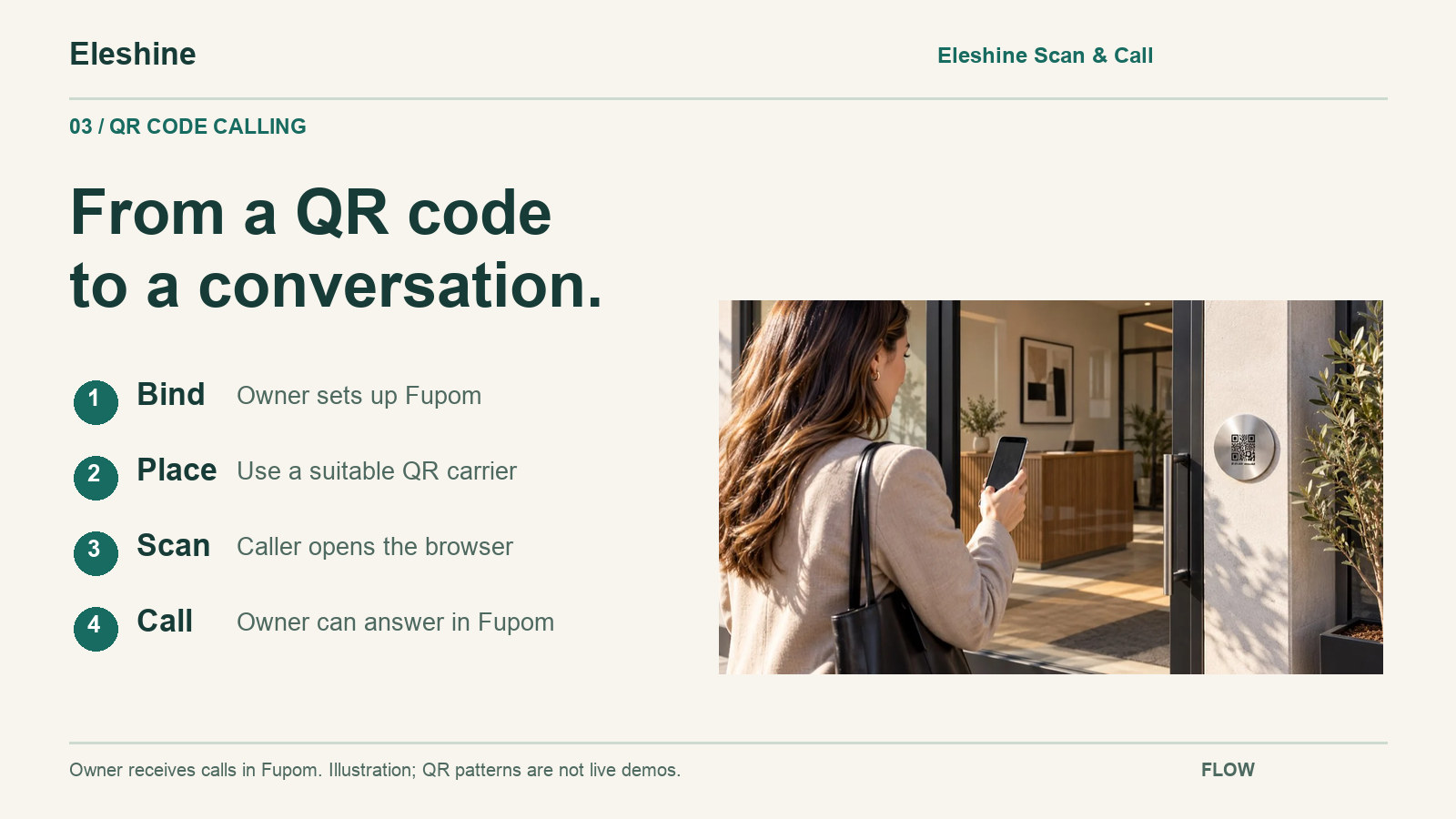
A contact point without powered call equipment
At a QR contact point, the person’s phone supplies the browser, microphone and, for the relevant version, camera. The QR location does not need a physical doorbell unit, wiring, power or WiFi equipment. Both phones still need internet access through mobile data or WiFi.
Eleshine Scan & Call uses WebRTC-based calling and offers audio-only and audio-and-video options. Confirm the version for the project. Video direction, phone compatibility and actual performance should be checked in a demonstration. A scan starts a contact attempt; a completed conversation depends on connectivity, service availability and the recipient answering.
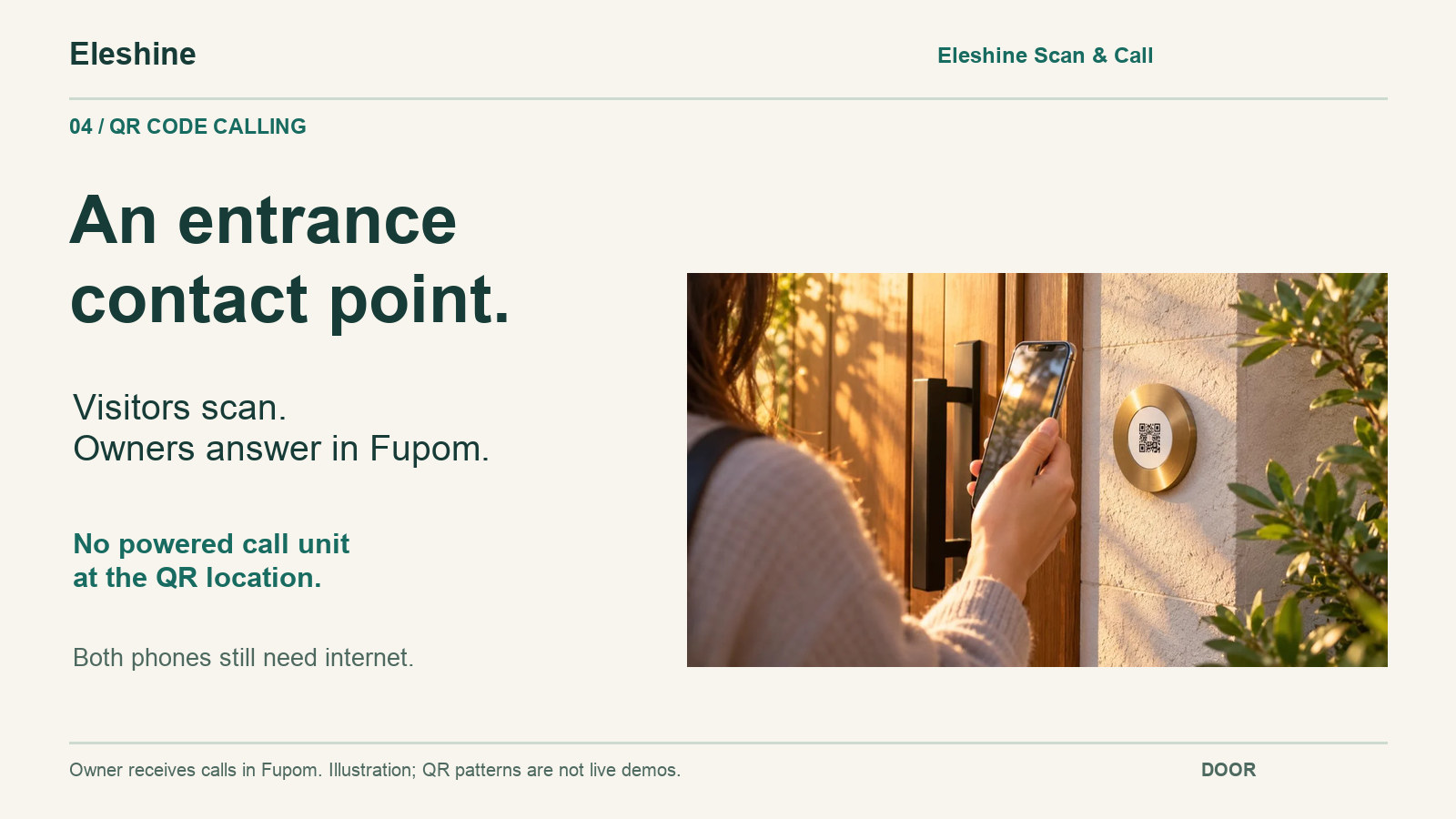
QR Code Calling applications: entrances, pet contact and more
A virtual doorbell is one application of QR Code Calling. At an entrance, it gives visitors a way to contact the resident or responsible person. The QR doorbell comparison guide explains how this differs from choosing a camera doorbell.
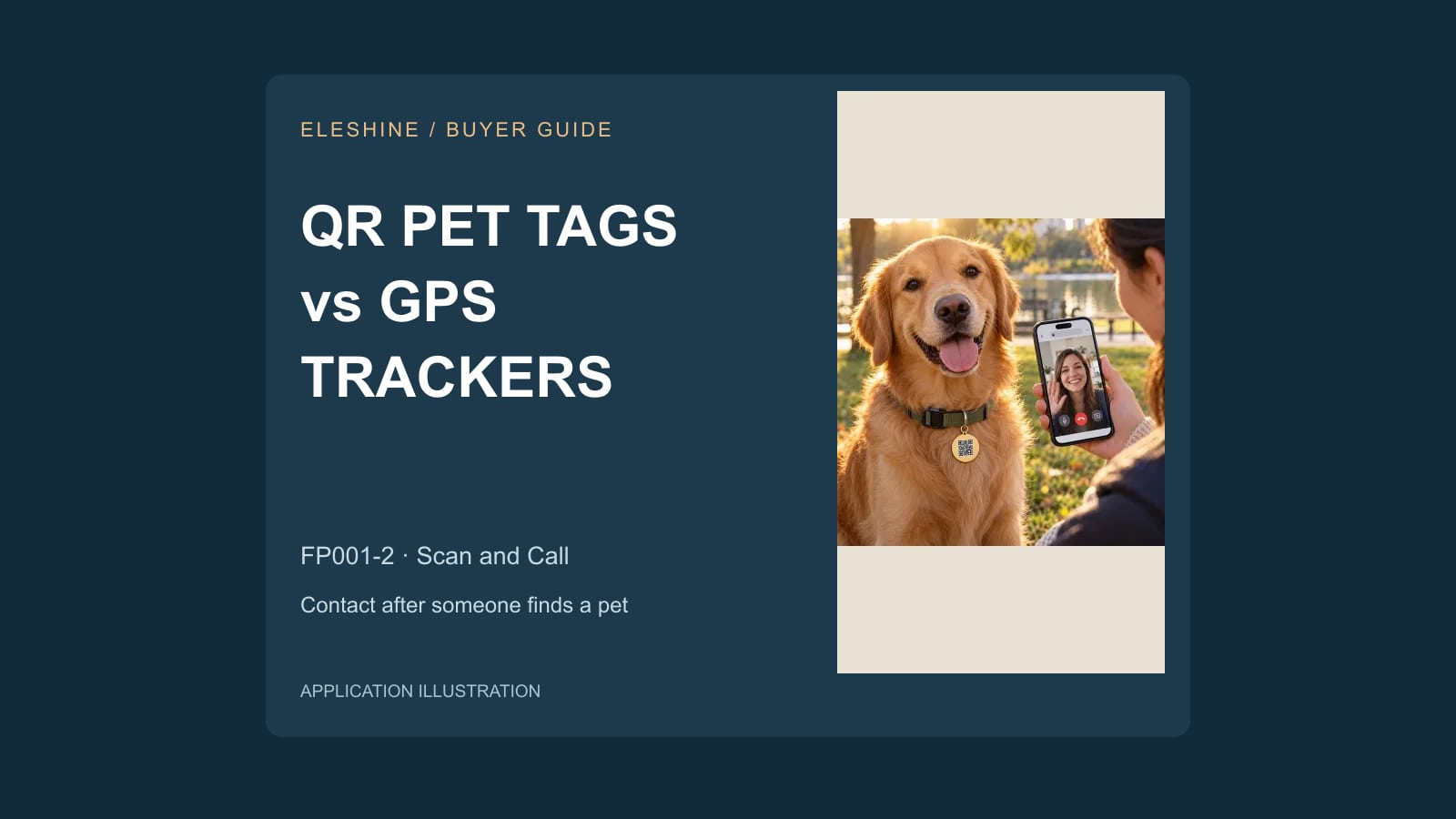
On a pet tag, a finder could scan to contact the owner. On luggage or a parking card, the same contact idea could help someone reach the relevant owner. These are application routes to evaluate, with carriers and placement tested separately. The QR pet tag buyer guide distinguishes owner contact from location tracking.
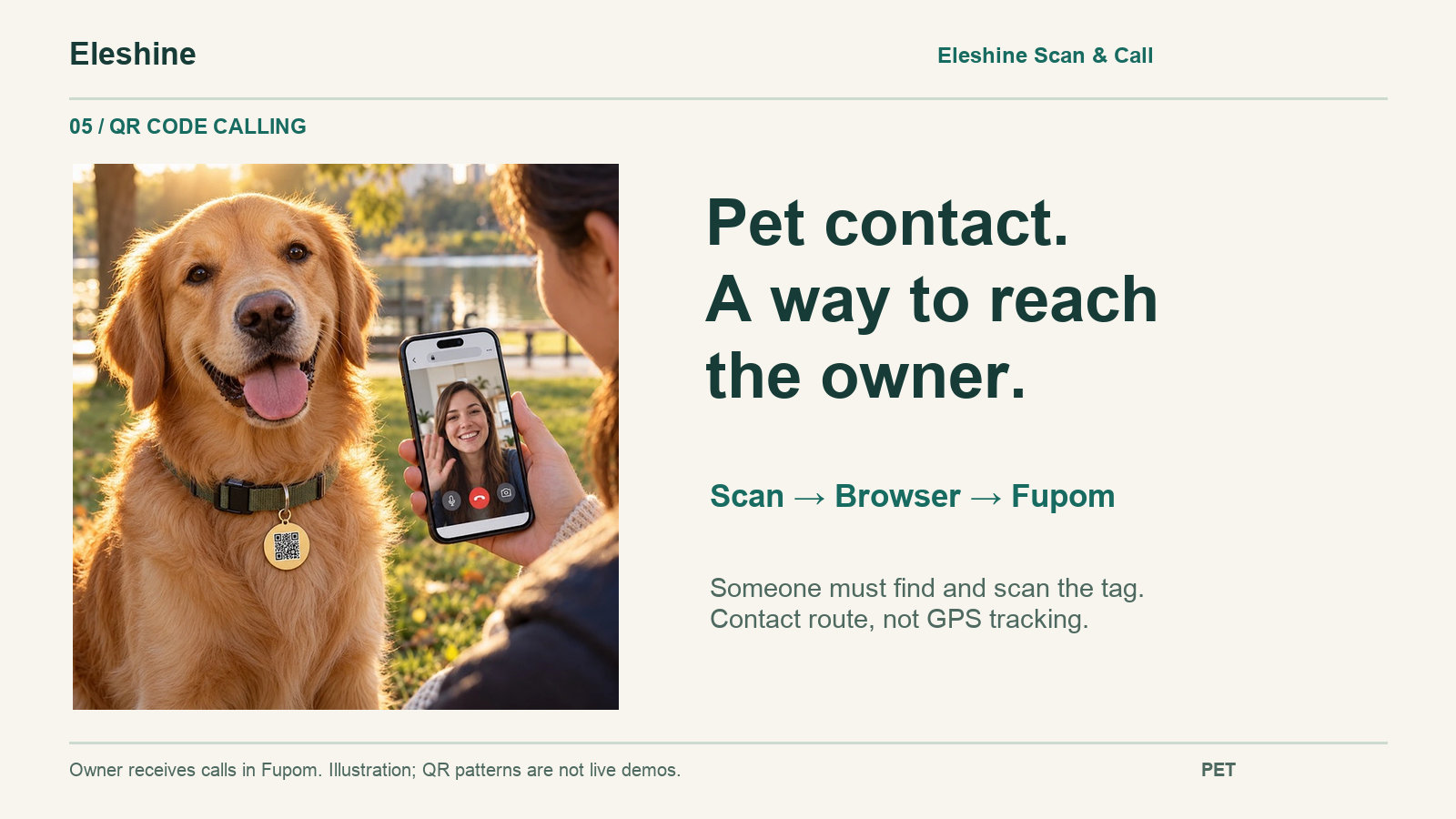
How browser calling differs from other QR contact methods
The destination behind a QR code determines what it does. Similar-looking codes may lead to very different user experiences. A profile page may also include call links; evaluate the actual calling path.
| Method | What opens after scanning |
|---|---|
| QR phone dialing | The phone dialer with a telephone number |
| QR information tag | A profile or contact-information page |
| QR social contact | A social profile or app-specific contact route |
| Browser-based QR calling | A web page for starting an internet call |
What distributors and channel buyers should check
Start with a two-phone trial on the networks your customers would use. Check registration, binding, a first-time browser caller, repeated calls, audio or video, and the message workflow. Test incoming notifications separately with Fupom open, in the background and on a locked phone. The current version uses push notifications rather than a confirmed dedicated ringtone.
For printed carriers, evaluate QR size, contrast, readability and attachment in the intended setting. Confirm the code version, service period, renewal terms, supply scope and any branding request before offering it to customers. Review the Eleshine product range for related options; available customization must be assessed for the specific project. Review the customer-facing service and privacy information for the intended market.
Frequently asked questions
What does QR Code Calling mean?
It means scanning a QR code to open a browser page and start an internet voice or video call to the recipient linked to that code.
Is QR Code Calling the same as Eleshine Scan & Call?
QR Code Calling describes the calling method. Eleshine Scan & Call is Eleshine’s specific solution using that method. Fupom is the receiving app used by the QR owner within the solution.
What is Fupom’s role in Eleshine Scan & Call?
Fupom is the receiving app in the Eleshine Scan & Call solution. The QR owner uses it to register, bind the supplied code and answer. The scanning caller uses a mobile browser without installing Fupom or creating a Fupom account.
Do both phones need internet?
Yes. Both phones need mobile data or WiFi. The QR location itself needs no powered or networked call equipment.
Does a QR contact tag provide GPS tracking?
The Eleshine Scan & Call contact workflow requires someone to find and scan the code. It does not provide GPS tracking or guarantee recovery.
Can the same code switch between audio and video?
Audio-only and audio-and-video are separate options. Confirm the supplied code version rather than assuming it can switch between them.
Evaluate Eleshine Scan & Call for your QR Code Calling project
Share your target market, application, preferred call version and expected quantity. About Eleshine provides company context; contact Eleshine to discuss a suitable demonstration and confirm the current product and service terms.
QR Pet Tags vs GPS Trackers: A Buyer’s Guide for Pet Product Brands