QR Code Doorbell vs Video Doorbell: A Distributor’s Buyer Guide
Need visitor contact at an entrance where installing powered equipment is inconvenient? A QR code doorbell offers a different starting point: visitors scan and call using their phones.
Explore FP001-1 QR Virtual Doorbell to evaluate this entrance-contact workflow.
The short answer
- Best fit: an entrance contact point where visitors can use a connected smartphone.
- Visitor: browser calling, with no Fupom app or account. Owner: Fupom registration, binding and answering.
- No powered call unit at the QR location. Both phones still need internet.
- Choose camera hardware when the project requires camera-based observation or detection.
Start with the entrance problem, not the device category
A courier arrives while a resident is away. A service technician reaches a small office with nobody at reception. A sign explains where they are, but it cannot start a conversation. For a security distributor or signage supplier, the first procurement question is whether the customer needs visitor contact, entrance observation, access control, or a combination.
FP001-1 addresses visitor-initiated contact. A visible QR code gives a person at the door a route to attempt a live call. The owner can answer through Fupom when connected and available. It does not observe an empty entrance, detect movement, identify visitors or release a lock. That clear role helps a reseller add an appropriate option without promising a complete security system.
QR calling and video doorbells solve different jobs
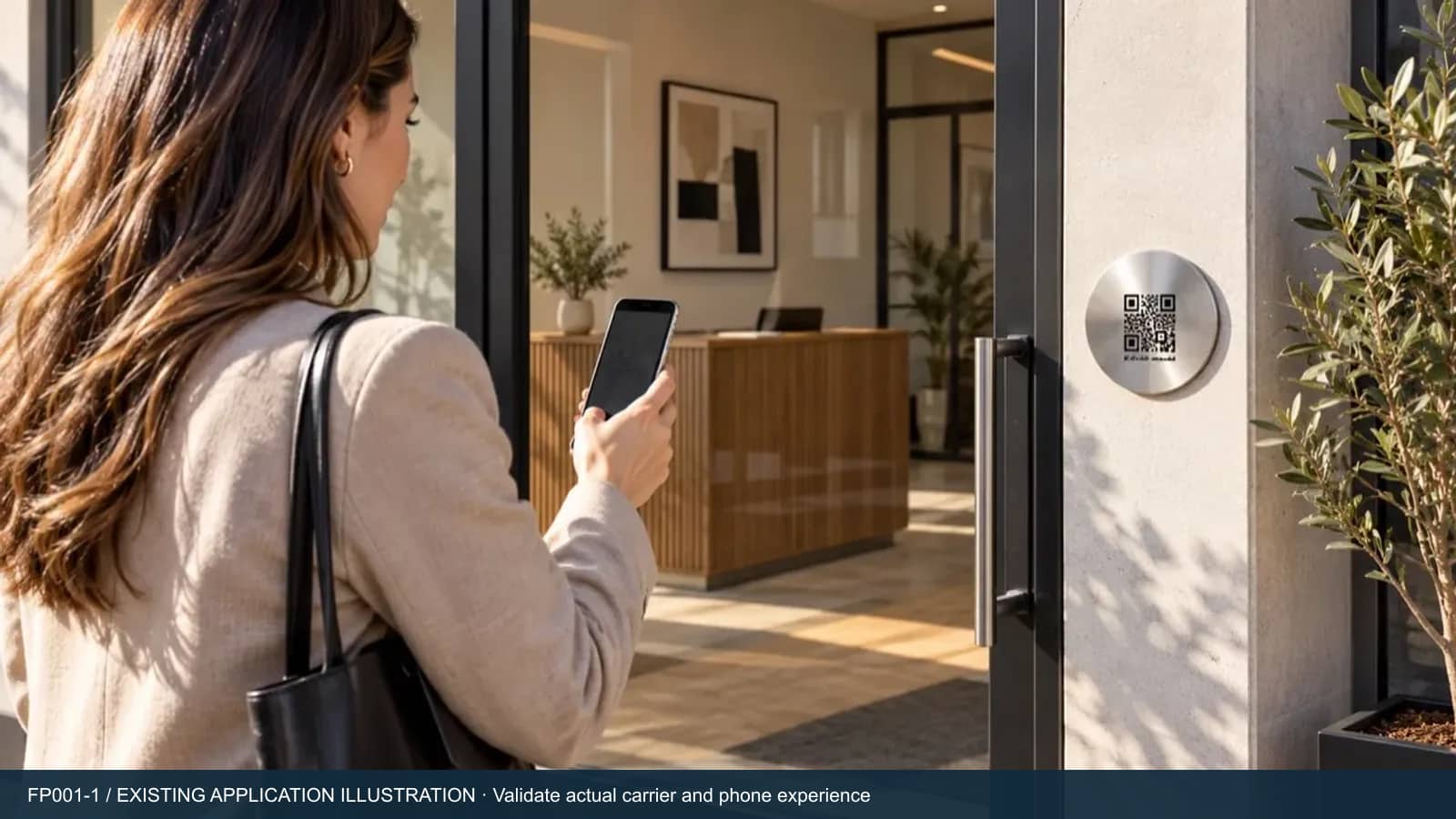
A QR contact point uses the visitor’s phone rather than a camera or call button mounted at the entrance. It needs someone to notice the sign, scan it, open the link and initiate the call. There is no call hardware to power or connect to Wi-Fi at that location; mobile data or Wi-Fi on both phones provides connectivity.
Camera doorbells have model-specific requirements and features. For example, Ring documents battery and hardwired power options, Wi-Fi connectivity, Live View and motion detection for its Video Doorbell (2nd Generation). This is an example, not a specification for every video doorbell. A project needing those functions should evaluate suitable hardware. QR calling can be considered separately for an additional contact point; no integration with a camera or lock is implied. The provider documentation linked below supports only this specific comparison example.
Demonstrate the two roles in one short trial
The owner installs Fupom, registers and binds an allocated purchased QR code. A visitor uses a second phone’s camera to scan, opens the linked browser page and starts a call. The visitor does not need a Fupom installation or account. Explain these roles on packaging and in the sales demonstration rather than calling the whole system “app-free.”
The owner currently receives a push notification. A dedicated incoming ringtone is not a confirmed feature, so do not promise that every visitor will produce an audible alert. Test notification delivery and answering with the intended phones, permissions, network and operating conditions. The Instant QR Call platform overview explains the underlying QR-to-call proposition across applications.
Choose the call version and the sign separately
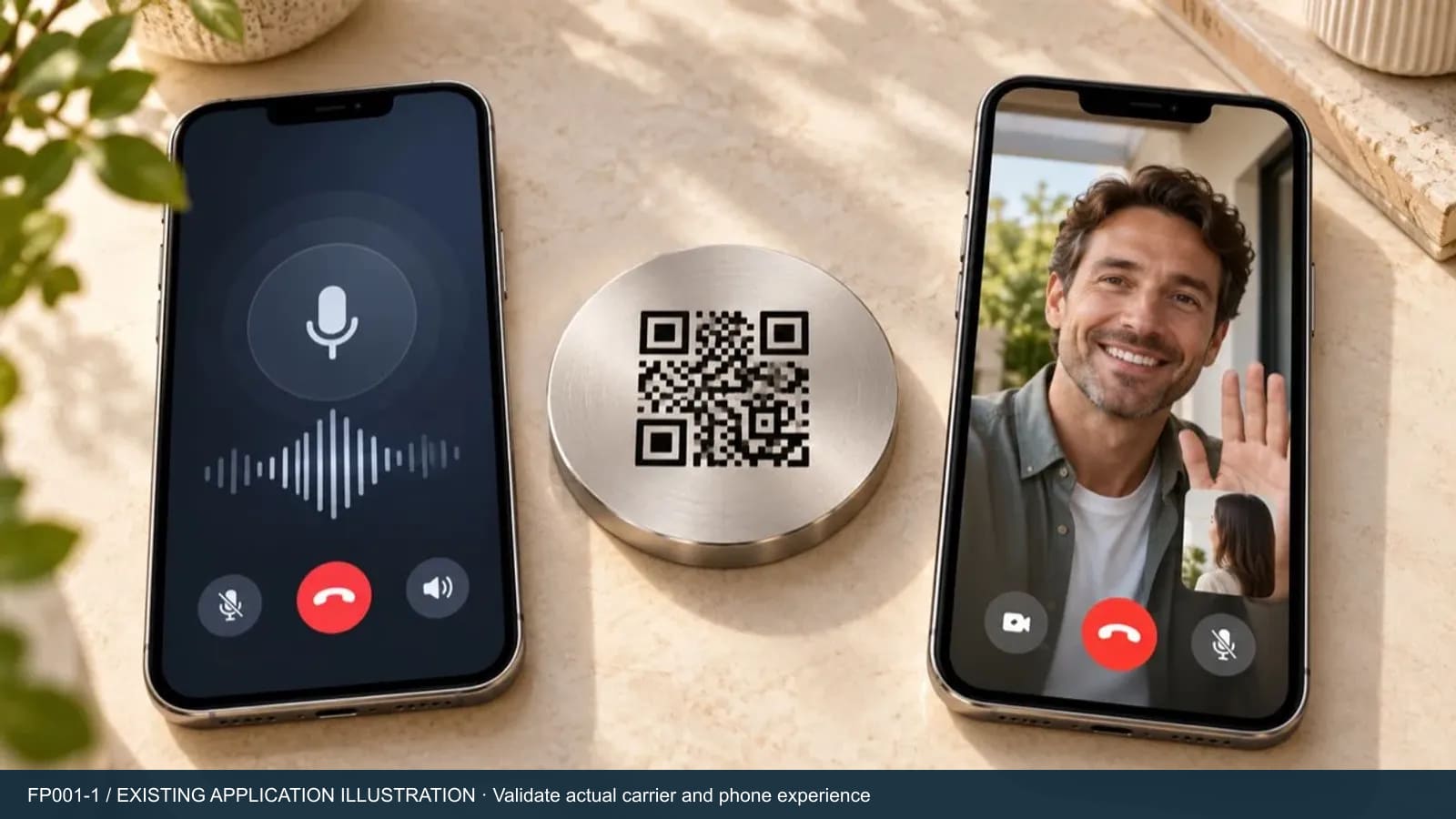
Audio-only and audio-plus-video are distinct code options. Select the version for the actual conversation: a voice exchange may cover delivery instructions, while a phone-camera video conversation may be relevant to other contact needs. Any video comes from participating phones, not from a camera concealed inside a plaque. Confirm the selected version’s current experience during the trial.
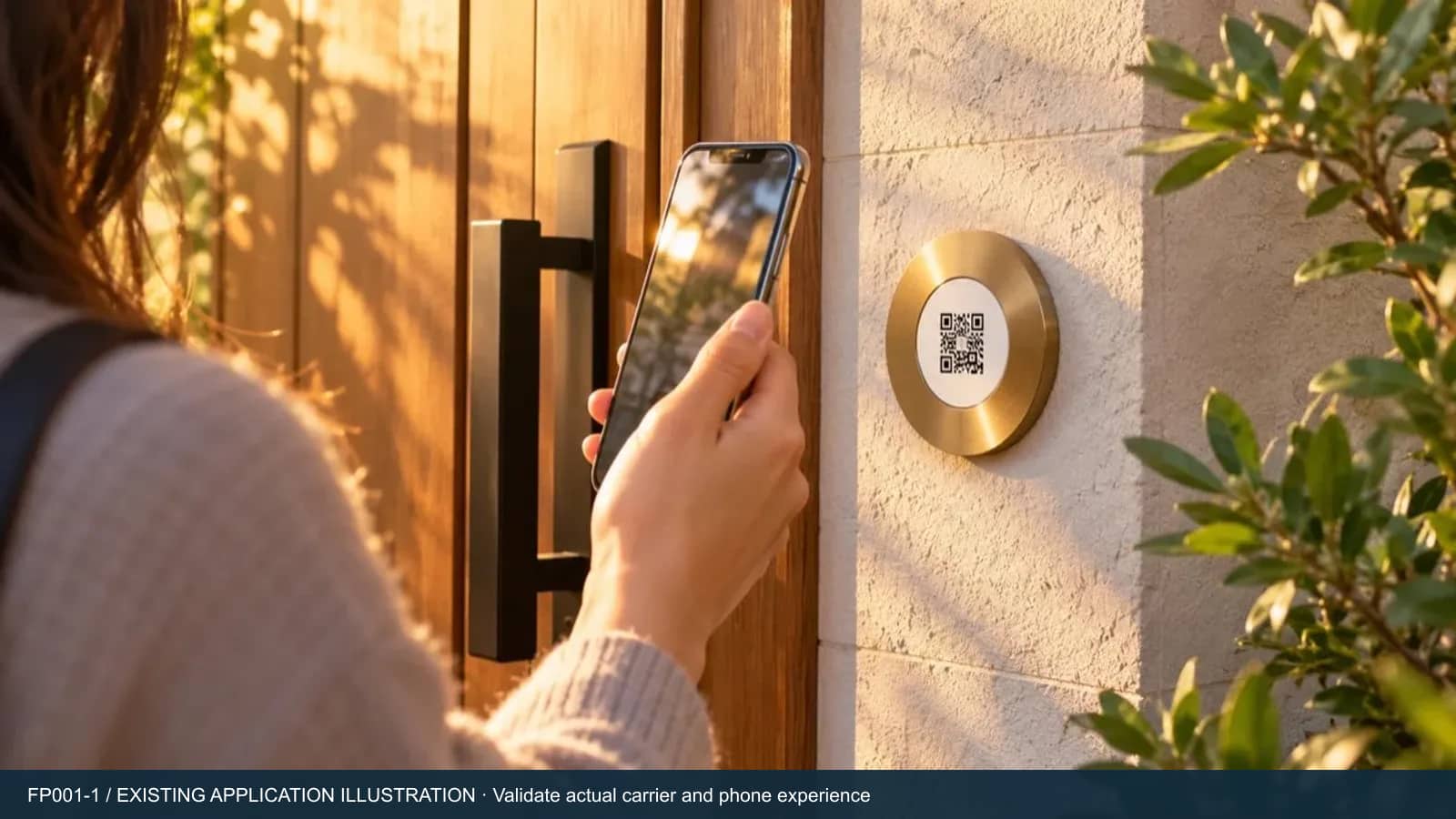
Eleshine supplies allocated electronic QR codes; a reseller can choose a physical carrier. The plaques shown here are existing application illustrations, not evidence of a stocked metal sign or an approved outdoor rating. Specify the carrier’s size, print contrast, mounting, cleaning and exposure requirements separately. Do not approve production artwork from the illustrative QR patterns in these pictures.
Build a pilot that exposes support needs early
Use the intended sign position and a working code. Invite a person unfamiliar with Fupom to follow the printed instructions without coaching. Check whether they see the sign, understand the action and can scan it at the intended height in realistic light. Then test calling and ending calls from each side, followed by several repeated calls. Record phone, browser, app version, region and network so failures can be investigated.
Define who answers and what happens if the owner is unavailable. Include a suitable alternative contact instruction for the site; do not assume automatic answering, guaranteed missed-call messages or emergency response. A QR contact sign should not be the sole safety-critical communication route. Check local installation, privacy and accessibility requirements with the customer before a rollout.
Scope the channel offer before comparing total cost
Compare the electronic code, physical carrier, artwork, first setup, service term, renewal and support as separate line items. Absence of powered hardware at the sign is a deployment difference, not proof that total ownership cost is lower. Confirm current service and commercial terms for the project; do not advertise permanent free calling or a price copied from an old quotation.
For private-label or installer programs, confirm carrier supply and branding scope, code allocation, handover instructions and who handles support. An electronic-code offer does not by itself include a custom app or dealer dashboard. Review the Instant QR Call application range alongside Eleshine’s product portfolio to decide where this fits in your assortment. Discuss the proposed channel and supply scope with Eleshine before making a customer commitment.
A practical entrance-project decision checklist
| Buyer requirement | QR calling consideration | Hardware doorbell consideration |
|---|---|---|
| Speak to a visitor who initiates contact | Evaluate the phone scan-to-call flow. | Check the selected model’s calling workflow. |
| Observe or detect activity without a scan | Not a QR contact function. | Evaluate camera and detection features by model. |
| Power and network at the entrance | No powered call unit at the code; both phones need internet. | Check that model’s power and network requirements. |
| Physical deployment | Validate sign, print and mounting separately. | Validate device mounting and site suitability. |
Frequently asked questions
Does a QR code doorbell work without Wi-Fi at the entrance?
The QR location needs no Wi-Fi equipment or power. The visitor and owner phones still need internet through mobile data or Wi-Fi.
Does the visitor have to install an app?
No. The visitor scans and calls in a phone browser. The owner installs Fupom, registers and binds the allocated code.
Does FP001-1 include a camera or unlock the door?
No. It is a visitor-to-owner contact application. It does not provide camera surveillance, motion detection or door unlocking.
Can a distributor order the plaque shown in the images?
The pictured plaque is an application illustration. Confirm the currently available carrier, material, printing and supply scope for the project.
What should be verified before a distributor launch?
Test scanning, permissions, push notification, answering, hang-up and repeated calls with actual phones and networks. Confirm carrier specifications and current service terms before making customer promises.
Evaluate one entrance before planning a range
Send your target country, entrance type, preferred call version and estimated pilot quantity. Request an FP001-1 demo and project quotation so the discussion starts with your actual installation conditions.
Comparison reference: Ring Video Doorbell (2nd Generation). Requirements vary by provider and model. Reviewed 31 October 2026.
QR Pet Tags vs GPS Trackers: A Buyer’s Guide for Pet Product Brands
N1 AI Voice Recorder Noise Reduction Settings: A Practical Guide for Meetings and Calls