
 A nearby driver scans a QR parking card to call the car owner in a browser. Only the owner uses Fupom; the scanner needs no app. Audio-only or audio + video. Card shown as an application illustration.FP001-6
 A person who finds luggage scans its QR tag to call the traveler in a browser. Only the owner uses Fupom; the finder needs no app. Audio-only or audio + video. Carrier shown as an application illustration.FP001-5
 A helper scans a child's backpack QR tag to call a parent in a browser. Only the family owner uses Fupom; the helper needs no app. Audio-only or audio + video. Tag shown as an application illustration.FP001-4
 A nearby helper scans a senior's QR contact point to call family in a browser. The family owner binds and answers in Fupom; the helper needs no app. Audio-only or audio + video. Carrier shown as an application illustration.FP001-3


QR Pet Contact Tag Solution
A pet can carry a way for a finder to reach its owner without displaying a phone number on a collar. FP001-2 applies Eleshine Scan & Call to a pet tag: a finder scans a bound QR code and calls the owner from a phone browser. Only the QR owner installs Fupom to register, bind and answer; the finder needs no app or account. There is an audio-only version and an audio + video version. Choose the appropriate version before preparing the tag.
This is a finder-to-owner contact application, not GPS, a location beacon or a promise that a lost animal will be found. All tag shapes and QR patterns pictured here are application illustrations rather than confirmed production carriers or live demo codes.
The painful gap between finding a pet and reaching its owner
A person may find a dog near a park, apartment building or shop yet have no easy way to identify whom to call. A printed phone number may be hard to read after use, may expose personal contact details and may become obsolete. A static online form asks the finder to write a message and wait. In that moment, both finder and owner benefit from a clearer first action: scan the visible tag and start a live contact attempt.
FP001-2 does not detect where the pet is. Someone must first notice the animal, approach safely and scan the tag. The owner must be online and available to answer. That distinction is essential for a trustworthy retail listing and reduces disappointed buyers who expect tracking.
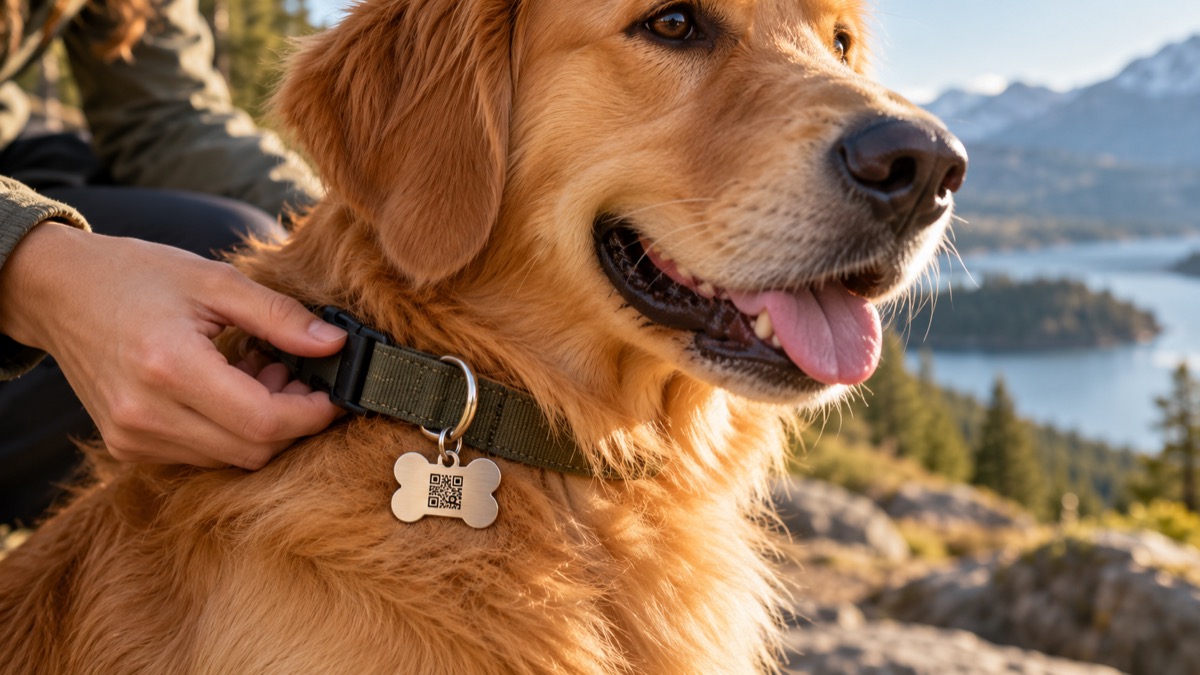
Application illustration. Confirm real tag size, edge comfort, attachment strength and QR readability with the chosen carrier before production.
The finder uses a browser; the owner uses Fupom
Before use, the owner selects the call version, installs Fupom, registers and binds the purchased QR code. A validated carrier is attached to the pet's collar where a finder can see it. The finder scans using a phone camera, opens the linked page in a browser and taps to call. The owner receives and answers through Fupom, then gives the finder appropriate next steps. A scan creates a route to contact; it cannot force an answer.
This flow is easy to demonstrate with two phones: one set up as owner, the other acting as a first-time finder with no Fupom installation. It shows the practical difference between a browser call and an ordinary identification label without promising recovery.
Choose voice or phone-camera video
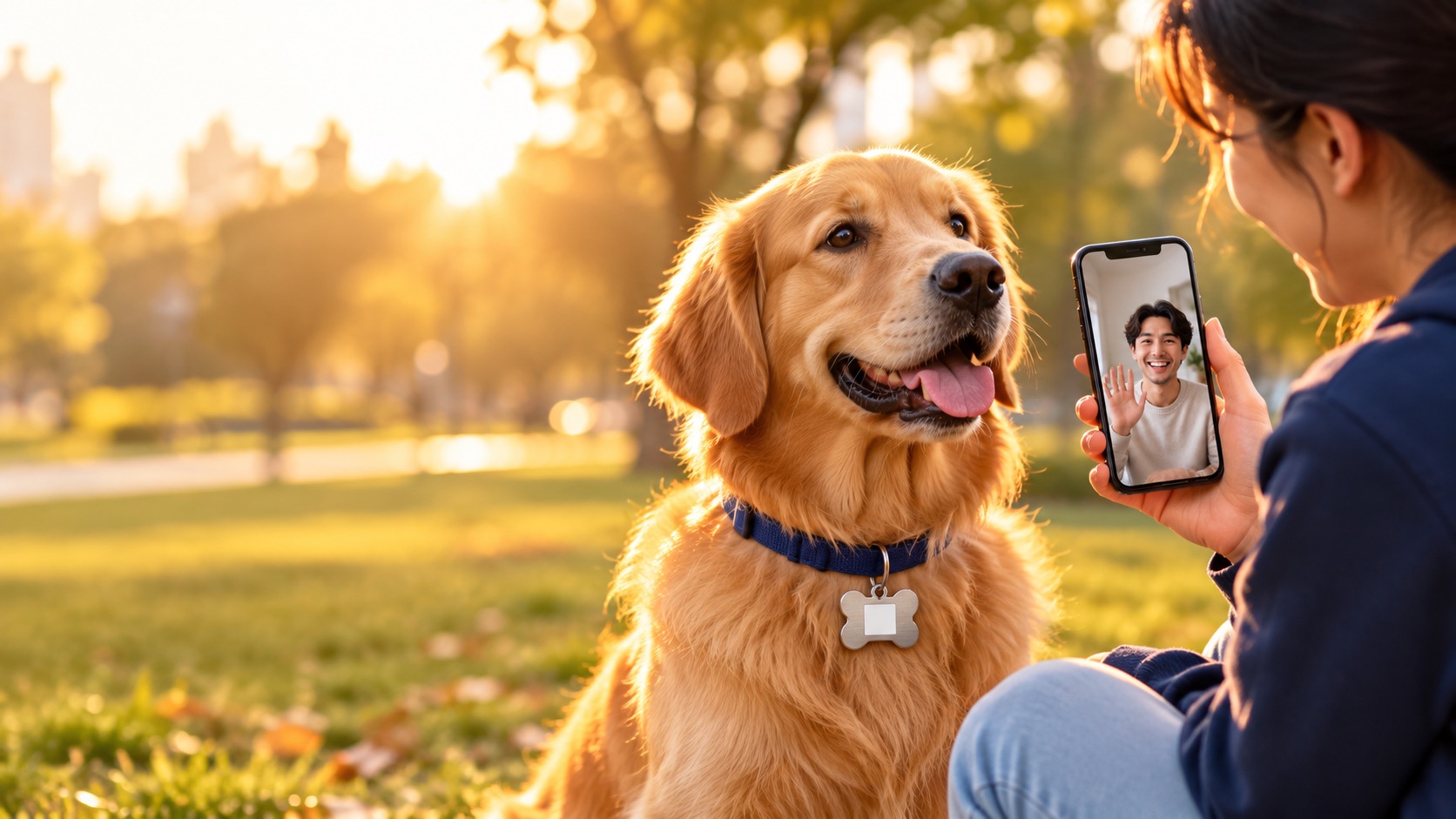
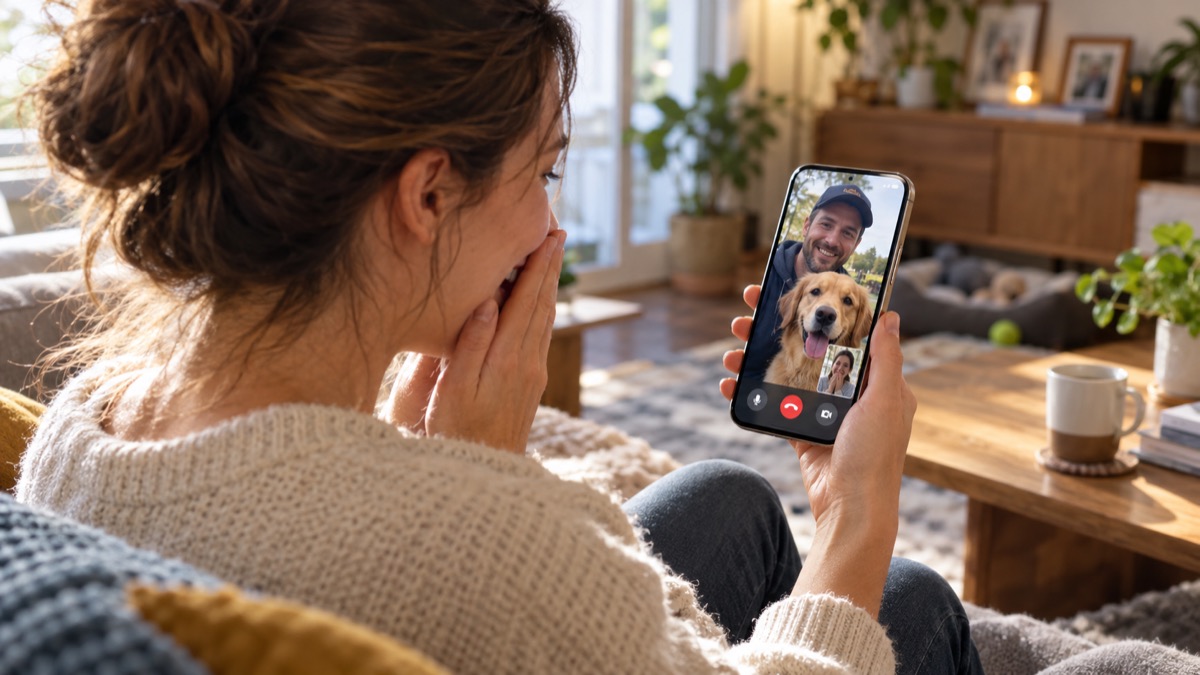
Theaudio-only version supports voice conversation. It may be enough for a finder to say where the pet was seen and agree on a safe next step. The audio + video version supports a phone-camera video call when participants allow video and have suitable connectivity. The tag itself is not a camera. These are distinct code versions, not two modes guaranteed on every tag.
In the illustrative call scene, the remote owner can speak with the finder and understand the situation. The pictured interface is conceptual; verify the current Fupom and browser screens on real phones in the destination market.
What a B2B buyer should validate
For pet-accessory distributors and private-label programs, validate the contact flow and the physical carrier separately. Test collar compatibility, dangling versus fixed attachment, edge comfort, QR contrast, legibility at realistic size, cleaning and wear expectations. Use an actual bound code when judging scans. Ask Eleshine which shapes, materials, printing methods and quantities are currently validated; the pictured bone-shaped metal tag must not be treated as a stocked SKU by itself.
The selling proposition is precise: one visible scan point can help a person who has found a pet attempt a live owner call without installing Fupom. It complements identification and responsible pet care; it does not replace them. Confirm current service conditions and commercial terms before making channel promises.
Frequently asked questions
Does the finder need to download an app?
No. The finder scans the bound QR code and uses a phone browser. Only the QR owner uses Fupom to register, bind and answer.
Does FP001-2 track the pet?
No. It supports contact after someone sees and scans the tag. It does not locate an animal independently.
Is video available on every tag?
No. Select the audio + video version for video calling, subject to phone permissions and connectivity. The audio-only version supports voice.
Is the pictured metal bone tag already available?
The picture is illustrative. Confirm the currently validated carrier, material, attachment and artwork for your project with Eleshine.
What should a retailer test first?
Bind a real code on an owner phone and scan it from a second phone without Fupom. Then test tag fit, visibility and scan success on the intended collar.
Request a working channel evaluation
Ask Eleshine for an FP001-2 two-phone trial and currently validated pet-tag carrier choices. Review the FP001-0 Scan & Call platform, browse the Instant QR Call category, or contact us with your target channel and preferred call version.
Send Message
Comprehensive score