QR Pet Tags vs GPS Trackers: A Buyer’s Guide for Pet Product Brands
A pet tracker helps address location. A QR contact tag addresses another moment: someone has found the animal and needs to reach its owner. Pet brands should evaluate these jobs separately.
See FP001-2 QR Pet Contact Tag for the finder-to-owner calling workflow.
The short answer
- A finder must see the animal and scan its tag; QR calling does not locate a pet.
- The finder calls through a browser without installing Fupom. The owner uses Fupom.
- Both phones need internet; the tag itself is not a powered GPS tracker.
- Validate the physical carrier and the electronic service separately before a retail launch.
The commercial opportunity starts after someone finds the pet
A person sees a dog outside a shop or near a park. Reaching the owner is the next task, and the finder may have no wish to install an unfamiliar app. A readable contact point gives them a first action. For collar suppliers, pet-accessory brands and distributors, the value question is whether that action is clear enough to explain on a small tag and its packaging.
FP001-2 applies Scan and Call to this contact moment. The finder scans a bound QR code, opens its linked browser page and attempts a live owner call. This can be explored as an additional contact route alongside appropriate identification and responsible pet care. It cannot discover a missing animal, guarantee a response or promise a successful reunion.
Compare contact with tracking before comparing prices
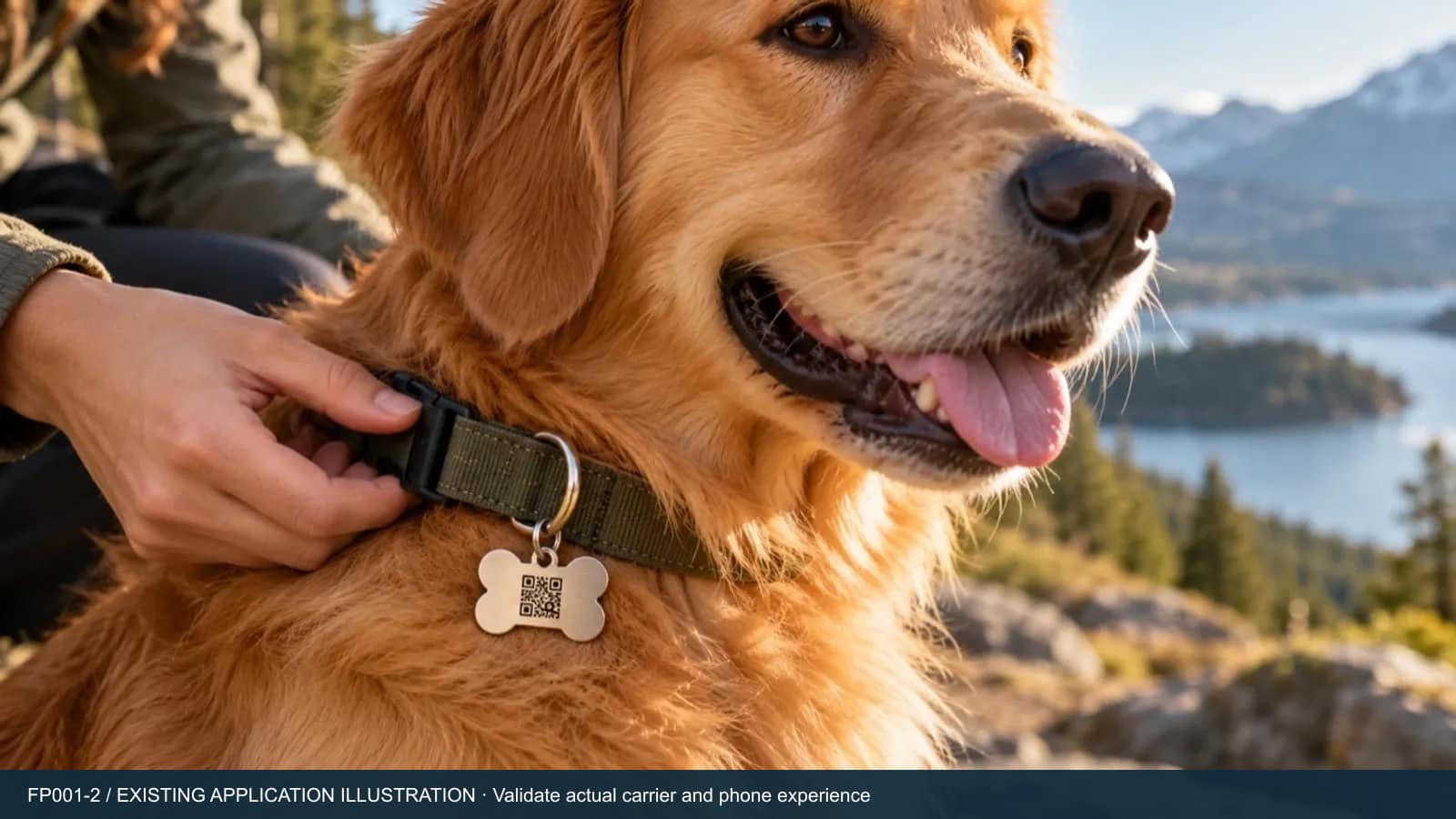
A QR contact tag depends on a person finding the animal and scanning. It does not calculate location or continuously send a position. Its electronic calling service still depends on connected phones and an available owner. The physical tag does not need a GPS battery, but that does not make the whole service independent of power, connectivity or ongoing service conditions.
A GPS tracker addresses a different task. For example, Tractive explains that its tracker calculates a position and sends data to an app using cellular networks; its built-in SIM is activated by a subscription. These are that provider’s conditions, not universal claims about every tracker. Compare each shortlisted tracker’s coverage, battery care and service terms. Position QR calling as a contact option or possible complementary item, not a cheaper equivalent to live tracking. The provider documentation linked below supports only this specific comparison example.
Make the owner and finder steps visible
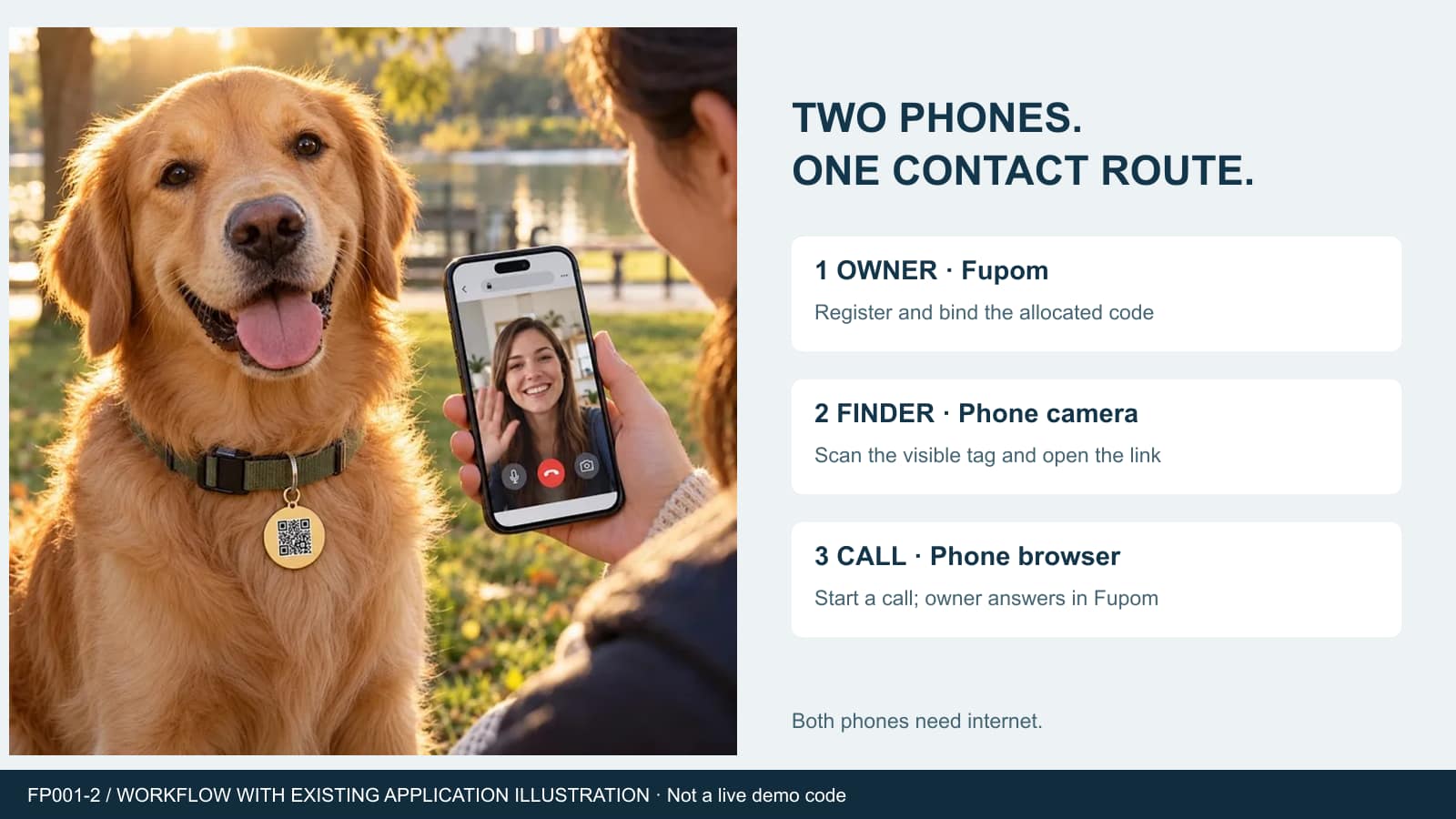
The owner installs Fupom, registers and binds the allocated purchased QR code before using the tag. The finder uses a phone camera to scan, opens the browser link and starts the call without a Fupom account or installation. Both phones need internet through Wi-Fi or mobile data. The owner must see the push notification and be available to answer.
A short demonstration with two phones makes this distinction tangible: one is the prepared owner phone; the other belongs to a first-time finder. Test that the finder understands the call page and any requested permissions. A dedicated incoming ringtone is not a confirmed feature. Do not market “always reachable” or silent background answering. The Scan and Call platform overview provides the shared electronic-service context.
Select the call service without inventing tag specifications
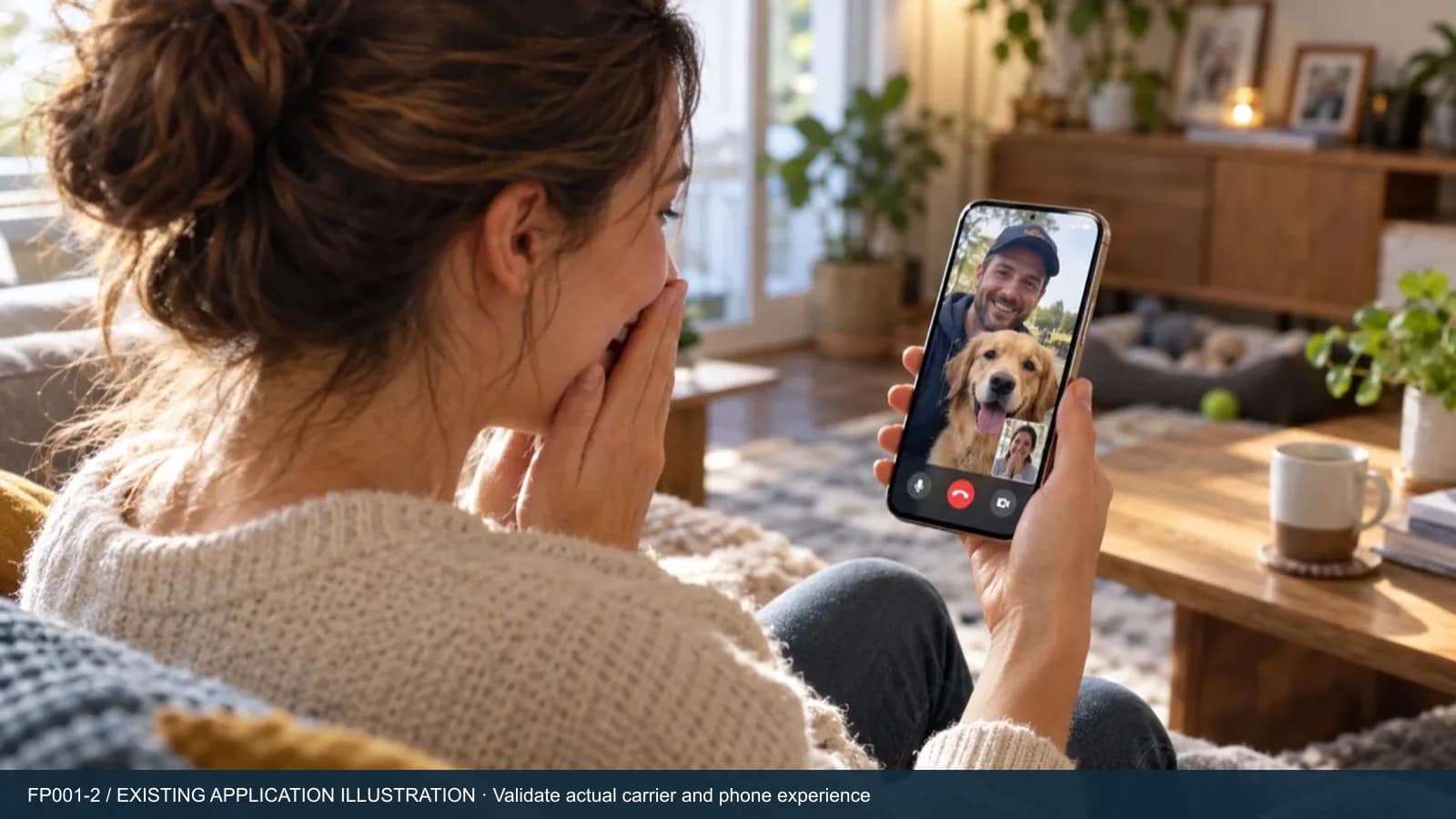
Audio-only and audio-plus-video are different code options, so select the version your channel needs. Voice may let a finder explain the situation and agree on a next step. Video calling uses participating phones when supported by the selected version and permitted by users; the tag does not contain a camera. Verify the actual current experience before explaining it to retailers.
Eleshine provides allocated electronic codes; the physical carrier is a separate specification. The collar tags in these existing illustrations are concepts, not confirmed production SKUs. Ask about available carriers and validate size, weight, attachment, edges and readability on the intended collar. No pictured finish proves waterproofing, scratch resistance, chew resistance or suitability for every animal.
Test the complete retail experience, not just one scan
Start with a working bound code at the proposed print size. Try the tag on a representative collar and check whether it is visible without unsafe handling. A finder should approach an unfamiliar animal only when safe; the tag is not an instruction to restrain it. Check scanning under realistic movement, light and print angles, then test call start, permissions, push notification, answer and hang-up.
Repeat calls with the intended phones and target networks. Record app and browser versions, region, material and print method. Include owner onboarding and a clear explanation that a scan cannot force a reply. Decide how packaging will explain service terms and a suitable alternative contact route. These are proposed acceptance checks, not claims that the illustrated carrier has already passed durability or field trials.
Turn a promising idea into a defined sourcing brief
Specify the electronic-code version, carrier responsibility, artwork, activation handover, expected service term, renewal, support route and pilot quantity. Confirm current pricing and commercial conditions rather than assuming perpetual free use. A branded physical tag does not establish availability of a white-label app, retailer dashboard or integration with another pet platform.
For a pet brand, the strongest pilot question is concrete: can an unfamiliar finder understand and complete the contact attempt with the proposed packaging and tag? Review the Instant QR Call application family and Eleshine’s product range before deciding whether to list it as a contact accessory, a bundle component or a later-stage project. Keep all recovery and tracking claims out of the listing unless independently supported for another specified product. Discuss the proposed channel and supply scope with Eleshine before making a customer commitment.
Choose by the customer’s actual task
| Decision point | QR contact tag | GPS tracker |
|---|---|---|
| Someone has already found the pet | A visible tag can enable a browser call attempt. | Contact features vary; check the selected model. |
| Owner needs location before anyone scans | No location tracking. | Evaluate the selected tracker’s positioning and coverage. |
| Power and connectivity | Tag has no GPS battery; both phones need internet. | Check that tracker’s charging, connectivity and service requirements. |
| Sourcing scope | Electronic code plus a separately validated carrier. | Specified tracker hardware, app and service package. |
Frequently asked questions
Is a QR pet tag a GPS tracker?
No. FP001-2 supports a contact attempt after a person finds the pet and scans the tag. It does not provide live location tracking.
Does the finder need Fupom?
No. The finder uses a phone browser. Only the owner installs Fupom, registers and binds the allocated code.
Does the tag need charging or internet?
The QR carrier is not a powered tracker. Both the finder and owner phones need internet, and the owner must be available to answer.
Can a brand use its own tag design?
A reseller can choose a physical carrier, but printing, attachment, material and supply scope need project confirmation. A custom app or platform integration is not implied.
Can this replace normal pet identification?
Treat it as an additional contact route. It is not a substitute for locally required identification, responsible pet care or an emergency service.
Build a two-phone pilot for your pet channel
Tell us your target market, collar or tag format, preferred call version and estimated pilot quantity. Request an FP001-2 demo and project quotation to confirm the electronic service and carrier scope together.
Comparison reference: Tractive: how its tracker works. Requirements vary by provider and model. Reviewed 31 October 2026.
QR Code Doorbell vs Video Doorbell: A Distributor’s Buyer Guide