
 A nearby driver scans a QR parking card to call the car owner in a browser. Only the owner uses Fupom; the scanner needs no app. Audio-only or audio + video. Card shown as an application illustration.FP001-6
 A person who finds luggage scans its QR tag to call the traveler in a browser. Only the owner uses Fupom; the finder needs no app. Audio-only or audio + video. Carrier shown as an application illustration.FP001-5
 A helper scans a child's backpack QR tag to call a parent in a browser. Only the family owner uses Fupom; the helper needs no app. Audio-only or audio + video. Tag shown as an application illustration.FP001-4
 A nearby helper scans a senior's QR contact point to call family in a browser. The family owner binds and answers in Fupom; the helper needs no app. Audio-only or audio + video. Carrier shown as an application illustration.FP001-3


QR Virtual Doorbell Solution
A visitor at the door should have a clear way to reach someone—even when nobody is standing behind it. FP001-1 applies Eleshine Scan & Call to an entrance: the visitor scans a bound QR code, opens a browser call page and calls the QR owner. The owner installs the Fupom app to register, bind and answer. The visitor does not need the app or an account. Choose an audio-only code for a voice call or an audio + video code for a voice-and-video call.
This is a QR contact application, not a camera doorbell, powered intercom, door lock or automatic answering device. The round plaque shown in the pictures is an application illustration; its final material, marking and mounting arrangement must be confirmed before any physical-carrier offer.
The door-side problem is bigger than a missed knock
A delivery driver reaches an apartment while the resident is at work. A visitor arrives at a small office after staff have stepped out. A service technician needs to explain which entrance to use. A parent is upstairs and cannot hear an ordinary knock. In each case, the visitor has a reason to make contact, but a door sign alone does not connect them to a person.
For a distributor, the friction has several parts: the visitor may not know a phone number; the resident may not want to display a personal number at the entrance; asking a first-time visitor to install an app may end the interaction; and a static QR page with only a message form does not provide the immediacy of a live conversation. FP001-1 is designed around one action the visitor already knows—scan with a phone camera—followed by a browser call. It offers a route to speak to the owner, not a promise that every call will be answered.
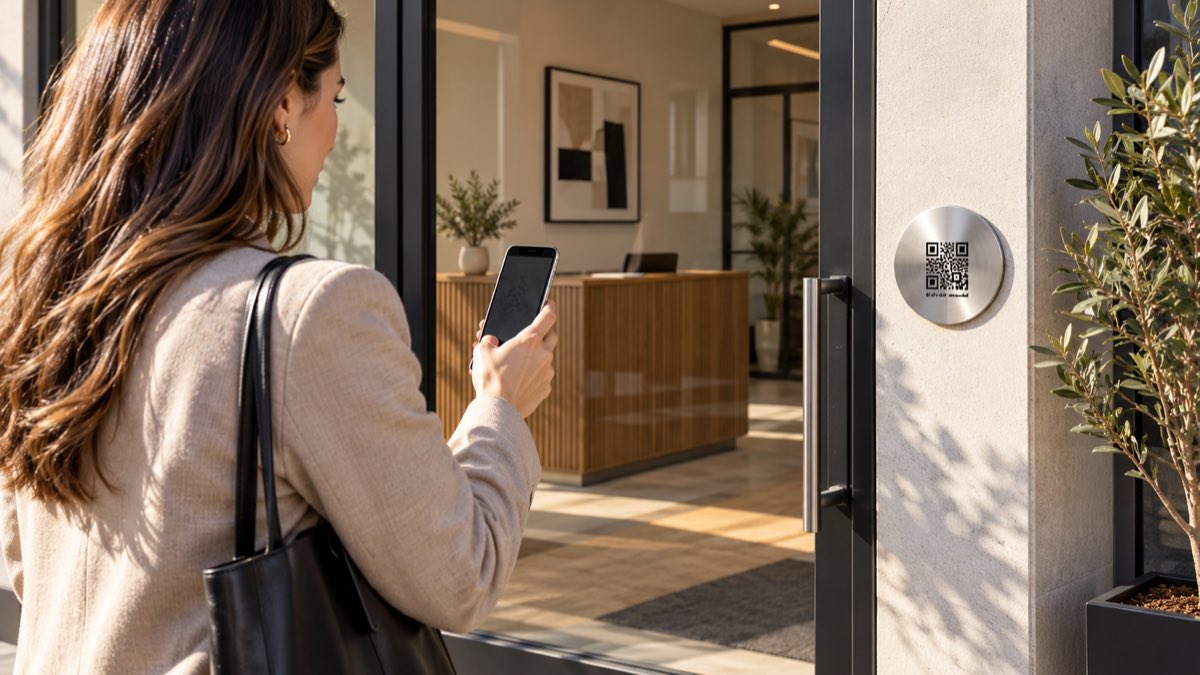
Application illustration: an unattended office entrance. The QR carrier is conceptual, and the displayed code is not a live demo code.
Scan outside; answer wherever the owner is connected
The owner first selects the appropriate call version, installs Fupom, registers and binds the purchased QR code. The code is placed at a visible, reachable entrance point. A visitor scans it with a phone camera, opens the linked page in a browser and taps to call. The owner receives and answers in Fupom. The visitor needs internet access on the phone, and the owner must be reachable online; scanning cannot force an answer.
This division of roles matters commercially. A channel partner can explain a familiar one-time owner setup without asking every courier, guest or technician to download an unfamiliar app. It also keeps the product claim precise: the QR is a contact point; the phone and network provide the call.
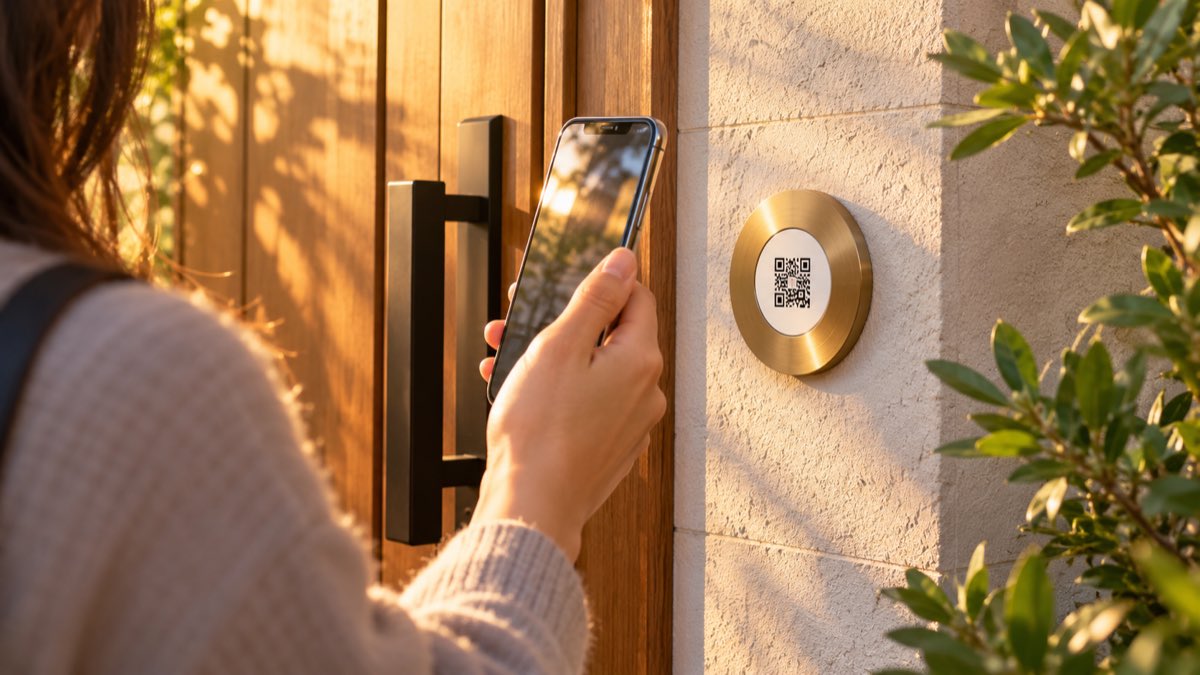
Application illustration: evaluate actual print size, contrast, mounting height and local installation conditions with a working QR code before production.
Choose the call experience your buyers actually need
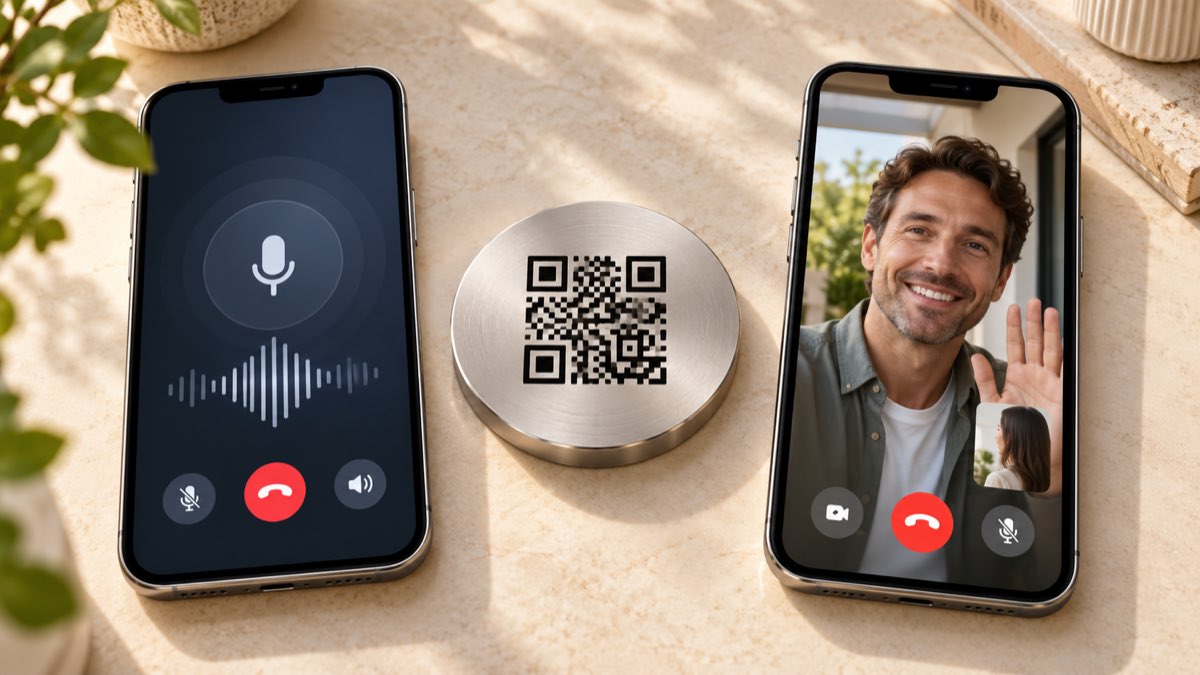
Theaudio-only version supports a voice conversation. It suits a simple “Who is there?” or “Where should I leave this?” exchange when video is not needed. The audio + video version can add phone-camera video when both sides permit it and have suitable connectivity. This does not mean the plaque contains a camera: any video comes from the participating phones.
These are two different versions, not a universal feature promise for every QR code. A buyer should decide which experience fits the market, then verify it with the actual selected code and two phones. Any pictured call interface is illustrative and may differ from the current app and browser screens.
A practical moment: the resident is not at home
For an occupied home, the visitor may be a courier, guest or legitimate service provider. The owner could be in another room, at work or away from the property. If the owner sees the incoming call and answers, the visitor can explain the situation directly. The owner decides the next step—such as giving instructions or arranging a later visit. FP001-1 does not unlock a door, verify a visitor’s identity or substitute for a security camera.
The same logic can fit a small business entrance, shared office reception or appointment-based location, provided the operator defines who owns the QR and who should receive calls. Do not treat an unstaffed entrance as automatically covered: answering availability, network service, signage and local accessibility needs remain operational decisions.

What a B2B buyer should test before listing FP001-1
Run a real two-phone demo: bind on the owner phone, then scan from a second phone that has never installed Fupom. Check the first-scan instructions, browser permissions, call start, ringing, answer and end flow for both the selected version and target region. Repeat with the actual print size and material, realistic lighting and the intended mounting location. Ask which physical QR carrier is currently validated rather than assuming the pictured metal plaque is a stocked SKU.
For assortment planning, make three distinctions visible in your own listing: audio-only vs audio + video;owner app vs visitor browser; and contact application vs camera/lock hardware. These distinctions reduce avoidable post-sale confusion and let importers, property-technology distributors and private-label programs position the solution honestly. Confirm current commercial terms, carrier options, service conditions, print method and any market-specific requirements with Eleshine before quoting them to a customer.
Frequently asked questions
Does a visitor need to install Fupom?
No. The visitor scans the bound code with a phone and opens the call page in a browser. Only the QR owner uses Fupom to register, bind and answer.
Is FP001-1 a camera or an electronic door lock?
No. It is a QR-to-call entrance application. The contact plaque shown here is illustrative, and it does not contain a camera or unlock the door.
Can the visitor make a video call?
Theaudio + video version supports video calling when the participating phones permit it and have suitable connectivity. The audio-only version is for voice calls.
Will every visitor reach the owner immediately?
No. The visitor and owner need suitable connectivity, and the owner must be available to answer. A QR scan creates a route to call; it is not an answering guarantee.
Is the round metal plaque a finalized product?
Not from this illustration. Confirm current carrier format, material, mounting and artwork with Eleshine for the intended project before making a physical-product claim.
What is the best way to evaluate it for a channel?
Test one real bound code with two phones, one for the owner and one for the first-time visitor. Compare the selected audio-only or audio + video experience, then validate the physical QR carrier at its intended size and location.
Request a working evaluation
Ask Eleshine for an FP001-1 two-phone demo and current QR carrier options for your market. Explore the FP001-0 Scan & Call platform, see the Instant QR Call product category, or contact our team with your intended entrance scenario and preferred call version.
Send Message
Comprehensive score