
 A nearby driver scans a QR parking card to call the car owner in a browser. Only the owner uses Fupom; the scanner needs no app. Audio-only or audio + video. Card shown as an application illustration.FP001-6
 A person who finds luggage scans its QR tag to call the traveler in a browser. Only the owner uses Fupom; the finder needs no app. Audio-only or audio + video. Carrier shown as an application illustration.FP001-5
 A nearby helper scans a senior's QR contact point to call family in a browser. The family owner binds and answers in Fupom; the helper needs no app. Audio-only or audio + video. Carrier shown as an application illustration.FP001-3
 A finder scans a pet's bound QR tag to call the owner through a browser. The owner binds and answers in Fupom; the finder needs no app. Audio-only or audio + video.FP001-2


QR Child Family Contact Tag Solution
When a child needs help, a visible QR contact point can give a nearby adult a direct way to call the family. FP001-4 applies Eleshine Scan & Call to a backpack tag or another validated carrier. A helper scans a bound code and starts a call in a phone browser. Only the QR owner installs Fupom to register, bind and answer. The helper needs no app or account. Choose either the audio-only version or the audio + video version before preparing the code.
This is a family-contact application, not child tracking, a rescue service or a guarantee that a call will be answered. The people, interface and tag shown in the images are application illustrations; pictured QR patterns are not active demo codes. Adult supervision and the family's normal safety plan remain essential.
A difficult moment needs a simple first step
A young child may know a parent's name but not remember a phone number. A printed contact label can be hard to read, expose a family number or become outdated. In a busy shop, school pickup area or travel hub, a responsible helper needs to know what to do now, without being asked to install an unfamiliar app. A clearly placed QR tag makes the next step visible: scan, open the page and attempt a call.
The system cannot tell the family where a child is on its own. Someone must be with the child, choose to scan and follow an appropriate safeguarding process. A call attempt depends on connectivity, service availability and the owner answering. We keep those limits explicit so a distributor can explain the product responsibly.
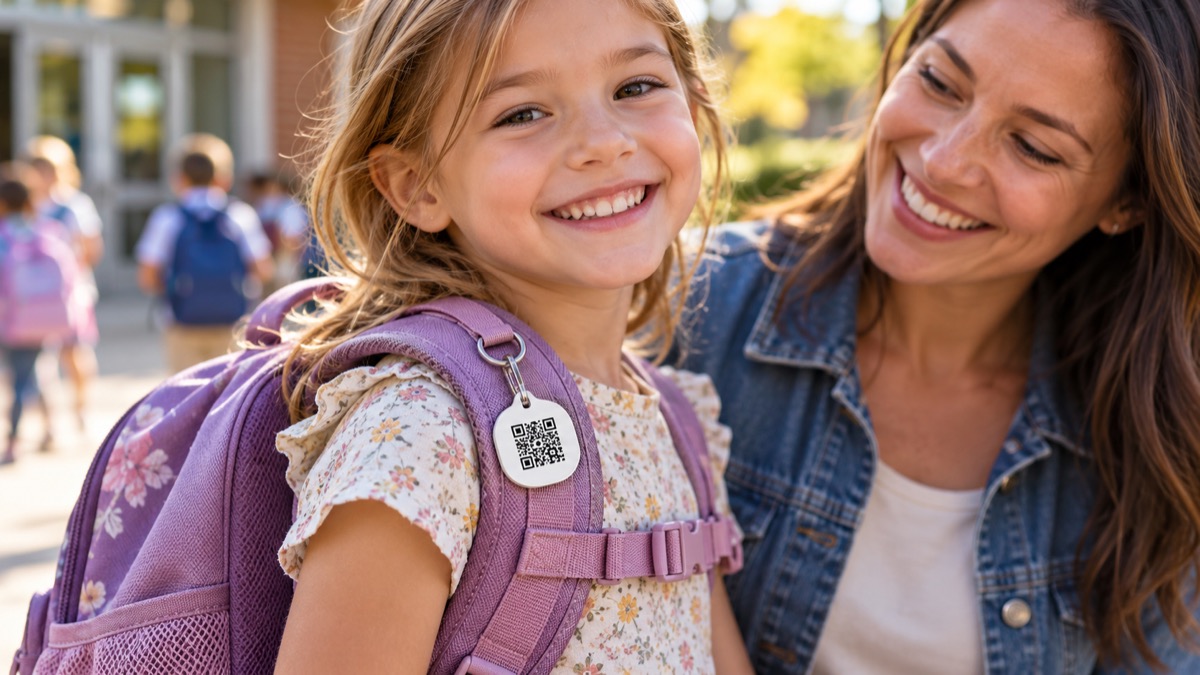
Application illustration. Confirm tag material, secure attachment, readable QR size and child-safe placement before production.
What happens after a scan
The family first selects the call version, installs Fupom on the owner phone, registers and binds the actual QR code. A validated tag is attached where a helper can see it without removing the bag. The helper scans with a normal phone camera, follows the browser link and starts the call. The parent or designated owner receives the call in Fupom and can coordinate the next safe step. The helper does not download Fupom, and a scan does not reveal a child's location by itself.
For a live demonstration, bind a real test code to one phone and scan from a second phone that has never installed Fupom. This proves the visitor-side experience more convincingly than a static poster or a mock screen.
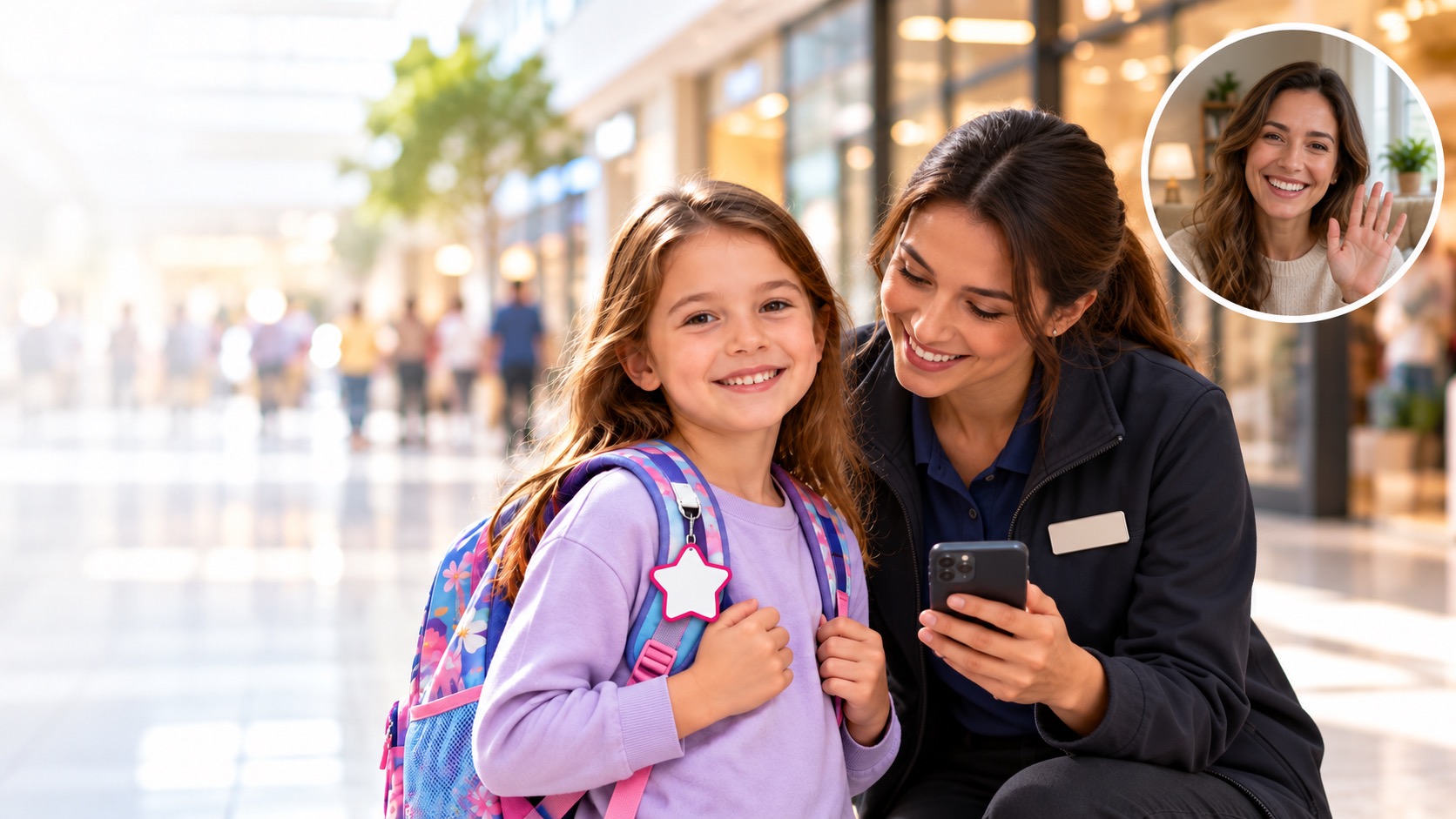
Choose voice or optional video
Theaudio-only version lets a helper and family speak. The audio + video version enables a phone-camera video call when permissions and connectivity allow. The tag contains no camera; video comes from the participants' phones. These are distinct versions, not a promise that every printed tag can switch between them. In a child-related interaction, the adults should use video only when appropriate to the situation and local safeguarding practice.

What B2B buyers should validate
For school-accessory, travel and family-safety channels, check the complete process: owner binding, first-time browser scan, ringing, answered call and unavailable-owner behavior on real phones. Separately inspect tag attachment strength, corners, visibility, scan contrast, wear and cleaning. Ask which carrier shapes and materials are currently validated; the pictured star or backpack tag does not establish stocked availability. Confirm service conditions and applicable commercial terms before retail claims.
The strongest positioning is careful: FP001-4 helps a person already with a child attempt direct family contact without installing an app. It complements, rather than replaces, human supervision and standard identification procedures.
Frequently asked questions
Must the helper install Fupom?
No. The helper scans the bound code and calls through a phone browser. Only the QR owner uses Fupom to register, bind and answer.
Can FP001-4 locate a child?
No. It does not track location. A helper must find and scan the tag first.
Does the child need a phone?
No. The helper uses their own phone to scan; the family answers on the owner phone.
Is video included in every code?
No. Choose the audio + video version if that call type is required; the audio-only version provides voice. Video also needs device permission and suitable connectivity.
Is the pictured tag a stocked item?
The picture is illustrative. Confirm the currently validated physical carrier and artwork with Eleshine for your project.
Discuss a channel evaluation
Ask Eleshine for an FP001-4 two-phone demonstration and validated carrier options. See the FP001-0 Scan & Call platform, the Instant QR Call category, or contact us with your intended use and call version.
Send Message
Comprehensive score