
 A nearby driver scans a QR parking card to call the car owner in a browser. Only the owner uses Fupom; the scanner needs no app. Audio-only or audio + video. Card shown as an application illustration.FP001-6
 A helper scans a child's backpack QR tag to call a parent in a browser. Only the family owner uses Fupom; the helper needs no app. Audio-only or audio + video. Tag shown as an application illustration.FP001-4
 A nearby helper scans a senior's QR contact point to call family in a browser. The family owner binds and answers in Fupom; the helper needs no app. Audio-only or audio + video. Carrier shown as an application illustration.FP001-3
 A finder scans a pet's bound QR tag to call the owner through a browser. The owner binds and answers in Fupom; the finder needs no app. Audio-only or audio + video.FP001-2


QR Luggage Owner Contact Tag Solution
A found bag is easier to return when the person holding it has a clear way to reach the owner. FP001-5 applies Eleshine Scan & Call to a luggage tag: a finder scans a bound QR code, opens a phone browser and attempts a live call. Only the QR owner installs Fupom to register, bind and answer. The finder needs no app or account. The code is supplied as an audio-onlyoraudio + videoversion.
This is an owner-contact application, not luggage tracking, airline integration or a guarantee of return. Tag shapes, phone screens and QR patterns in the images are application illustrations, not confirmed production carriers or active demo codes.
Where ordinary luggage labels fall short
On a hotel counter, train or airport baggage area, a bag may be in safe hands but its owner is hard to reach. A paper address label can be damaged, outdated or expose information the traveler prefers not to print. A generic lost-property form may not connect the people who can resolve the situation in the moment. A visible scan point gives the finder a more direct contact attempt while letting the owner speak from wherever they receive the call.
Someone must first find the bag and choose to scan. A QR tag cannot report a bag's location, replace an airline's baggage system or bypass a carrier's lost-property rules. The call also depends on connectivity and the owner being available. These boundaries matter when a distributor builds accurate travel-accessory packaging and sales copy.
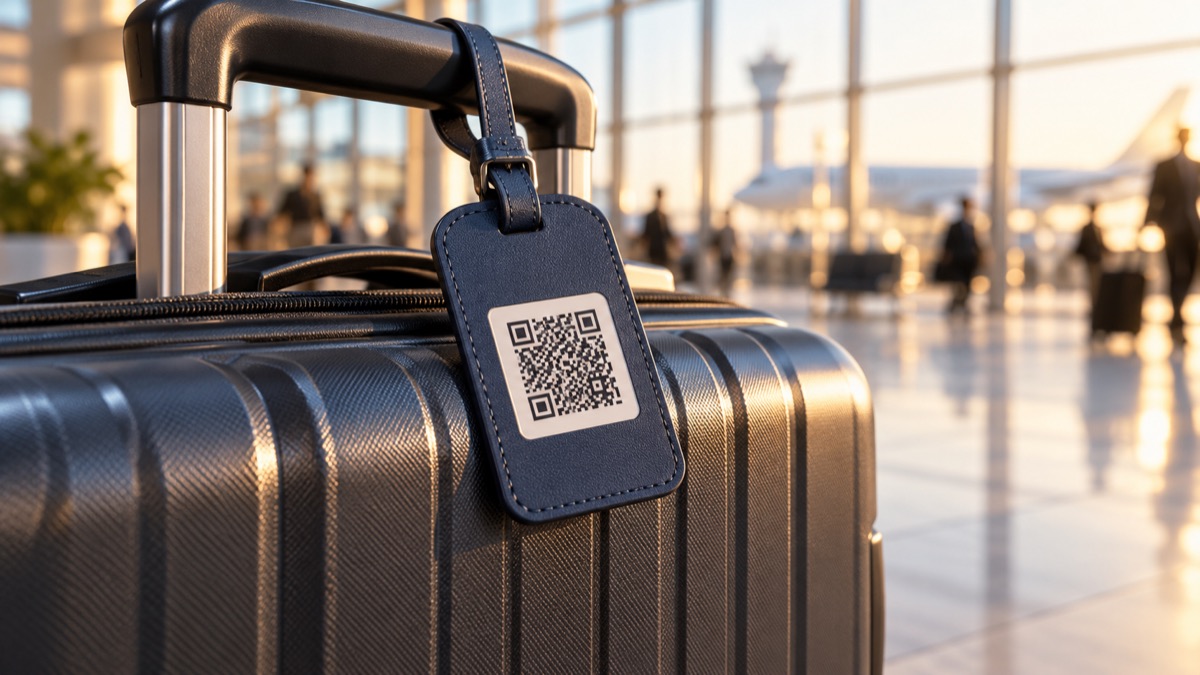
Application illustration. Validate tag durability, attachment, code readability and surface finish with a real carrier before production.
A practical finder-to-owner call flow
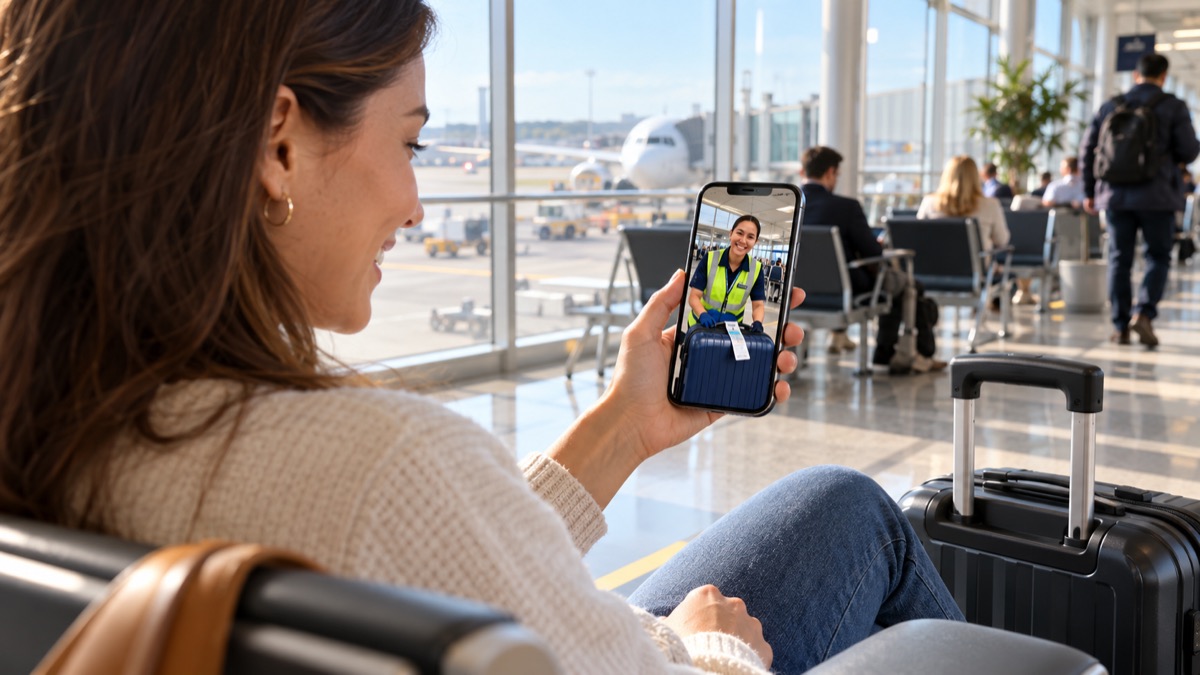
Before travel, the owner installs Fupom, registers and binds the actual QR code for the chosen call version. The validated tag is secured to a visible but protected part of the luggage. A finder scans using a standard phone camera, opens the browser page and initiates the call. The traveler receives it through Fupom and can agree on a safe handover or institutional lost-property procedure. The finder does not install the owner app.
A useful retail demonstration uses two phones: one bound owner phone, one first-time finder phone. Show the visible tag, live scan and incoming call. Use a real, verified demo code in production; the illustrative code shown here is not intended to scan.

Voice and phone-camera video are separate versions
Theaudio-only version supports a voice conversation about where the bag was found. The audio + video version supports a phone-camera video call when permissions and connectivity allow, which may help participants identify the bag or location. The tag itself has no camera. Version selection is made before the code is prepared; do not advertise a universal switchable mode.
What a travel-accessory buyer should check
Evaluate the service workflow and the carrier separately. Test attachment after handling, QR contrast under indoor light, print abrasion, luggage-surface fit and a first-time browser call in target markets. Ask Eleshine which material, size and tag construction are currently validated. The pictured leather-style and metal-style forms illustrate possibilities, not confirmed stock. Confirm local service conditions and any commercial terms before making retail claims.
The precise channel message is: one visible QR tag helps a person who has found luggage attempt direct contact with its owner, without installing Fupom. It is a complement to standard identification and baggage procedures.
Frequently asked questions
Does the finder need to install an app?
No. The finder scans the bound code and calls from a phone browser. Only the owner uses Fupom to register, bind and answer.
Can the tag track a bag?
No. It works only after a person sees and scans the tag; it provides no independent location signal.
Does it replace airline lost-property processes?
No. The people involved should follow the relevant carrier or venue process. The tag adds a direct contact route where appropriate.
Is video supported on every code?
No. Select the audio + video version for phone-camera video, subject to permissions and connectivity. The audio-only version supports voice.
Are the pictured tag materials available now?
The images are illustrative. Ask Eleshine to confirm validated carrier options and production details for your program.
Request a practical evaluation
Ask Eleshine for an FP001-5 two-phone trial and current carrier options. Explore the FP001-0 Scan & Call platform,Instant QR Call category, or contact us with your target channel and preferred call version.
Send Message
Comprehensive score