
 A person who finds luggage scans its QR tag to call the traveler in a browser. Only the owner uses Fupom; the finder needs no app. Audio-only or audio + video. Carrier shown as an application illustration.FP001-5
 A helper scans a child's backpack QR tag to call a parent in a browser. Only the family owner uses Fupom; the helper needs no app. Audio-only or audio + video. Tag shown as an application illustration.FP001-4
 A nearby helper scans a senior's QR contact point to call family in a browser. The family owner binds and answers in Fupom; the helper needs no app. Audio-only or audio + video. Carrier shown as an application illustration.FP001-3
 A finder scans a pet's bound QR tag to call the owner through a browser. The owner binds and answers in Fupom; the finder needs no app. Audio-only or audio + video.FP001-2


QR Parking Owner Contact Card Solution
When a parked vehicle needs attention, a visible QR card can make reaching its owner simpler than leaving a note. FP001-6 applies Eleshine Scan & Call to a validated parking card or other suitable carrier. A nearby driver or attendant scans a bound code and attempts a call in a phone browser. Only the QR owner installs Fupom to register, bind and answer; the person scanning needs no app or account. Choose an audio-onlyoraudio + video code version.
This is a contact application, not vehicle tracking, parking enforcement, a security system or a guarantee that the owner will answer. The card and QR patterns in these images are application illustrations rather than confirmed production carriers or live demo codes.
A small parking issue can create a large delay
A blocked exit, open window or light left on may require the driver to be contacted promptly. A handwritten number under the windshield is easy to misread, exposes a personal number and can become outdated. A paper note can be missed. A QR contact card offers a more legible first action: scan the card and attempt a live conversation with the owner. The owner can then decide what to do.
It does not move a vehicle, detect an incident or guarantee a response. A person must notice the issue and scan; phone connectivity, service availability and the owner's attention still matter. It should not be positioned as a replacement for local emergency, parking-management or enforcement procedures.
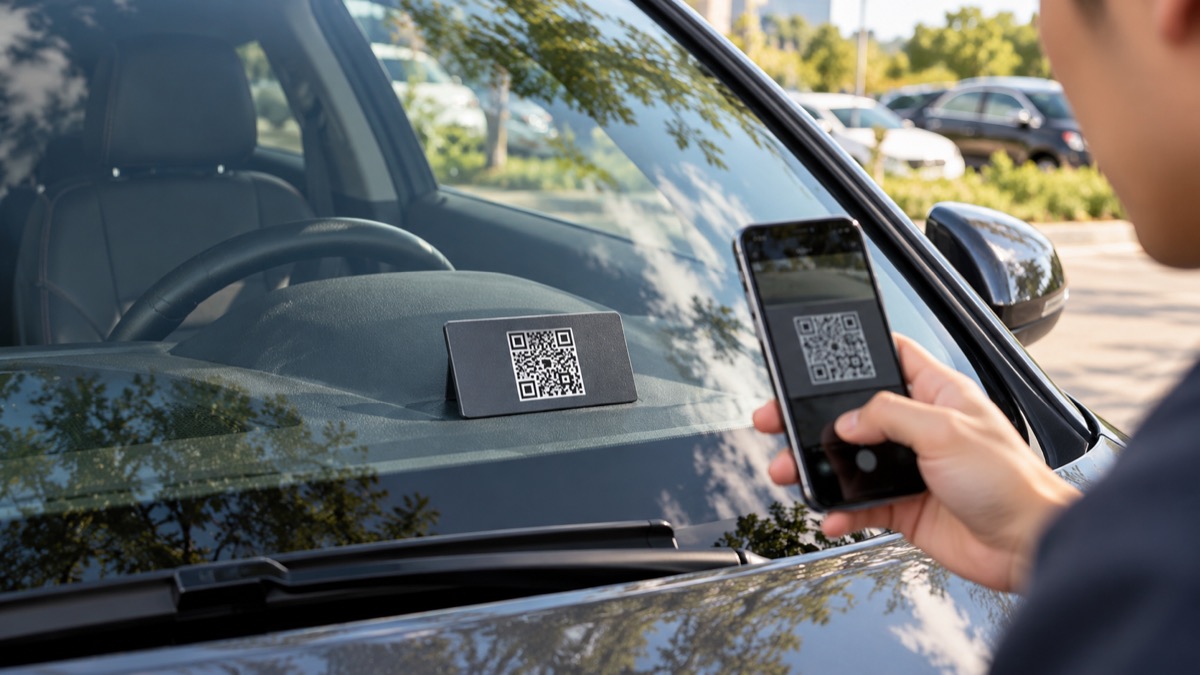
Application illustration. Validate dashboard visibility, glare, QR size, card retention and heat exposure with the intended physical carrier.
From windshield scan to owner call
The car owner first chooses the call version, installs Fupom, registers and binds the real QR code. The validated card is positioned so the code can be seen and scanned safely without opening the vehicle. A nearby driver or attendant scans it using a phone camera, opens the browser page and starts the call. The owner receives it through Fupom and can discuss a practical next step. The scanner does not need Fupom or an account.
A showroom demonstration should use one configured owner phone and a separate first-time scanner phone. The visual concept below shows how the contact can begin; a production card needs its own verified scannable code.
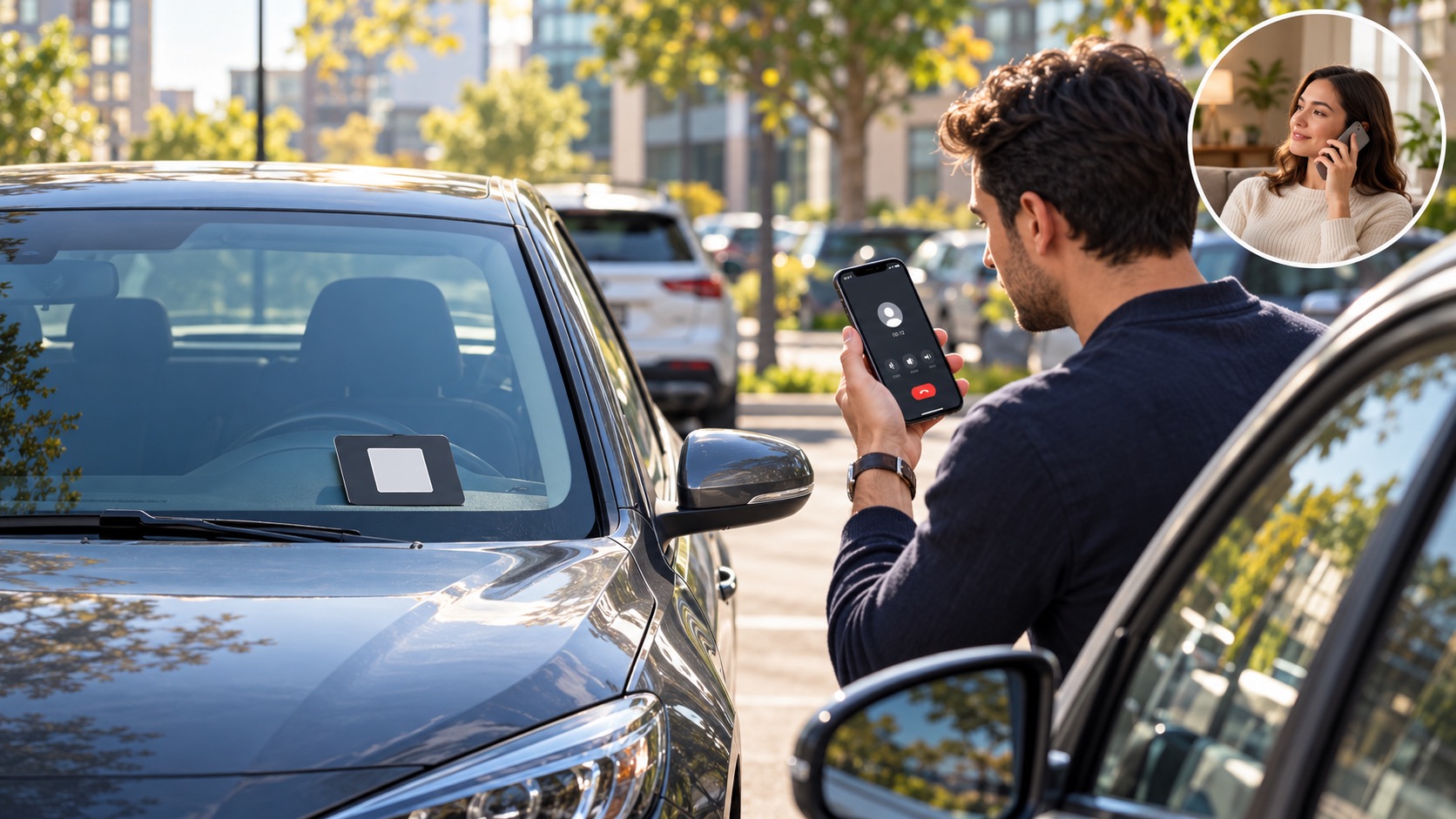
Audio first, or phone-camera video
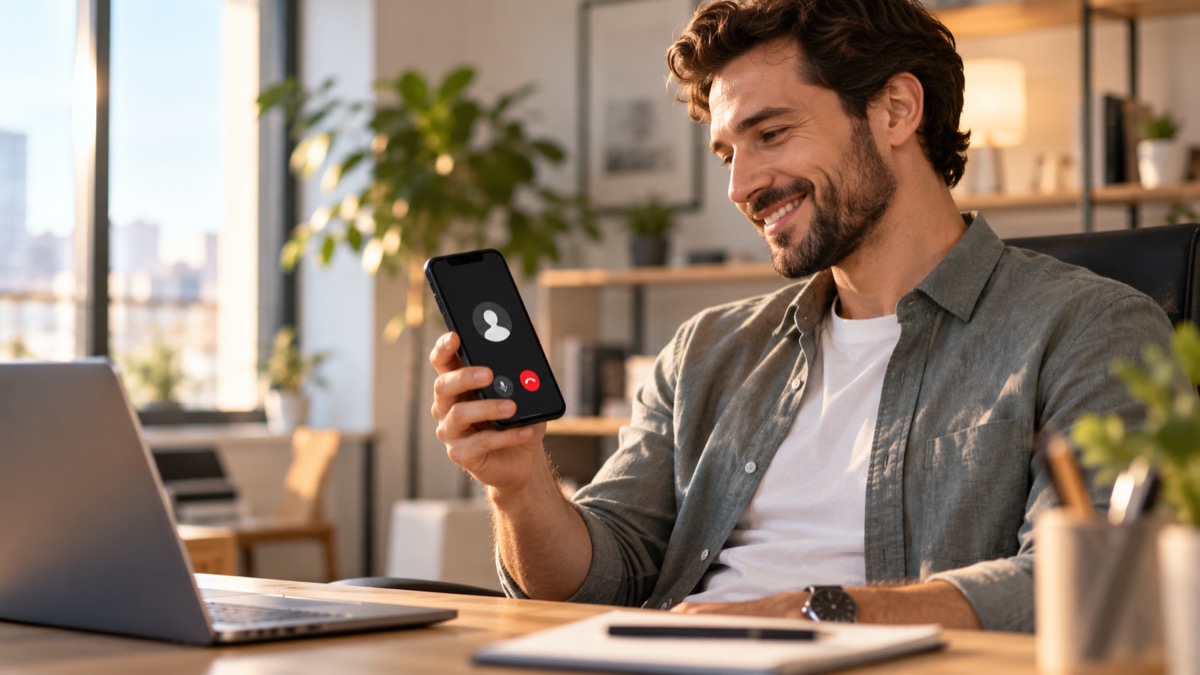
Theaudio-only version supports voice contact about the parking issue. The audio + video version can enable a phone-camera video call if permissions and connectivity allow; that may help show the vehicle's surroundings. The card itself has no camera. These are different code versions, so channel copy should not imply that every card has both modes.
What a B2B buyer should validate
For automotive accessories, property-management and parking-service channels, test scan distance, glass reflection, card placement, heat and wear, real binding, first-time browser call and answered-call behavior. Decide whether the intended carrier belongs on a dashboard, window or another lawful location. Confirm which constructions are actually validated by Eleshine; the pictured dashboard card is an application concept, not a stock promise. Review local signage and privacy expectations before printing customer-facing packaging.
The accurate channel message is: FP001-6 gives someone near a vehicle a browser-based way to attempt a direct owner call without an app download. It is a contact route, not an enforcement tool.
Frequently asked questions
Does the person scanning need Fupom?
No. They scan the bound code and call from a phone browser. Only the owner uses Fupom to register, bind and answer.
Does the card display the owner's phone number?
The pictured concept does not print a phone number. Confirm the live service's identity and privacy behavior in a real test before making a stronger privacy claim.
Does it detect blocked parking automatically?
No. A person must notice the issue and scan the visible code.
Is video available on every card?
No. Select the audio + video version for phone-camera video subject to permission and connectivity, or the audio-only version for voice.
Can the pictured card be ordered as shown?
The image is illustrative. Confirm actual available carrier design, material, dimensions and artwork with Eleshine.
Evaluate the use case
Ask Eleshine for an FP001-6 two-phone demonstration and currently validated card options. Review the FP001-0 Scan & Call platform, the Instant QR Call category, or contact us with your target channel and call version.
Send Message
Comprehensive score