
 A nearby driver scans a QR parking card to call the car owner in a browser. Only the owner uses Fupom; the scanner needs no app. Audio-only or audio + video. Card shown as an application illustration.FP001-6
 A person who finds luggage scans its QR tag to call the traveler in a browser. Only the owner uses Fupom; the finder needs no app. Audio-only or audio + video. Carrier shown as an application illustration.FP001-5
 A helper scans a child's backpack QR tag to call a parent in a browser. Only the family owner uses Fupom; the helper needs no app. Audio-only or audio + video. Tag shown as an application illustration.FP001-4
 A finder scans a pet's bound QR tag to call the owner through a browser. The owner binds and answers in Fupom; the finder needs no app. Audio-only or audio + video.FP001-2


QR Senior Family Contact Tag Solution
When a nearby person wants to help an older adult, contacting the right family member should not depend on knowing a private phone number. FP001-3 applies Eleshine Scan & Call to a wearable or carried QR contact point. A helper scans the bound code and calls in a phone browser. Only the QR owner installs Fupom to register, bind and answer; the helper needs no app or account. Select either audio-onlyoraudio + video when setting up the code.
This is a family-contact application. It is not a location tracker, medical alert, fall detector, emergency dispatch service or guarantee of assistance. Wristband and pendant forms shown in the visuals are illustrative, not confirmed orderable variants; the pictured QR patterns are not live demos.
A familiar outing can become a difficult contact moment
An older adult may be at a park, shopping area or transit stop while family is elsewhere. A nearby person may be willing to help but cannot identify the right relative to call. A card in a pocket may not be visible; a phone number printed on a wristband can be hard to read or become outdated. A scan-to-call point can reduce the first-contact friction after someone notices the tag and chooses to help.
The benefit is not that the system finds a person automatically. It gives a helper a clear, browser-based route to attempt a conversation with the QR owner. For B2B buyers, stating this boundary accurately is more valuable than presenting a wearable QR as a safety guarantee.
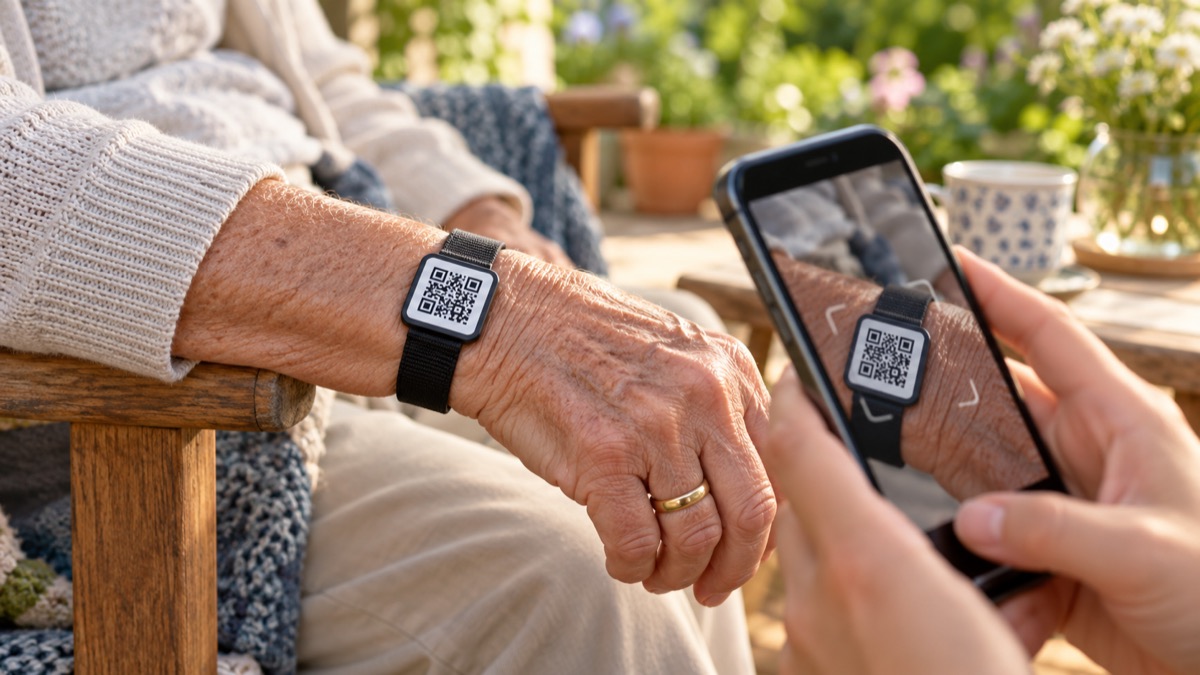
Application illustration. Confirm comfort, accessibility, real-code contrast, retention and consent with the chosen carrier before offering a wearable format.
A simple division of roles
The family QR owner installs Fupom, registers and binds the purchased code. The chosen tag is placed where it can be found and scanned. A helper uses a phone camera, opens the linked browser page and taps to call. The family owner receives and answers in Fupom, then decides what information to share and what assistance is appropriate. The helper does not need a Fupom account.
Suitable internet access, phone permissions and owner availability still matter. A scan cannot guarantee an answer or replace local emergency services. The owner should decide how the contact point will be used and what information is appropriate to disclose.
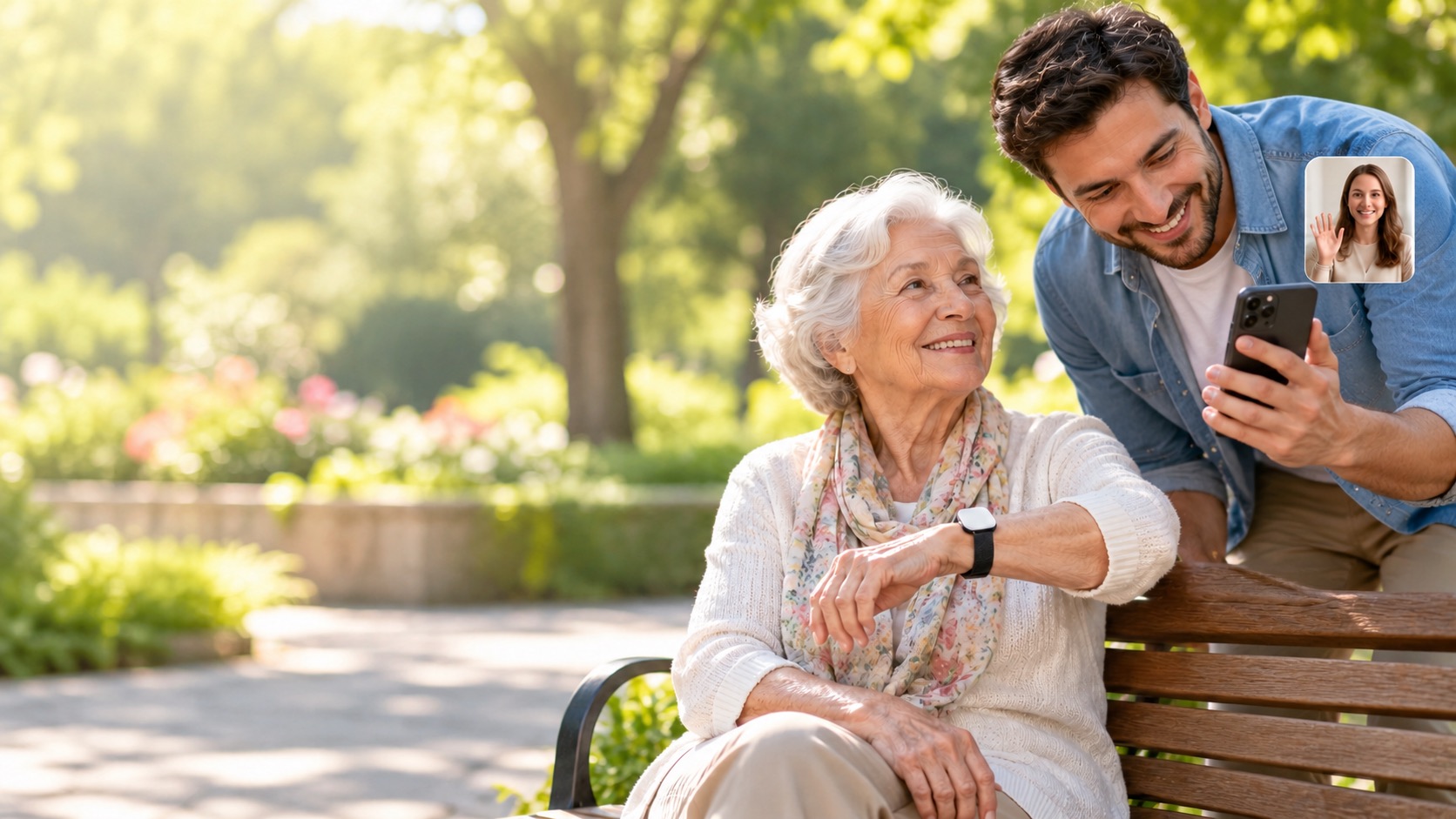
Audio-only or audio plus video
Theaudio-only version provides a voice call. It may suit a straightforward conversation about where the person is and who should come to assist. The audio + video version can add phone-camera video when both sides permit it and have suitable connectivity. The QR tag does not include a camera or microphone. The two versions should not be described as interchangeable.
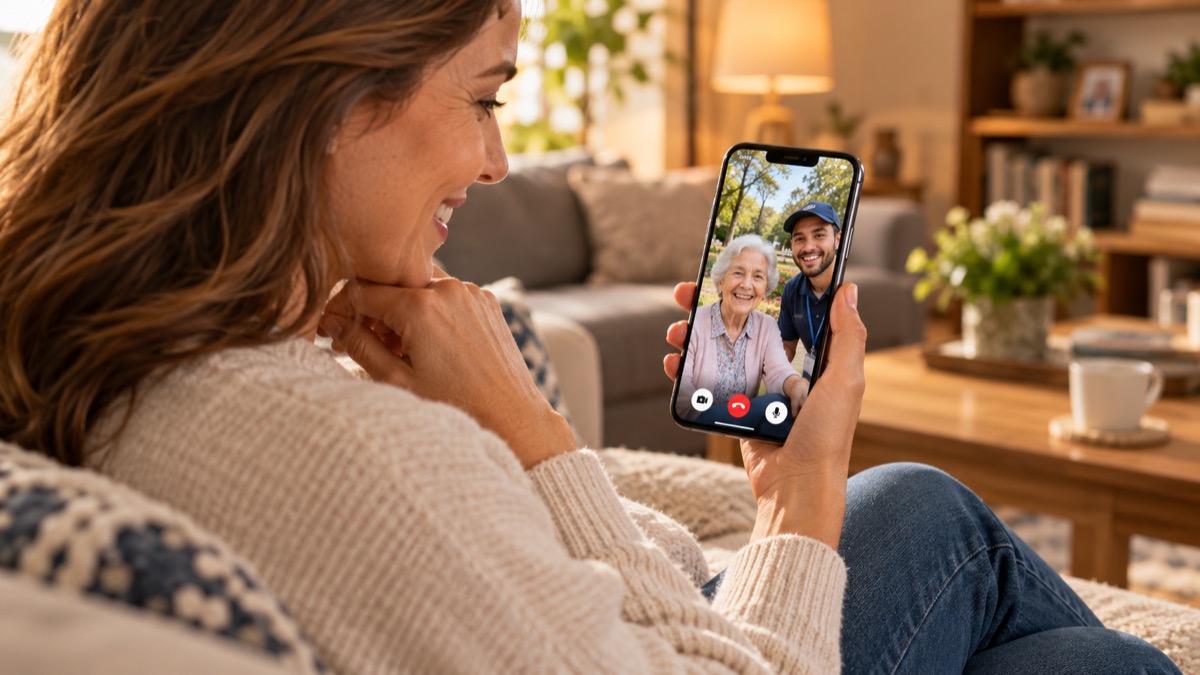
Pictures of phone screens represent a scenario, not proof of the current UI. A family buyer or care-accessory distributor should try both the owner and helper roles using real phones and a currently bound code.
What a B2B buyer should evaluate
Care-accessory retailers, independent-living distributors and private-label programs should evaluate more than the artwork. Check whether the intended wristband, pendant or clothing attachment is comfortable, visible and appropriate for the user. Test a real QR at intended size under outdoor and indoor light; verify how an unfamiliar helper sees browser instructions and how the family owner receives the call. Consider consent, privacy wording, caregiver processes and local safeguarding requirements.
Ask Eleshine which carriers are currently validated. Do not assume the wristband in the illustration is available for supply, medically certified or fit for every user. Confirm current service and commercial conditions before a market listing.
Frequently asked questions
Does the helper need Fupom?
No. A helper scans and calls in a phone browser. Only the QR owner installs Fupom to register, bind and answer.
Does the tag locate a senior?
No. It gives a person who sees and scans the tag a way to attempt contact. There is no automatic location or movement tracking claim.
Is FP001-3 a medical alert device?
No. It is a QR family-contact application, not a monitored emergency or medical system.
Can the helper show video?
Theaudio + video version supports phone-camera video when both sides allow it and connectivity permits. The audio-only version is voice-only.
Is the illustrated wristband a confirmed SKU?
No such claim is made from the image. Validate the current carrier, attachment and artwork with Eleshine for the proposed channel.
Request a practical two-phone test
Ask Eleshine for an FP001-3 trial covering owner binding, first-time helper scanning, the selected call version and current carrier choices. See the FP001-0 platform, the Instant QR Call category, or contact our team with your intended care-accessory use case.
Send Message
Comprehensive score