B2B Security Camera Sourcing Guide: From Product Selection to OEM/ODM Orders
Sourcing a security camera product for a distributor, importer or private-label brand is not a matter of choosing the highest headline specification. The better starting point is a repeatable buying process: define the target user and channel, select the right product family, evaluate a real sample, then align packaging, documentation and order requirements. This guide gives B2B buyers a practical route for sourcing mini WiFi cameras and smart security camera solutions from Eleshine.
1. Start With the Buyer and Deployment, Not the Product Name
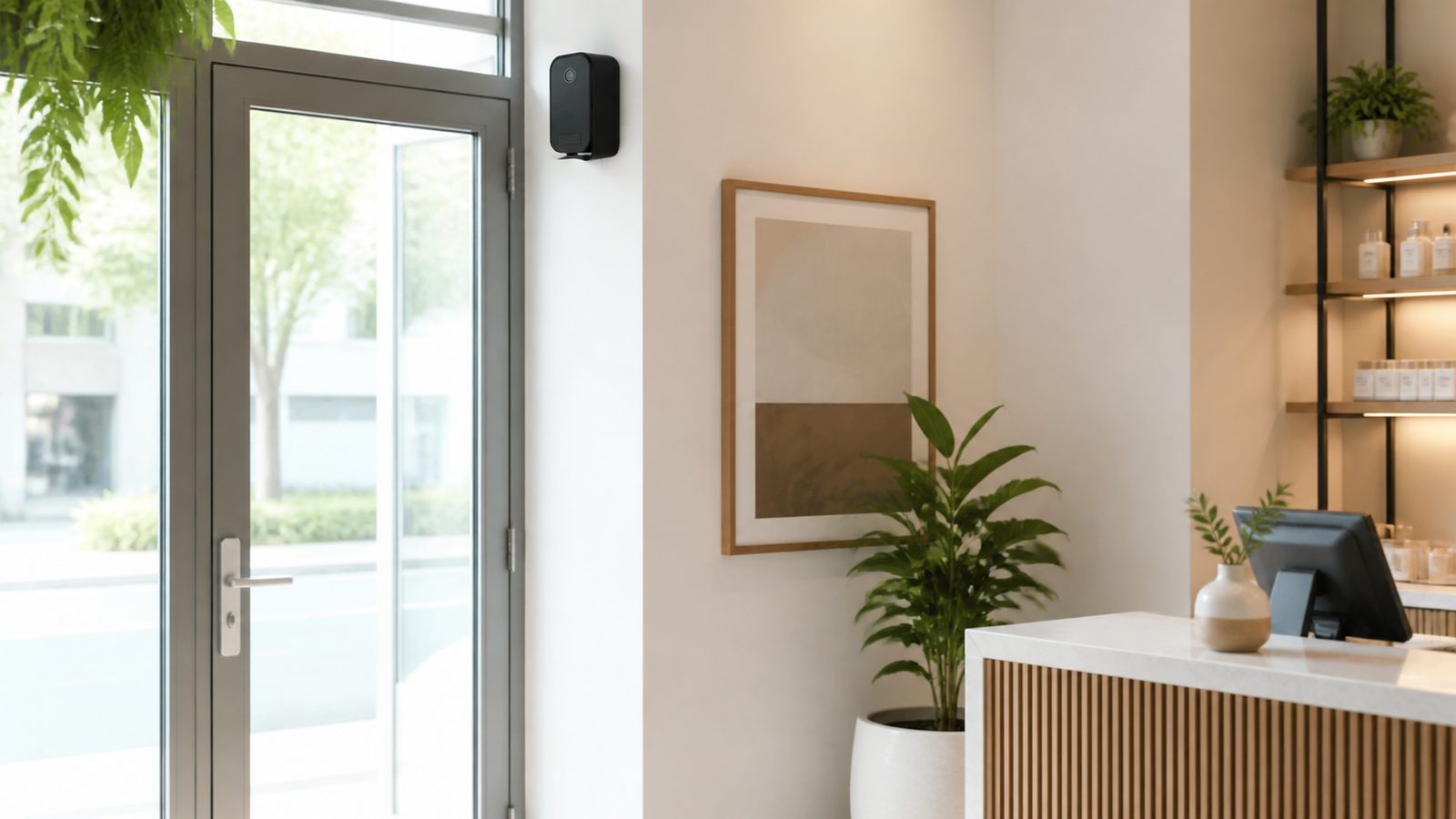
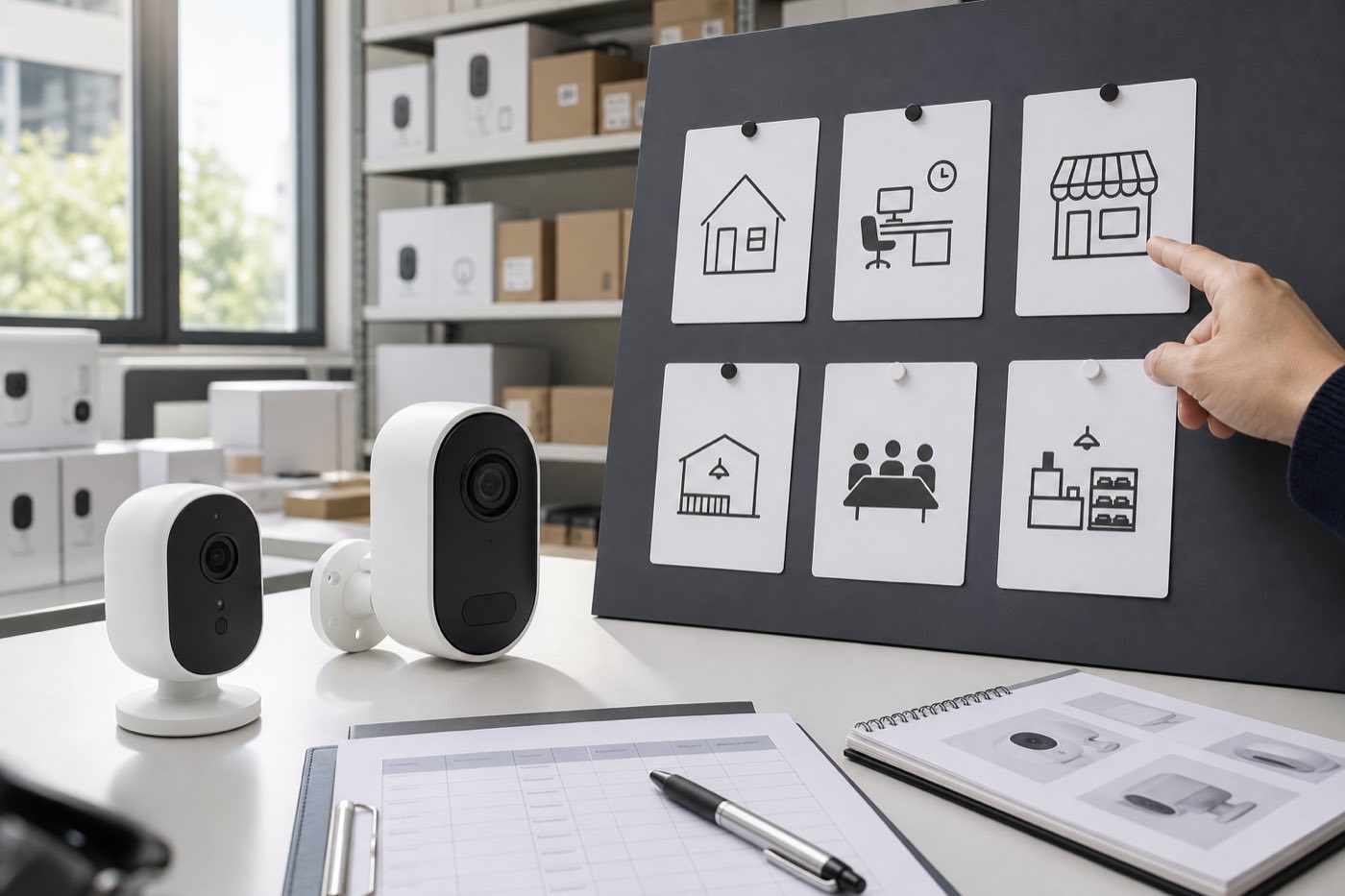
Before comparing models, define where and how the product will be sold. A security installer, online retailer, smart-home distributor and private-label brand may all require different form factors, packaging, onboarding support and sales language. A useful sourcing brief answers five questions: who will use the product, where will it be installed, what power source is available, what network environment is expected, and what product range should sit beside it.
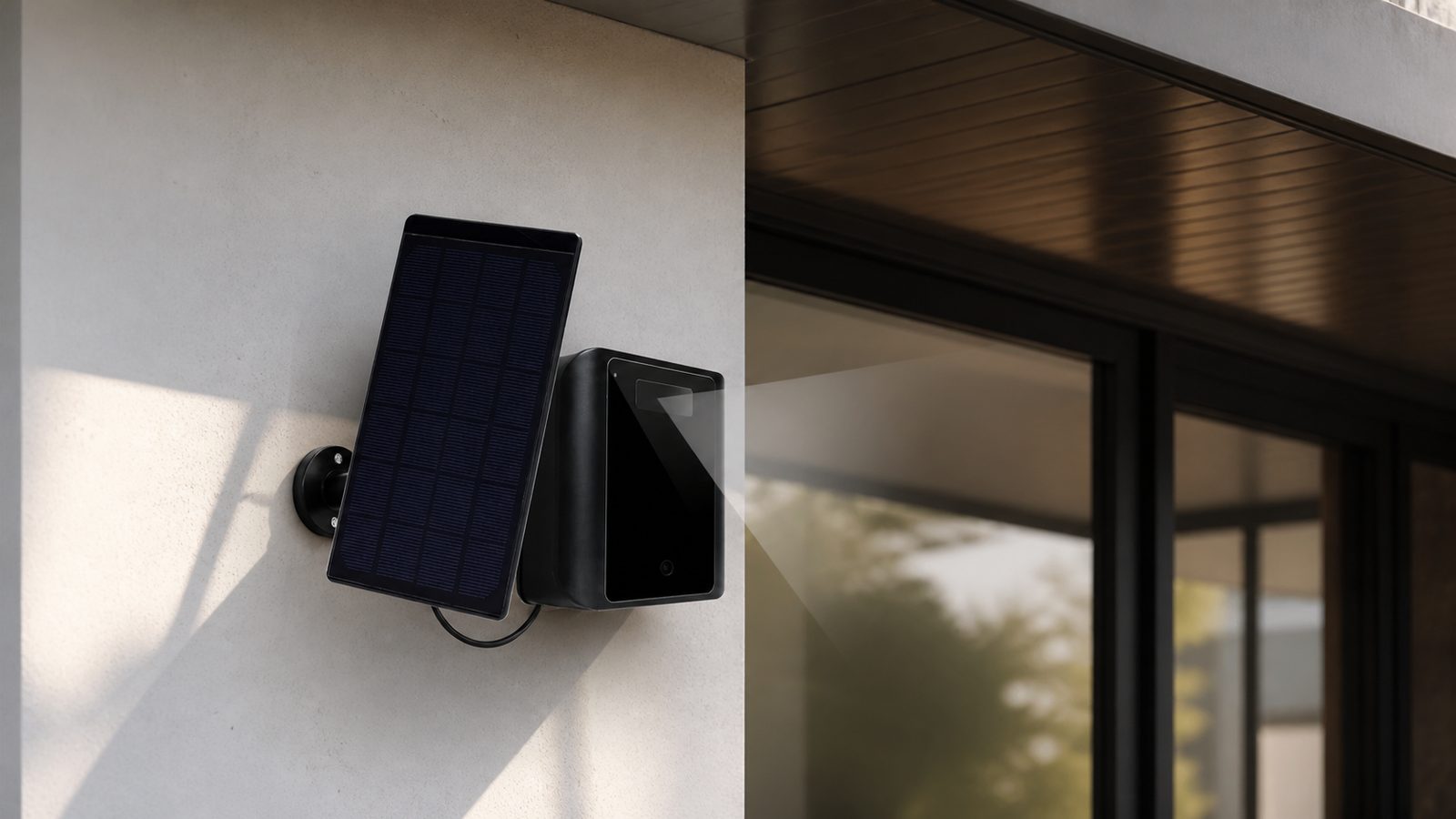
For example, compact products may suit a mini WiFi camera assortment; sites without convenient mains power may need a long-standby battery camera; and smart-home channels may prefer a Tuya WiFi camera with a familiar app ecosystem. The purpose is not to force every buyer into one model, but to create a clear reason for every SKU in the assortment.
2. Build a Focused Product Line Before Asking for a Quote
Many first orders become harder than necessary because they begin with too many unrelated items. For an initial security-camera range, choose a focused group of products that serve related use cases and can share a clear sales story. The active WiFi security camera range is a practical place to compare compact cameras, long-standby options and connected smart-security products.
- Mini WiFi cameras: for compact connected-camera product ranges where app setup and placement matter.
- Long-standby battery cameras: for installations where power planning and standby workflow are key selection factors.
- Tuya WiFi cameras: for buyers building compatible smart-home product collections.
- Camera accessories: for bundles that improve installation, power planning or product-line value.
- Privacy-protection devices: for security buyers who also need lawful inspection and privacy-protection products.
A clear range helps your sales team explain the difference between models and makes it easier to identify which product needs a separate Buyer Guide, setup article or product-comparison page later.
3. Evaluate a Real Sample Before You Build Claims Around It
A product image and a specification table are not a substitute for sample evaluation. Before committing to a first order, test the functions your customers will actually use. For a connected camera, this normally includes setup, normal operation, storage, charging or power behavior, app workflow, packaging and the clarity of end-user instructions.
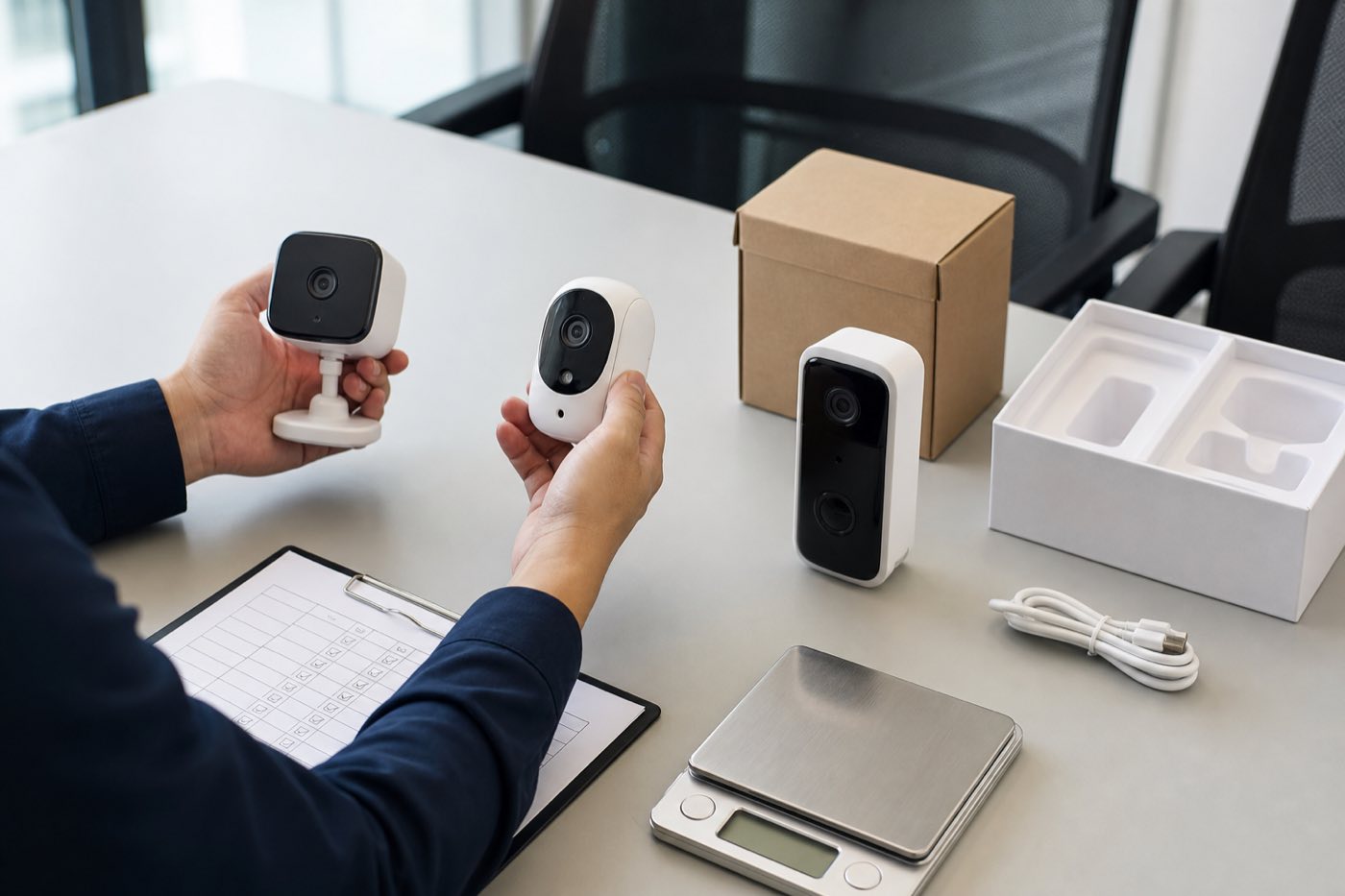
Record the outcome in a simple checklist rather than relying on memory. Confirm the product variant, intended market, installation situation, expected network conditions, package contents and the questions that a reseller will need answered. Standard samples and small orders can be discussed before a broader rollout; final availability, price and shipping arrangement should always be confirmed for the selected model and quantity.
4. Match Product Features to a Real Sales and Support Plan
Good sourcing links the product to the support workload it will create. A model that works well in a controlled demonstration still needs understandable setup instructions, appropriate language for the target channel and a realistic explanation of what the end user should expect. This is particularly important for WiFi onboarding, battery-runtime references and placement guidance.
Use product-specific Buyer Guides to go deeper once the category is chosen. For example, buyers can compare battery and wired deployment considerations in the Battery WiFi Camera vs Wired WiFi Camera guide, then return here to continue the broader purchasing process.
5. Prepare OEM/ODM Details Before Production Starts
OEM/ODM work is easiest when the buyer prepares a concise, confirmed brief: selected model, target market, logo artwork, packaging language, user-manual requirements, required bundle components and any market-specific review points. Eleshine supports B2B OEM/ODM cooperation for product selection, logo, packaging, manuals, product bundles and selected customization. The final scope should be confirmed against the actual project rather than assumed from a previous model.
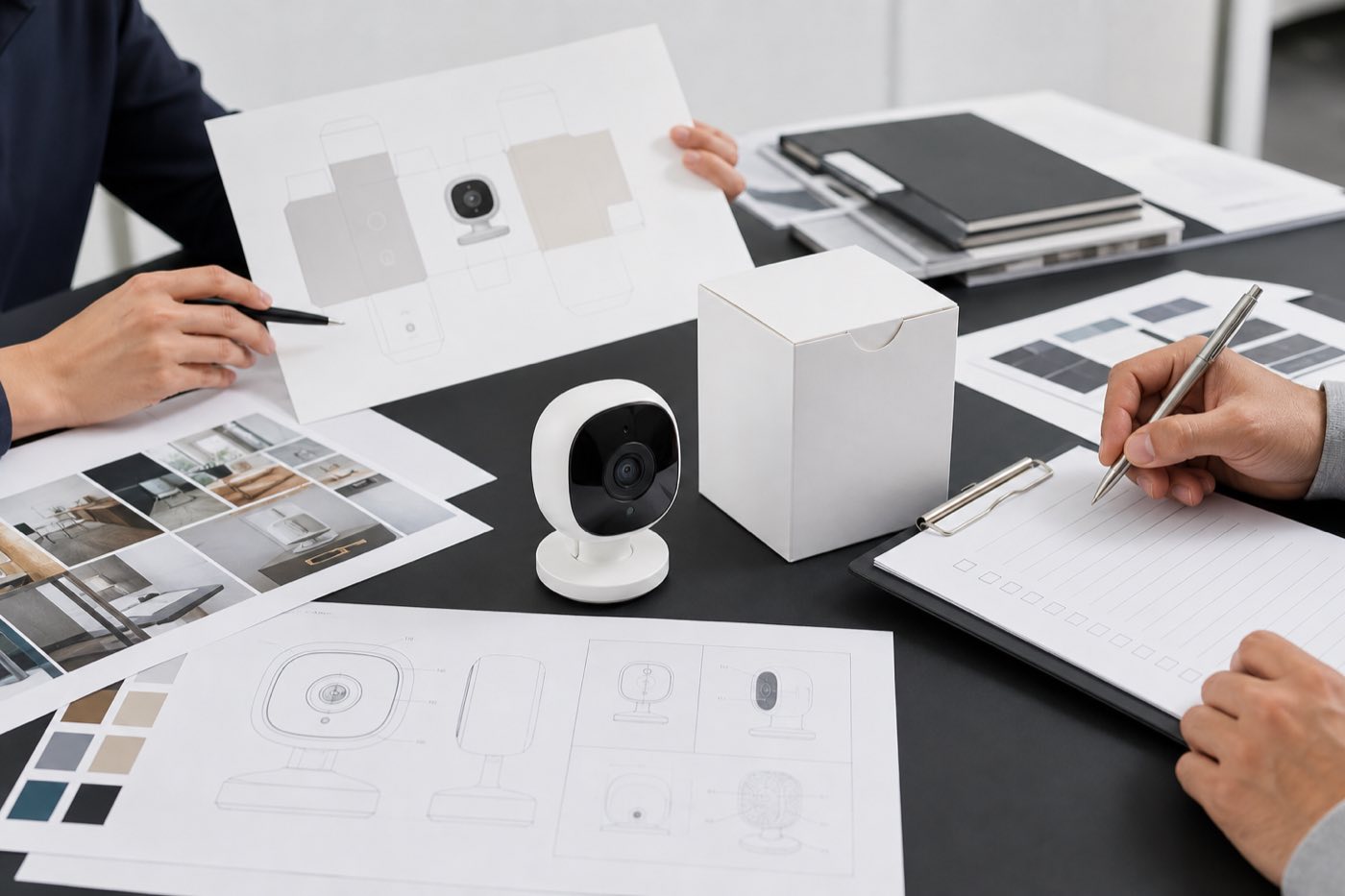
For standard OEM orders, the working timeline depends on the confirmed model, quantity and artwork. Once requirements, artwork/customization files and payment are confirmed, normal OEM orders are commonly planned in about 10 to 20 working days; more complex ODM work needs a separate engineering and timeline review. This keeps the conversation commercially useful without turning a general guide into a promise for every project.
6. Keep Compliance and Local Market Rules in the Buying Process
Product selection should include a local-market review. Buyers are responsible for confirming applicable import, wireless, privacy, product-safety, labelling and sales-channel requirements for their market. Product specifications, app requirements and marketing claims should be checked against the exact chosen model and the intended use. This guide supports a lawful B2B sourcing process; it does not replace local legal, regulatory or certification advice.
7. What to Send With Your First Inquiry
A productive inquiry gives the supplier enough context to recommend the right starting point. Send your target market, customer type, product family, expected quantity, intended sales channel, required packaging language and any OEM/ODM request. You can then use the Eleshine Contact page or request a quotation with a short brief rather than a generic request for a catalogue.
Eleshine is a Shenzhen-based B2B smart security product manufacturer and OEM/ODM supplier operating since 2009. Learn more about the company on the About Eleshine page, then use the related Buyer Guides below to evaluate the product family that matches your project.
Frequently Asked Questions
Which product category should a new security-camera distributor evaluate first?
Start with the customer and installation situation. Mini WiFi cameras, long-standby battery cameras and Tuya WiFi cameras serve different power, placement and smart-home requirements. A focused initial range is usually easier to test and support than a broad, unrelated catalogue.
What should be checked during a security-camera sample evaluation?
Check the selected variant, setup workflow, normal operation, power or charging behavior, storage, packaging, user instructions and the support questions likely to arise in your channel. Test the functions your customers will actually use.
Can a private-label buyer request logo, packaging and manual support?
Yes. Eleshine supports OEM/ODM cooperation that can include product selection, logo, packaging, manuals, product bundles and selected customization. Confirm the exact scope for the selected model and project.
How long does a normal OEM order take?
After the order details, artwork/customization files and payment are confirmed, normal OEM orders are commonly planned in about 10 to 20 working days. The final timing depends on the confirmed model, quantity and customization scope.
Does this guide confirm compliance for every market?
No. Buyers should confirm applicable local import, wireless, privacy, product-safety, labelling and sales-channel requirements for the exact model and intended use before sale or deployment.
How Distributors Can Evaluate Dual-Recording Helmet Cameras Before a Sports-Channel Launch
How to Choose a Dual-Lens Helmet Action Camera for B2B Sports and Riding Projects