How to Evaluate a WiFi Eyepiece Camera for Telescope and Observation Retailers
A WiFi eyepiece camera is not simply a camera accessory. For a telescope, binocular or observation retailer, it sits between optical equipment, mobile viewing and customer education. The right B2B decision depends on whether the product can be demonstrated clearly, fitted to the intended optics, supported after sale and described without compatibility promises that the distributor has not tested. V12 is a practical model to evaluate through that lens. Its supplied manual lists 2K recording at up to 2304 x 1296, a 4 MP sensor, a five-degree field of view, microSD support up to 128 GB, an 800 mAh battery, 180-degree video rotation, Viidure app support and two-device viewing. These are sampling points, not shortcuts around a complete compatibility test.
Start with the customer journey. An astronomy retailer may want to share a close optical view with a family group. A classroom supplier may want a teacher to show an observation on a larger device. A wildlife or nature retailer may want customers to record a lawful observation session. Those are different situations, and the Eleshine product range should be reviewed in relation to the intended optical category before any SKU is added.
Define the optical equipment to be tested
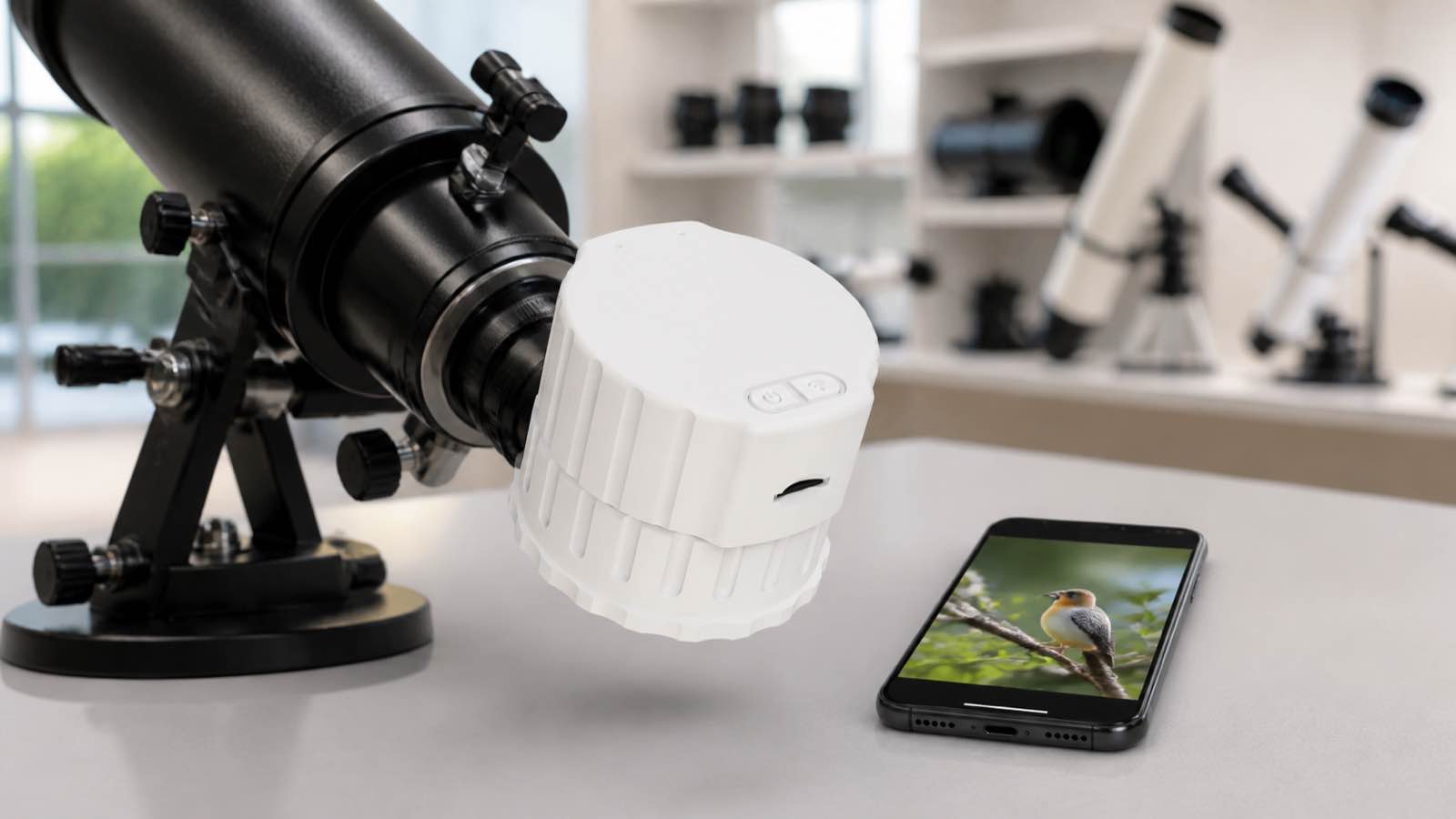
Do not describe an eyepiece camera as universal simply because it is designed for telescope or binocular use. Create a compatibility list that identifies the exact optics, eyepiece dimensions or adapter setup that will be used during sampling. Fit the V12 to each real test item, check the physical stability, record the optical view and note whether the customer can install it without damaging or changing the host product. If a retailer plans to include an adapter, it must be tested as part of the same sellable configuration.
The goal is an accurate statement such as “tested with these listed optical setups,” not a broad promise covering every telescope or binocular on the market. This same disciplined approach is useful across the hands-free and observation camera evaluation process: test the product in the exact environment that the customer will see.
Review image quality in an observation setting
The V12 specification lists 2K video and a five-degree viewing angle. Ask a product manager to collect samples in realistic observation conditions: daylight, a controlled indoor optical demonstration and, where appropriate, a low-light setup that the retailer can lawfully use and support. The reviewer should record the optical equipment, the focal setting, the mobile device, the selected resolution, lighting conditions and any crop or transfer step. This creates a truthful evidence file for product photography and support copy.
Image quality should be evaluated as a system. The result depends on the host optic, mounting accuracy, target distance, light, the customer’s phone and the recording setting. Avoid the common error of showing a premium-looking image and implying that every user will reproduce it with a different telescope. Use actual sample output and clear product training instead.
Test WiFi viewing and file handling before the launch
The supplied material identifies Viidure app support and states that two devices can view at the same time. Treat those details as a test plan. Connect the approved sample to the Android and iOS devices most relevant to the target market, document the setup path, list any permissions and test basic viewing, file review and reconnection. If the team wants to demonstrate two-device viewing, run the exact test before using the statement in a catalogue or sales presentation.
Then test memory handling. Insert a known compatible microSD card up to the stated 128 GB maximum, record several clips, check the one-, three- and five-minute loop options if supplied, and transfer a file. Good post-sale support is normally simple: prepare a concise quick-start page with the tested steps, compatible accessories and a contact route for problems. The first-person camera range guide offers a useful reminder that app setup must be explained in buyer language, not copied from a specification sheet.
Use rotation and viewing features only where they add value
The manual describes 180-degree video rotation. A distributor should test it with the planned telescope orientation and publish it only where it helps the customer understand the viewing result. It is not a generic upgrade claim. A classroom, science gift retailer or observation club may value a clear demonstration of orientation correction, while another channel may prefer a simpler product story focused on sharing an optical view.
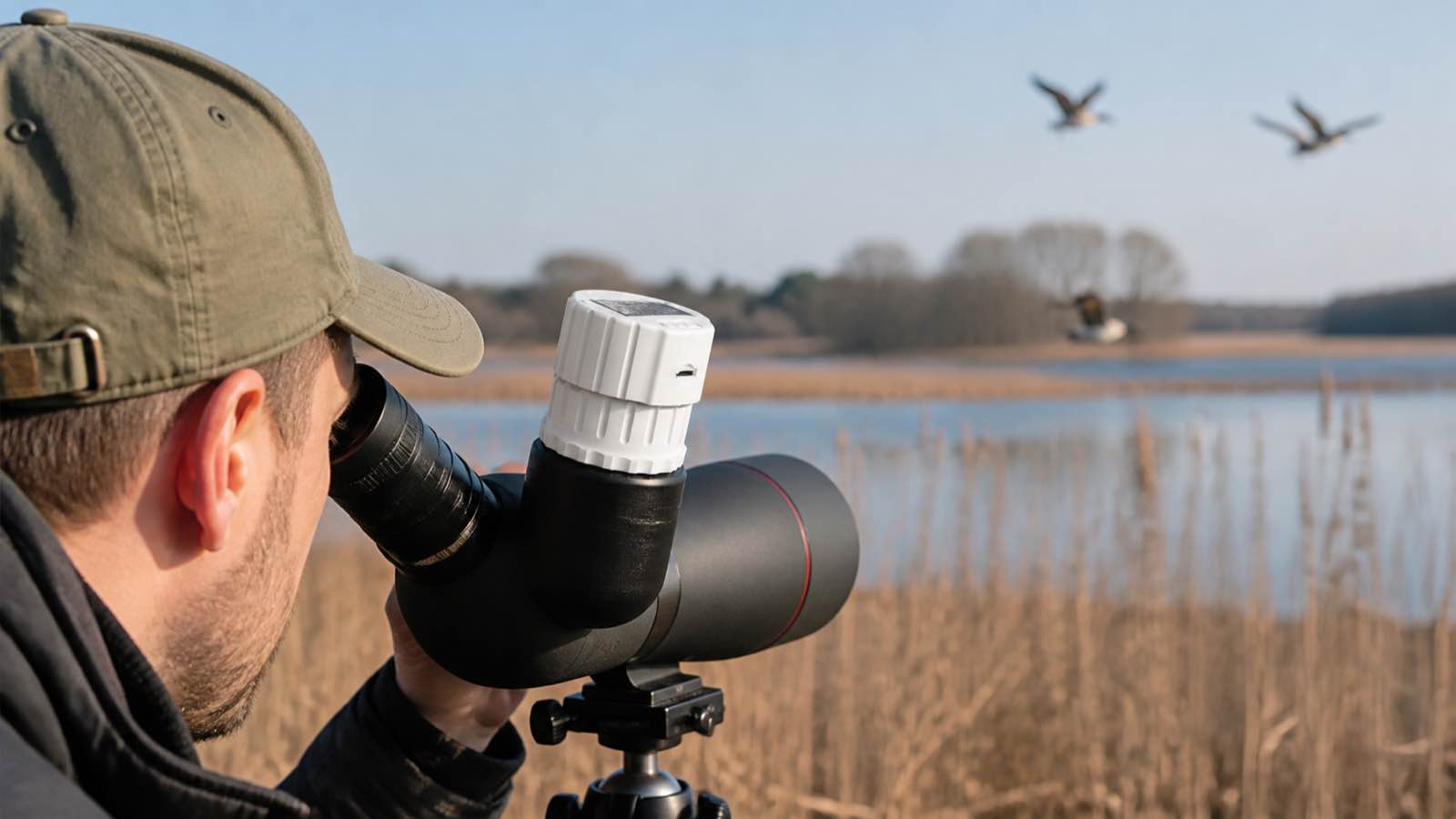
For visual assets, preserve the exact V12 housing, lens position, adapter and controls. Use a real tabletop telescope demonstration for one image, an educational viewing group for another and a distributor sample-review scene for the third. Do not create an invented device, mount it to unrelated equipment or make medical, scientific-accuracy or professional-research claims from a consumer product sample.
Prepare the B2B launch brief
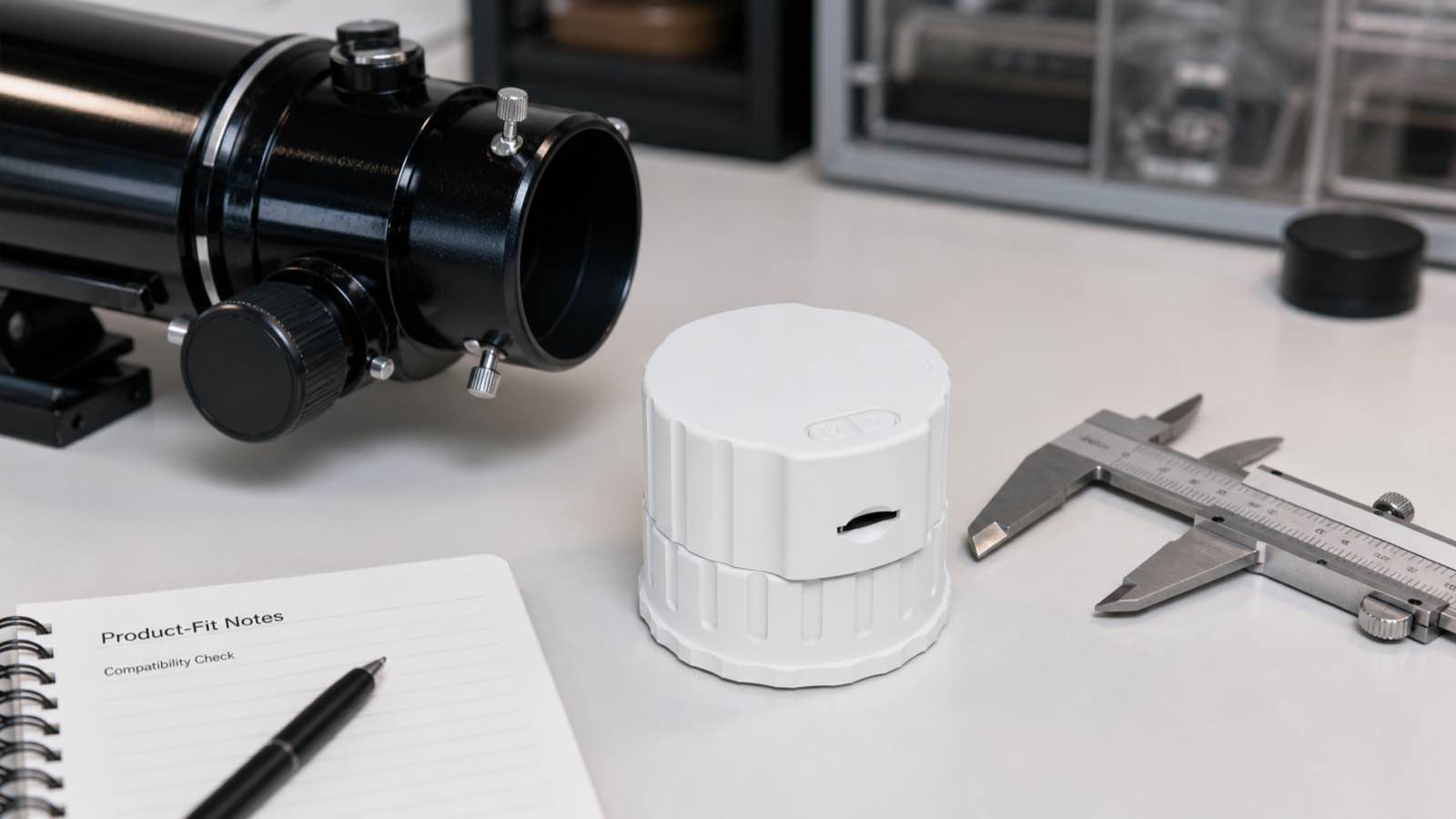
Once the sample passes the optical and app checks, collect the project facts before discussing private-label work: target country, host optics, proposed adapter pack, packaging language, educational use case, app-support ownership and required local documentation. The Eleshine OEM/ODM overview sets the general B2B context, but final logo, manual, compatibility wording, packaging and production arrangements require individual project confirmation.
A buyer should not claim fixed MOQ, delivery timing, certifications, universal fit or platform support based on a draft. Instead, provide the intended market and sample findings through the Eleshine contact page. The right result is a verifiable product program with a manageable support promise.
FAQ for B2B buyers
Will a WiFi eyepiece camera fit every telescope or binocular?
No. Compatibility depends on the actual optical equipment and mounting configuration. Test and document the specific setups that the retailer intends to sell.
Can the listed two-device viewing function be used as a universal app claim?
No. Validate the approved sample on the intended devices and app version before describing the feature in product materials.
What should a retailer include in its support package?
Include tested fitting steps, card guidance, app connection steps, a brief viewing demonstration, a compatibility list and a clear post-sale contact route.
How Distributors Can Evaluate a Wireless Eyepiece Camera for Shared Observation
How to Evaluate a Rear-View Recording Helmet Camera for B2B Rider Accessory Programs