How to Evaluate a Rear-View Recording Helmet Camera for B2B Rider Accessory Programs
A rear-view recording helmet camera can give a distributor a useful point of difference, but it should be evaluated as a complete rider-accessory program rather than as a specification list. The category buyer needs to understand mounting, recording, file handling, customer setup and how the product will be described responsibly in each target market. RAW3 is a model to assess in that disciplined way. Its supplied manual describes 1080P video recording, a 170-degree lens, microSD support from 8 GB to 128 GB, a removable battery, Roadcam WiFi app support, Bluetooth functions and a rear-light mode. Those points are appropriate sample-test items. Final sales claims must always match the approved production version and the local compliance review.
Start by defining the commercial role. A rider-accessory distributor may position this kind of product for lawful personal ride documentation, route memories, group-ride content and product-range differentiation. It should not be marketed as protective equipment, as proof of universal road compliance or as a substitute for safe riding practice. The wider Eleshine product range can help buyers compare form factors before they commit to a category plan.
Build the sample plan around the actual rider workflow
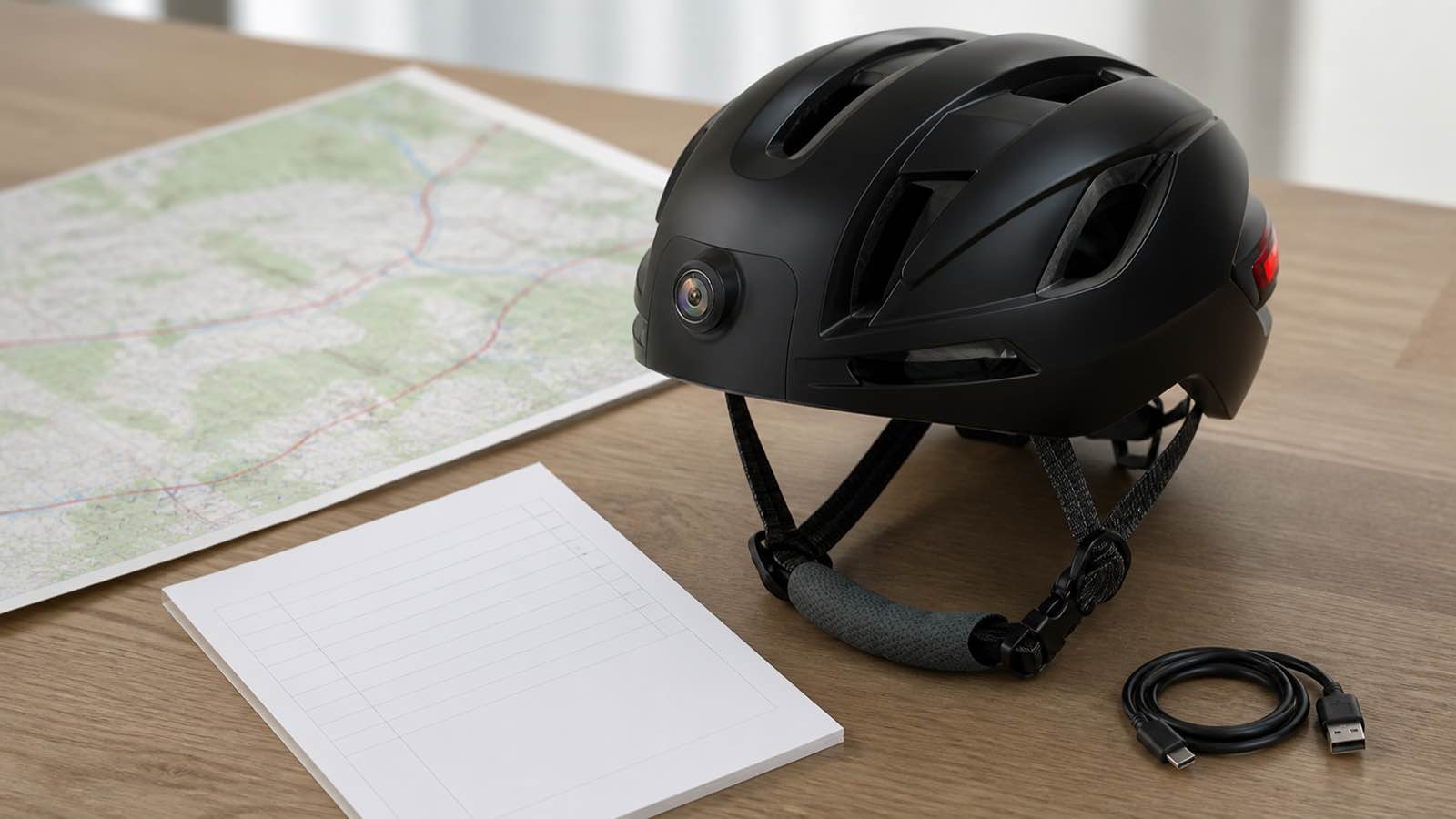
Ask the sample team to install the product only on the compatible helmet and mounting arrangement that will be used for evaluation. Check that the camera position is stable, the field of view is useful, the controls can be understood before riding and the product can be removed for charging and storage. Do not ask users to adjust a device while moving. A good test record includes the mounting method, the sample firmware, the selected video setting, the card used, ambient conditions and a short note on image framing.
The 170-degree figure in the manual is a reason to inspect framing, not a reason to assume that every environment will be captured equally well. Record a short stationary pre-ride check and a lawful, controlled test route where local rules allow. Review the video with the buyer team: can a normal customer understand what the camera sees, and is the result aligned with the planned retail story? The dual-recording helmet camera sample guide offers a useful broader checklist for this stage.
Test recording, card handling and removable-power routines
Run the actual recording process from start to finish. Format a known compatible microSD card within the stated 8 GB to 128 GB range, take several clips, use loop recording if that is part of the launch configuration, and transfer the files to the planned support computer or phone. Review file names, file format, card errors and the steps required when storage fills. A distributor should be able to turn this into a short, honest quick-start insert rather than leaving customers to interpret a generic manual.
The supplied manual describes a removable 1350 mAh battery and states a typical recording duration in one usage condition. Battery life varies with settings, temperature, card activity and use of connected functions, so a reseller should validate the actual sample before publishing a runtime. Test removal, reinsertion, charging indication and the support response if a customer reports reduced runtime. The test outcome is more valuable than a broad endurance promise.
Validate WiFi and Bluetooth as support paths, not badges

RAW3 documentation identifies Roadcam for WiFi use and Bluetooth capability for designated phone and music functions. Treat both as separate onboarding flows. Test the device with the intended Android and iOS examples, record the steps a buyer must take to pair or reconnect, and identify any permissions that need to be explained. Do not claim compatibility with every phone, helmet intercom or country network without model-specific confirmation.
A good B2B launch kit separates three things: what the camera records locally, what the app can assist with during the confirmed test and what needs customer support. This avoids overloading an online listing with broad connectivity language. Buyers comparing a more compact form factor can also use the touchscreen thumb action camera guide to decide whether the added rider-facing workflow suits their channel.
Use rear-light features carefully in buyer communication
The manual describes several rear-light modes. A distributor should test the actual light operation, controls and charging behavior, then describe it only as an accessory feature of the confirmed sample. It must not be presented as a safety certification, a legal road-light replacement or a guarantee of visibility. Country and regional rules for rider equipment vary, and the importer remains responsible for checking the requirements relevant to its market.
For product photography, show the real RAW3 body and the genuine mount. One scene can show a stationary helmet fit review, one can show the app-and-file-support workflow at a desk, and one can show an OEM packaging meeting. Do not replace the product body, fabricate a feature or add labels not present on the approved model. This approach also keeps the visual assets useful for catalogue, training and wholesale presentations.
Move from a sample to a controlled B2B program
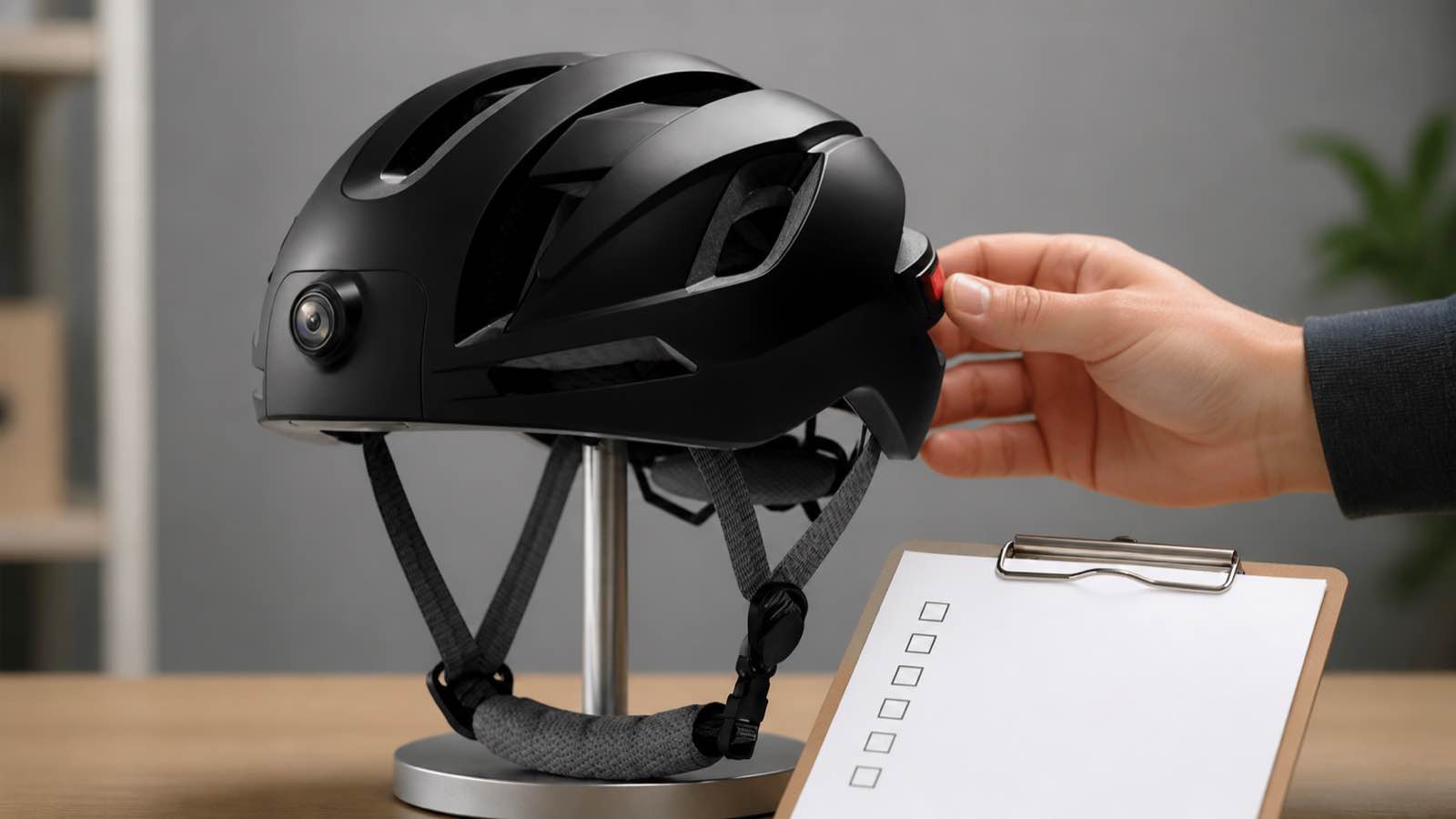
When the sample has passed its technical and support checks, define the project inputs: target country, intended use, packaging language, included accessory configuration, support contact and any required documentation. The Eleshine OEM/ODM overview provides general company context, but logo, packaging, manual content, delivery, compliance files and final configuration must be agreed per project. Do not publish a fixed MOQ, lead time, certification status or compatibility statement before written confirmation.
Distributors should also decide whether RAW3 is a single-feature SKU or part of a broader range. The hands-free POV camera evaluation guide can help teams compare product roles, while the Eleshine contact page is the right place to submit target-market and configuration requirements for a tailored discussion.
FAQ for B2B buyers
Should a distributor choose a rear-view helmet camera only because it has a wide lens?
No. Lens angle is one test item. The buyer should assess mounting stability, recording quality, memory-card workflow, support content, actual app behavior and the legal requirements of the intended market.
Can a rear-light function be described as a safety or compliance feature?
No. Confirm the real feature operation, describe it conservatively and obtain local professional guidance before making any safety, road-use or regulatory claim.
What should be confirmed before a repeat order?
Confirm the approved sample configuration, product imagery, accessory pack, instructions, app-support steps, target-market documentation and private-label requirements.
How to Evaluate a WiFi Eyepiece Camera for Telescope and Observation Retailers
How to Source a Bluetooth-Enabled Riding Helmet Camera for B2B Programs