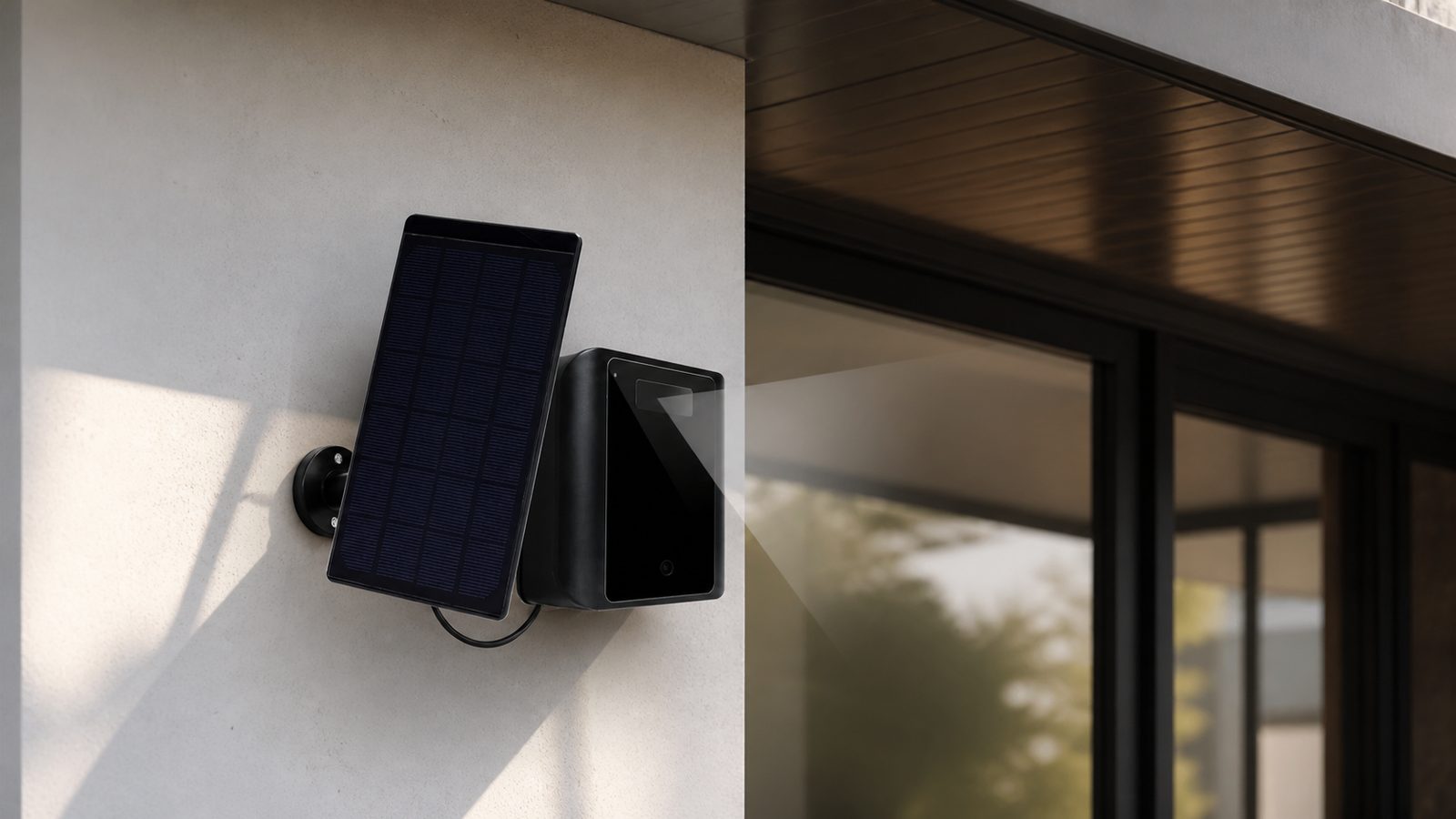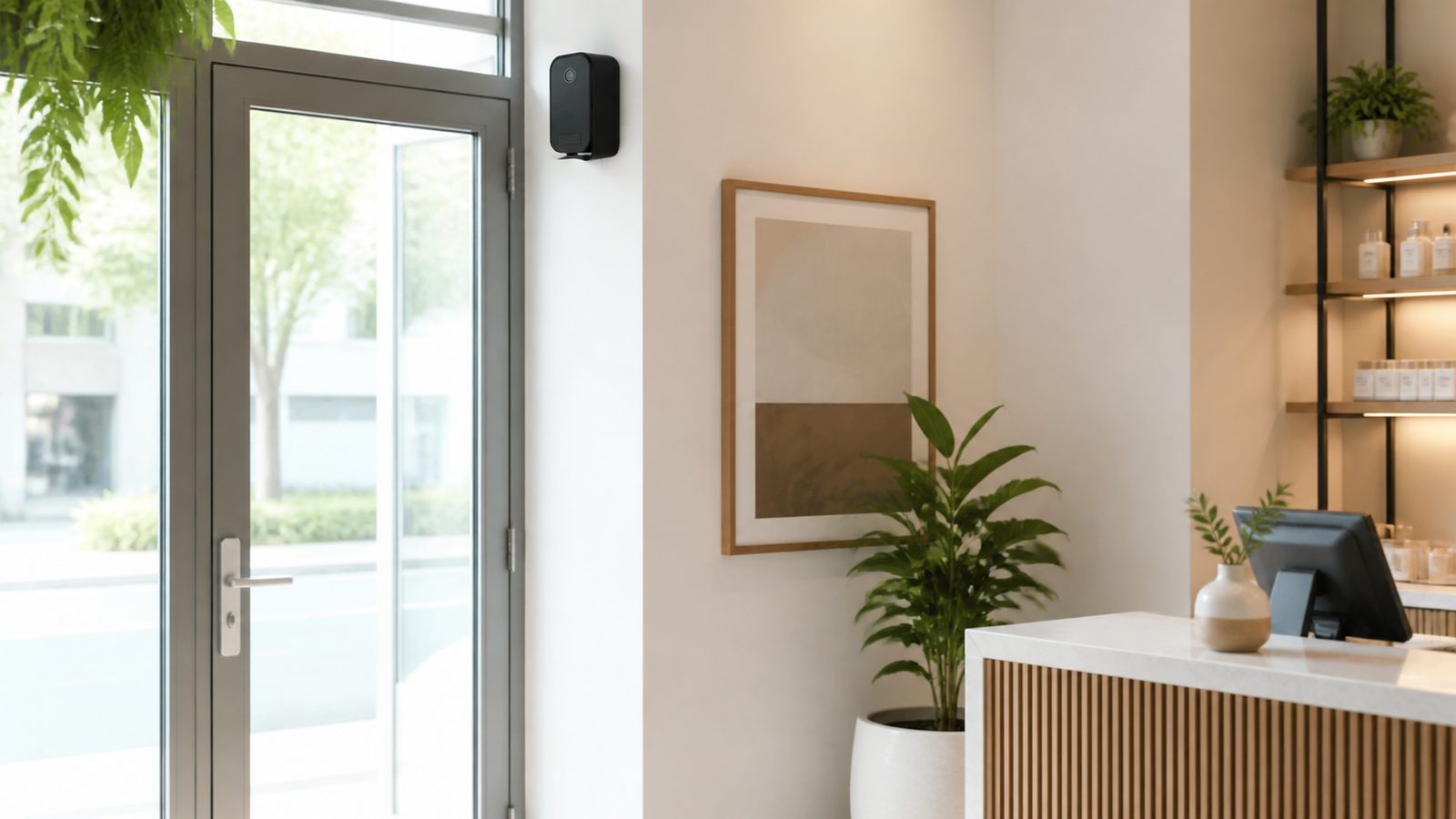
How to Choose a Long-Standby Battery WiFi Camera for B2B Security Projects
For distributors, private-label brands, security integrators and project buyers, a long-standby battery WiFi camera should be selected as part of an authorized security workflow, not as an isolated specification. The practical choice depends on the deployment environment, expected activity level, network availability, storage policy, installation method and the supplier's ability to support repeat orders.
Eleshine has supplied B2B smart-security products from Shenzhen since 2009. Our long-standby battery WiFi camera range includes compact battery cameras, PIR wake-up models, indoor and outdoor options, and OEM/ODM configurations for distributors and private-label programs.
Compliance comes first. Before sourcing, selling or deploying a security camera, buyers should confirm local requirements for notice, consent, workplace monitoring, data access and retention. This guide is for lawful, transparent commercial and professional use only.
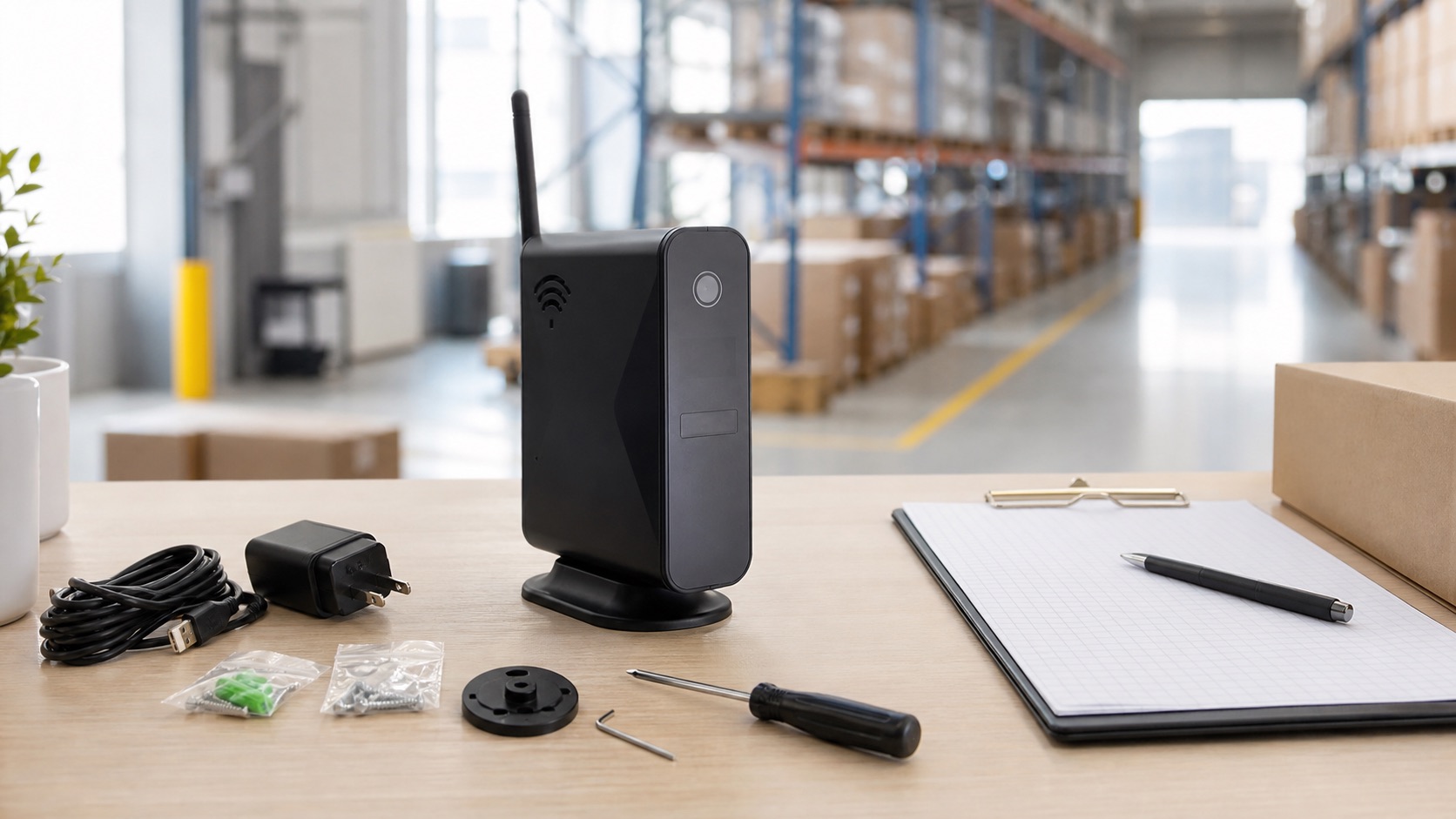
A production-representative sample should be tested in the buyer's own deployment environment before a bulk order.
1. Define the Deployment Profile Before Comparing Standby Claims
The first buying question is not "How long does the camera stand by?" It is "What must the system do at this location?"
Before comparing models, confirm whether the installation is indoor, sheltered outdoor or exposed; expected daily activity and PIR alerts; whether live viewing or frequent app checks are needed; 2.4GHz WiFi availability; authorized user roles; and the required camera housing and installation style.
This discovery step protects both the importer and the end customer. A long-standby camera is most effective where activity is low or moderate and event-driven recording is acceptable. It is not a substitute for a continuously powered, continuously recording system when that is the actual project requirement.
2. Separate Standby Time, Active Use and Battery Configuration
Long-standby figures are meaningful only when the operating mode is clear. PIR activations, live viewing, weak WiFi, night vision, recording and repeated app access all use more power than low-power standby.
The EL-LS009 reference model illustrates how buyers should read a specification: its standard configuration contains two batteries; the manual lists around one year of standby with two batteries and around two years with an optional four-battery configuration. It separately lists around 180 days of battery life for two batteries and around one year for four batteries. Listed charging time is around 12 hours for two batteries and around 24 hours for four batteries using a required 5V/2A adapter that is not included.
Practical rule for B2B quotations: quote standby time, active-use expectations and battery configuration as separate fields. Do not combine them into one headline claim.
3. Check Detection and Image Requirements at the Actual Site
For many low-power projects, PIR behavior matters more than a headline resolution number. A camera should wake and record only when approved event conditions are met, while still providing enough coverage for the intended area.
The LS009 manual lists a 2 Mega CMOS sensor, 1920 x 1080 video, H.264 compression, a 145-degree view angle and up to 25 fps. It also lists PIR detection at around 5 meters distance and 2 meters height, plus night vision at around 5 meters. Use these as sample-test checkpoints for an authorized indoor project.
- Test PIR trigger range and false-alert rate at the proposed mounting height.
- Check day and low-light image quality in the real site layout.
- Confirm that the viewing angle covers the required entry, aisle, shelf or access point.
- Measure battery impact when night vision, live view or repeated alerts are active.
Do not choose an indoor router-style housing for an exposed outdoor project. Where weather protection is essential, select a purpose-built weatherproof model from the range.
4. Validate WiFi, App Workflow and Storage Before a Bulk Order
Long standby does not eliminate the need for reliable network onboarding. The LS009 manual specifies 2.4GHz WiFi and mobile-hotspot compatibility, Android/iOS use and the CamSC app workflow. Test the current app version and target-country account flow with a production-representative sample before committing to a larger order.
For local storage, the manual lists HC-marked microSD/TF cards, Class 4 or Class 10, with up to 64GB capacity and loop recording. Agree in advance how older clips are handled when storage becomes full.
- Confirm 2.4GHz WiFi availability and signal quality at the installation point.
- Pair the camera with the current app and assign only authorized user accounts.
- Test a planned PIR event, live view, notification and playback sequence.
- Test the selected microSD card, clip retrieval and loop-recording behavior.
- Simulate a temporary WiFi interruption and document the reconnection procedure.
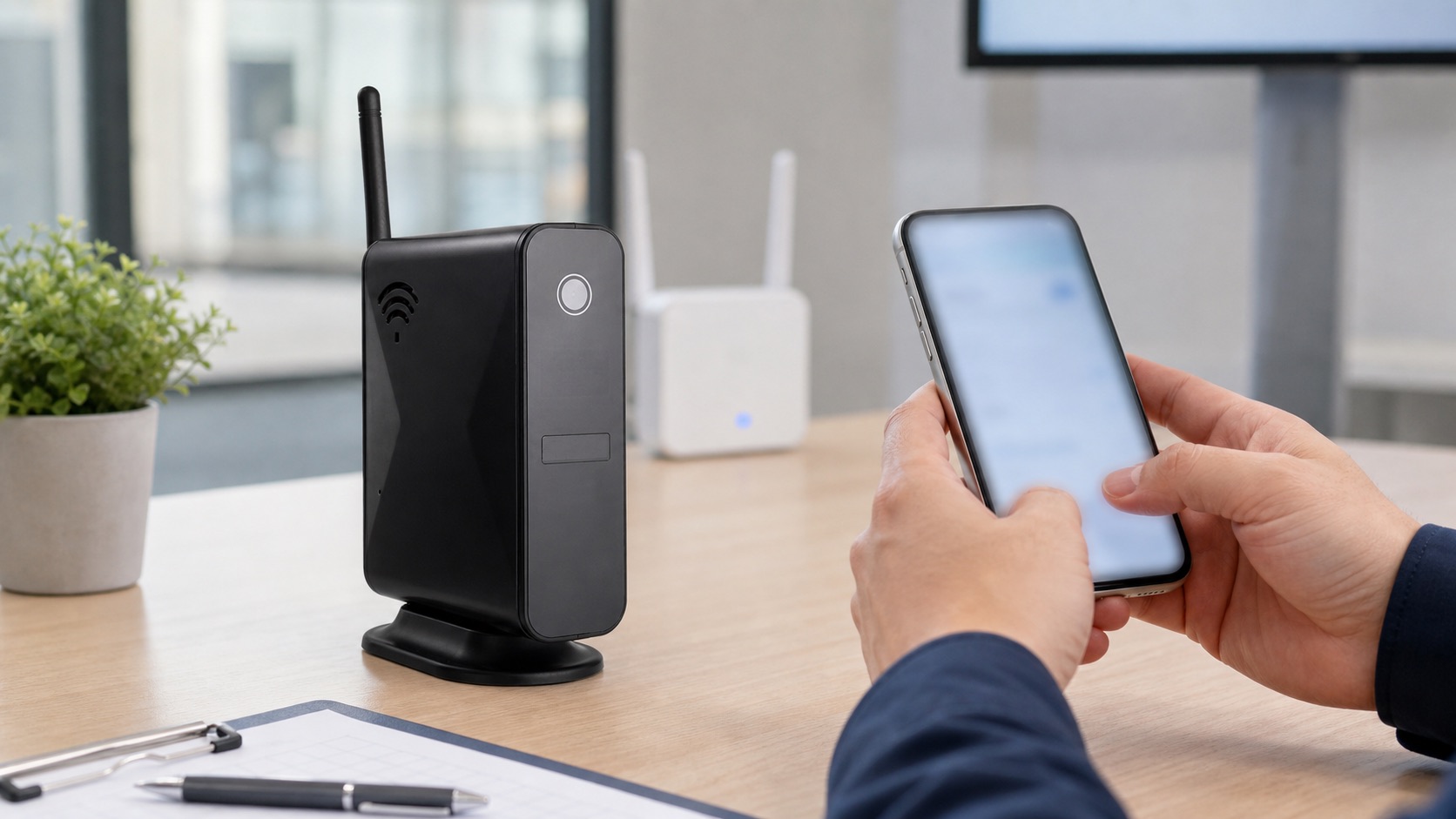
Network pairing, permissions and alert behavior should be verified on the target 2.4GHz WiFi environment.
5. Assess Installation and Product Fit, Not Only Appearance
The LS009 reference model has a router-style indoor housing. Its manual lists dimensions of approximately 56 x 121 x 136 mm, an external antenna, a microSD slot, reset function and two-way audio. The housing should be evaluated as an installation format, not as a claim that the product offers normal router functions.
- Confirm a suitable indoor or sheltered installation location.
- Plan WiFi coverage and charging access.
- Set the device-count, storage-card and replacement procedure.
- Confirm customer notice, access control and recording-retention policy.
- Validate whether logo, packaging, manual language or accessories are commercially feasible.
This is where OEM/ODM support becomes useful. For the current Battery WiFi Camera range, select the housing and power architecture after confirming the use case, not before.
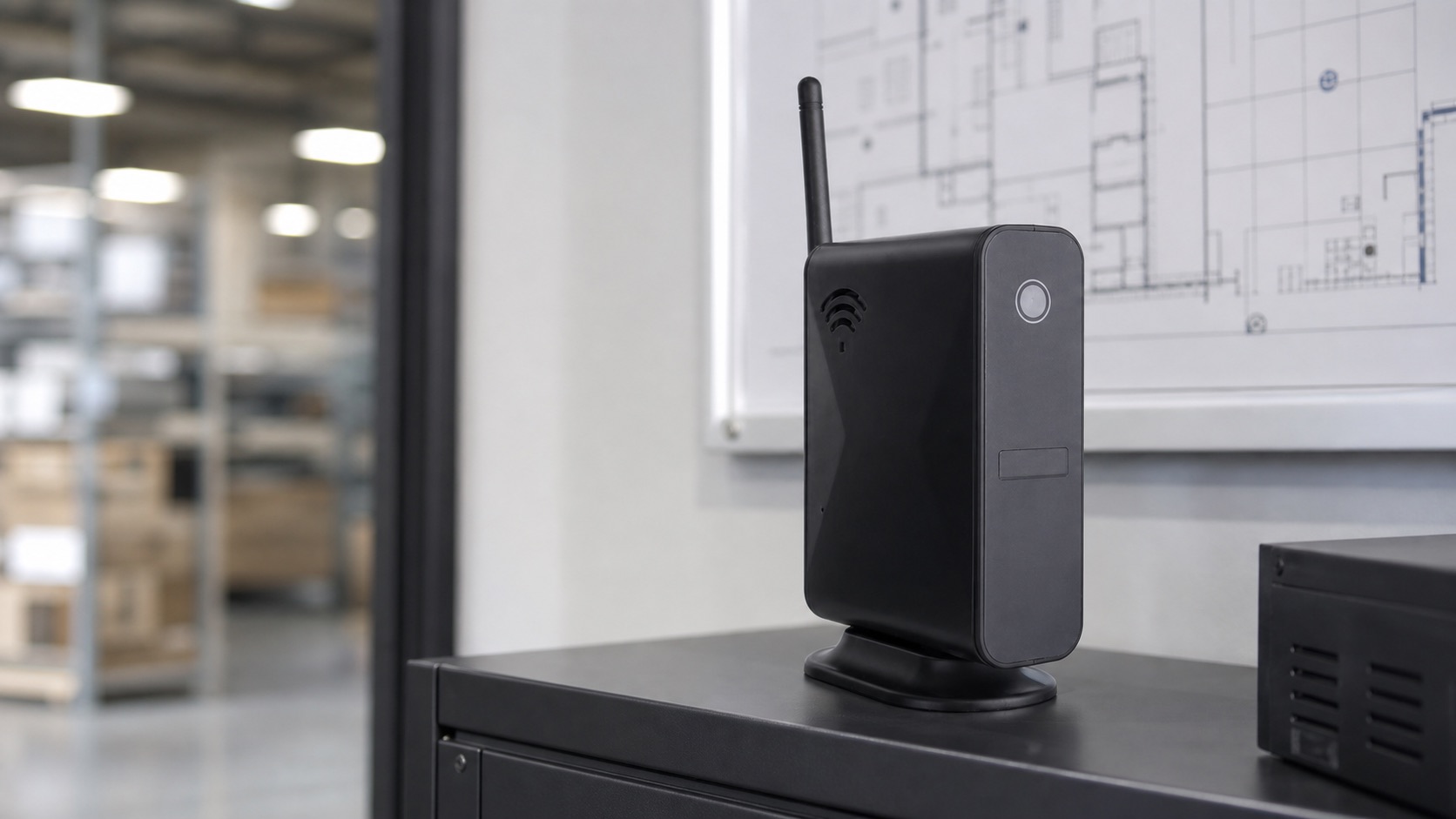
Installation planning should confirm indoor fit, WiFi coverage, access policy and service responsibilities.
6. Choose a Supplier That Supports the Full B2B Lifecycle
Price is only one part of a battery-camera sourcing decision. A reliable supplier should help the buyer turn technical information into a repeatable ordering and support process.
- Request a current specification sheet and user manual for the exact model.
- Test a production-representative sample on the target network.
- Confirm battery configuration, charging method and operating profile.
- Clarify the app, firmware, storage and after-sales support route.
- Confirm OEM/ODM scope for logo, packaging, accessories and documentation.
- Agree lead time, MOQ, inspection and repeat-order communication.
Eleshine supports global B2B buyers with long-standby battery camera selection and OEM/ODM security-product sourcing. Compare the LS009 with battery, PIR or weatherproof options in the long-standby battery WiFi camera category, or contact the Eleshine team with the target use case, installation environment and expected activity profile.
FAQ: Long-Standby Battery WiFi Camera Selection for B2B Buyers
Is one-year standby the same as one year of active recording?
No. Standby is a low-power condition. The LS009 manual separately lists battery-life and standby figures for two- and four-battery configurations. PIR activity, live viewing, recording, WiFi conditions and night vision can materially change real operating time. Validate the intended configuration during sample testing.
Does LS009 support 5GHz WiFi?
The supplied manual specifies 2.4GHz WiFi and mobile-hotspot compatibility. Buyers should verify the target network and current app workflow before a bulk order.
Can LS009 be used for a fully exposed outdoor installation?
No. LS009 is a router-style indoor reference model. For a weather-exposed project, select a purpose-built weatherproof camera from the battery WiFi camera range and validate the stated protection level for the site.
What storage should buyers test?
The manual lists HC-marked microSD/TF cards, Class 4 or Class 10, up to 64GB. Test the selected card, loop-recording behavior, retrieval workflow and retention policy on a sample.
What should an OEM/ODM buyer confirm before placing an order?
Confirm the exact model, battery configuration, application workflow, storage method, target installation, branding scope, packaging, documentation, local compliance wording, sample approval and after-sales process.
Request a Battery Camera Selection Checklist
If you are sourcing a private-label, wholesale or project-based battery WiFi camera range, request the current model comparison, sample options and OEM/ODM scope from Eleshine. Include the authorized use case, country, installation environment, expected event frequency, required standby target and storage requirement so the most suitable configuration can be assessed accurately.
How to Choose a 3-in-1 Hidden Camera Detector for B2B Privacy Projects
A Letter to Our Valued Customers: How to Safely Source from a New Supplier in China